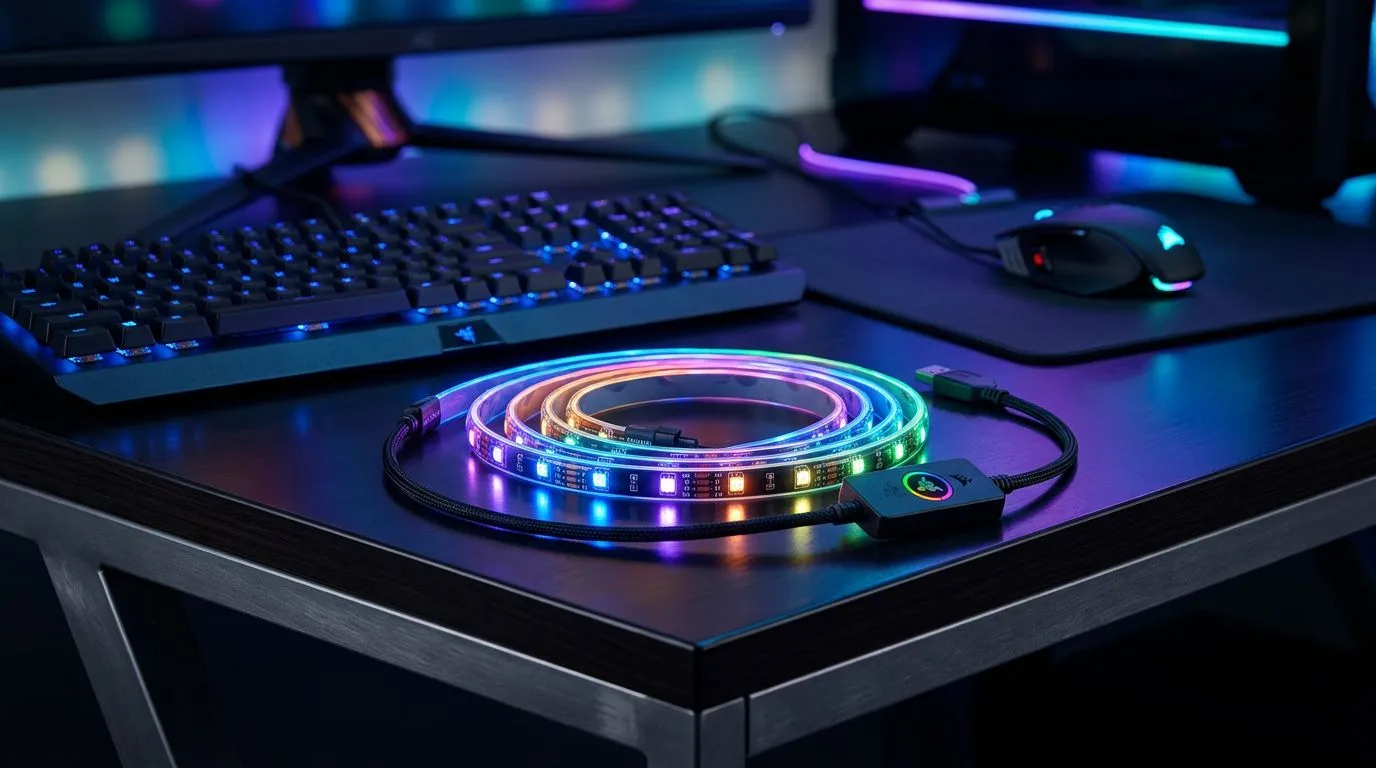
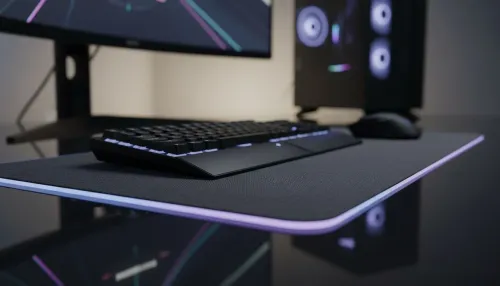
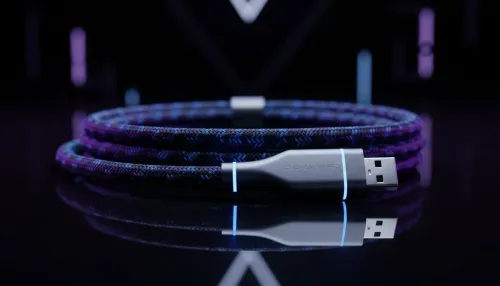
Ever sat in your room during a late-night session, wishing your desk felt more like a command centre than just a piece of wood? Setting the right mood isn't just about the screen. To truly sync desk lighting with Razer Chroma means turning your entire room into a living extension of your game. Whether you are raiding in WoW or clutching in Valorant, reactive lighting makes every moment feel more intense.
The Magic of an Integrated RGB Ecosystem ✨
When you sync desk lighting with Razer Chroma, you are doing more than just adding pretty colours. You are creating an environment that reacts to your health bar... or the sunset in an open-world RPG. It bridges the gap between the digital world and your physical space. To get started, you will need to buy gaming accessories that are explicitly compatible with the Razer Synapse ecosystem.
Hardware Requirements for Your Setup 🔧
Not every LED strip will work. You need hardware that speaks the same language as your PC. Many local gamers start with the Razer Chroma Hardware Development Kit or compatible third-party strips. Keep an eye on our latest gaming accessories deals to find these kits at a better price. Often, you can find bundles that cost less than R1,500... giving you a massive head start on your aesthetic without breaking the bank.
Lighting Pro Tip ⚡
Always mount your LED strips behind the desk or monitor rather than facing you directly. This creates a soft ambient glow known as bias lighting. It reduces eye strain during long sessions and makes the colours on your screen appear more vibrant without blinding you in the dark.
How to Sync Desk Lighting with Razer Chroma via Software
Once the hardware is plugged in, the magic happens in Razer Synapse 3. You will need to enable the "Chroma Connect" module. This allows the software to communicate with partner brands like Yeelight or Nanoleaf. If you are looking for specific controllers to manage these connections, browse the Gaming Accessories section for the latest compatible hubs.
Fine-Tuning Your South African Gaming Hub 🚀
Living in South Africa means we often deal with varying light conditions. Use the "Studio" tab in Synapse to create profiles for different times of day. You can set a bright white light for productivity and a deep, reactive amber for those late-night sessions. It transforms a simple desk into a professional-grade battlestation. By taking the time to properly sync desk lighting with Razer Chroma, you ensure your gear works for you... not the other way around.
Ready to Find Your Perfect Match?
Creating the perfect atmosphere shouldn't be a struggle. For the best gear and the most competitive prices in South Africa, we have you covered. Explore our massive range of gaming accessories and find the perfect tools to conquer your world.