


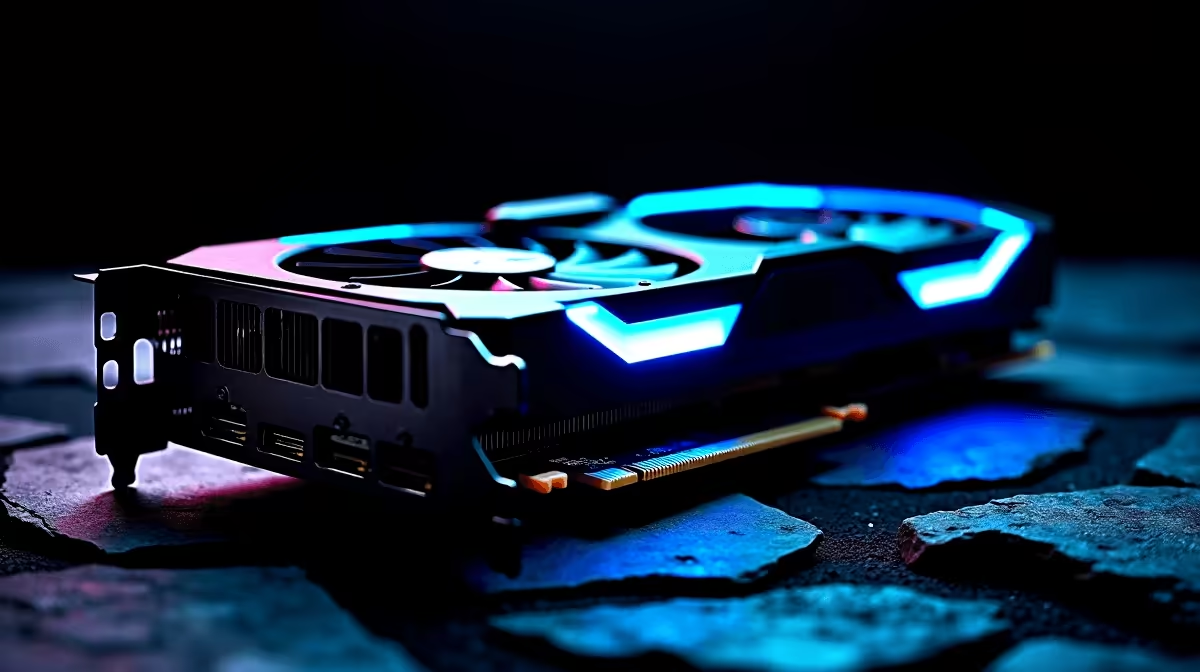
The Northern Realms are calling again... but is your rig ready? The Witcher 4 brings next-gen Unreal Engine 5 visuals. These will absolutely punish older hardware. If you want to explore every detailed tavern without your frame rate tanking, you need a solid plan. Let us dive into The Witcher 4 best PC settings for maximum FPS so you can hunt monsters smoothly 🐺.
Tuning The Witcher 4 Best PC Settings for Maximum FPS ⚙️
Finding the sweet spot between stunning visuals and smooth gameplay takes real work. Unreal Engine 5 uses Lumen for lighting and Nanite for geometry. These features look incredible but eat up system resources very quickly.
If you are struggling to hit 60 frames per second at 1080p, tweak your shadows first. Dropping volumetric clouds and global illumination to 'Medium' easily claws back 15% performance. Texture quality should always match your VRAM. If you have 8GB of VRAM, stick to 'High' textures to avoid nasty stutters. If your current GPU is still screaming for mercy, do not panic. It might just be time to browse the latest graphics cards for sale to handle the heavy load.
Upscaling is Your Best Friend ⚡
Always enable DLSS if you have an NVIDIA RTX card, or FSR for AMD users. Setting it to 'Quality' mode at 1440p gives you a massive frame rate boost with almost zero loss in visual clarity... it is basically free performance.
How Every GPU Tier Handles the Continent ⚔️
We tested a wide range of hardware to see what it takes to run this beast. Entry-level cards will need 'Low' settings and aggressive upscaling just to survive. Mid-range setups handle 'High' settings beautifully... if you keep ray tracing turned off. High-end cards chew through the game at 4K resolution, delivering a flawless experience.
Gamers looking to bypass the tweaking phase entirely should look at a pre-built PC. These are designed specifically for demanding next-gen titles. Alternatively, exploring custom gaming PC deals ensures you get exactly what you pay for in ZAR. Total control over your components is always a win.
Mobile Monster Hunting in South Africa
Not everyone wants a massive desktop taking up space. Modern mobile GPUs handle Unreal Engine 5 surprisingly well... provided you manage your thermals. Look for models with high wattage limits, as a full-power mobile GPU drastically outperforms a restricted one.
If you travel often or game during load shedding, modern high-performance gaming laptops offer incredible desktop-class power. Just remember to elevate the back of your machine. This improves airflow and keeps those frame rates stable during long sessions.
Getting the Best Value for Your ZAR 🚀
Upgrading for a massive release does not mean emptying your wallet. You might just need more RAM to stop background stuttering. Or maybe a faster NVMe SSD to eliminate long loading screens. Smart shopping makes a huge difference.
Keep a close eye on weekly tech specials to stretch your budget further. Dialling in The Witcher 4 best PC settings for maximum FPS is much easier when your hardware is fully up to the task.
Ready to Hunt Monsters in True Next-Gen Glory? Do not let stuttering frame rates ruin your immersion. Whether you need a simple component upgrade or a completely new rig to handle Unreal Engine 5, we have you covered. Explore our massive range of gaming PC specials and find the perfect machine to conquer your world.











