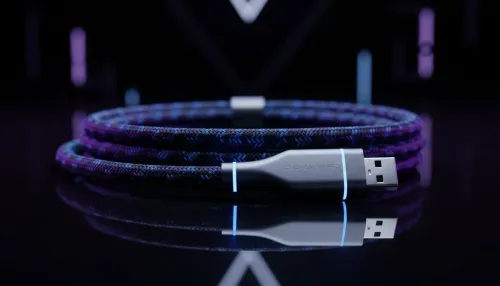
Tired of the cable spaghetti taking over your desk? That tangled mess for your phone, mouse, and headset isn't just an eyesore... it's a productivity killer. Imagine a clean, streamlined space where powering up your gear is as simple as putting it down. A wireless charging desk setup is no longer a futuristic dream; it’s an affordable, practical upgrade that can completely transform your workspace in South Africa. Let's build your perfect clutter-free zone. ✨
Why You Need a Wireless Charging Desk Setup
The most obvious benefit is aesthetics. Swapping out a nest of cables for a sleek charging pad instantly makes your entire desk look more organised and professional. But the advantages go beyond looks. A proper wireless charging desk setup offers pure convenience. No more fumbling for the right cable in the dark or wearing out your device's charging port. Just place your phone, earbuds, or compatible mouse on the pad, and let it power up. It’s a small change that makes a massive difference to your daily workflow.
Choosing the Right Wireless Charger for Your Workspace
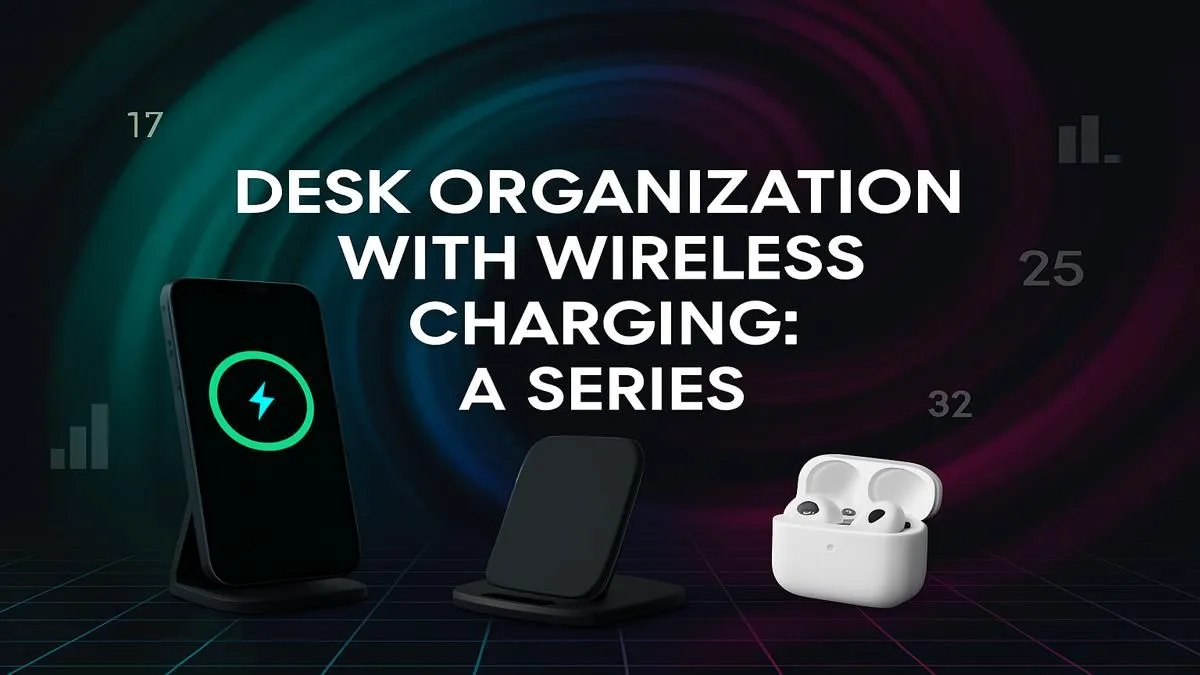
Not all wireless chargers are created equal. Your first step is to decide what you need to charge. A simple, single-device pad is perfect for just your smartphone. If you have multiple gadgets like a phone and wireless earbuds, a dual-pad or a 3-in-1 stand is a much cleaner solution than multiple chargers. Brands like Promate offer excellent build quality and reliability. When you're ready to buy, it's worth browsing Promate's lineup of wireless chargers to see the different form factors available.
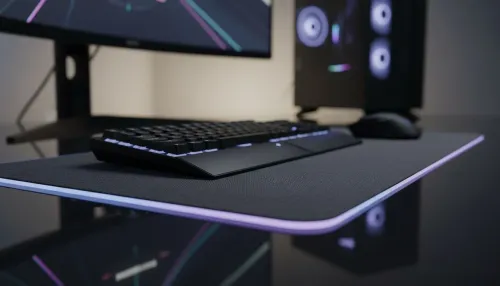
For a truly integrated feel, some desk mats and mousepads now come with built-in wireless charging spots. This creates the ultimate minimalist look. Think about your daily habits. Do you prefer your phone lying flat or standing up so you can see notifications? Answering these questions will help you find the perfect charger for your needs.
Power Brick Pro Tip ⚡
Did you know the wall adapter is as crucial as the charging pad? For the fastest charge, ensure your USB power brick meets the wattage requirements of your wireless charger (e.g., 15W or 20W). Using an old, underpowered 5W phone brick will seriously throttle your charging speed, even with a high-end pad.
Integrating Wireless Charging into Your Gaming Rig 🎮
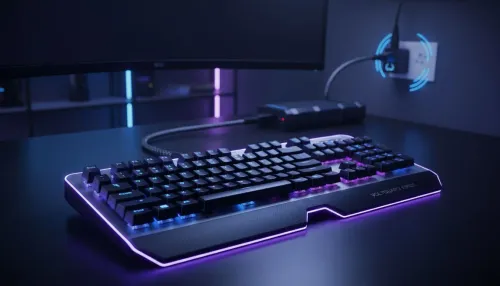
For gamers, cable management is a constant battle. A wireless charging setup is a brilliant way to reclaim control. Imagine finishing a long session and simply placing your wireless headset and mouse on their charging docks or pads… no plugging in required. This ensures your gear is always topped up and ready for the next match.
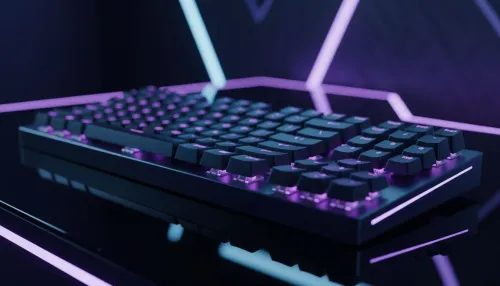
Many modern gaming mice and headsets support Qi wireless charging. By strategically placing a charging pad on your desk, you can create a "home base" for your peripherals. This not only keeps things tidy but also builds a great habit of keeping your gear charged. You can find a great selection of wireless charging gaming accessories that are designed to complement your rig's aesthetic, often with customisable RGB lighting.
Creating the Ultimate Clutter-Free Workspace
A great wireless charging desk setup is the cornerstone of a tidy desk, but it works best as part of a complete strategy. Pair your new charger with other cable management solutions like under-desk trays, cable sleeves, and monitor arms to hide away any remaining wires. The goal is to have a workspace that feels calm, focused, and ready for action. By investing in a few smart accessories, such as Promate's charging accessories, you can finally win the war against cable clutter. 🚀
Ready to Cut the Cords?
A cluttered desk leads to a cluttered mind. It's time to upgrade to the clean, efficient power of a wireless charging desk setup. From single-device pads to multi-gadget powerhouses, we've got the gear to transform your space. Explore our massive range of chargers and build your perfect clutter-free workspace today.