




Magnetic vs Clamp Phone Mounts: Which Car Mount Is Best for You?
Choosing between magnetic vs clamp phone mounts for your car? Discover the pros, cons, and stability features to ensure your device stays secure on every drive. 📱🚗
Read more- compare 7.1 vs stereo headsets - test Corsair HS65 footstep audio - explain when virtual surround helps - share setup tips 7.1 vs stereo headsets explained: hands-on Corsair HS65 testing shows when virtual surround improves footstep direction and when stereo is preferable. 🎧👣
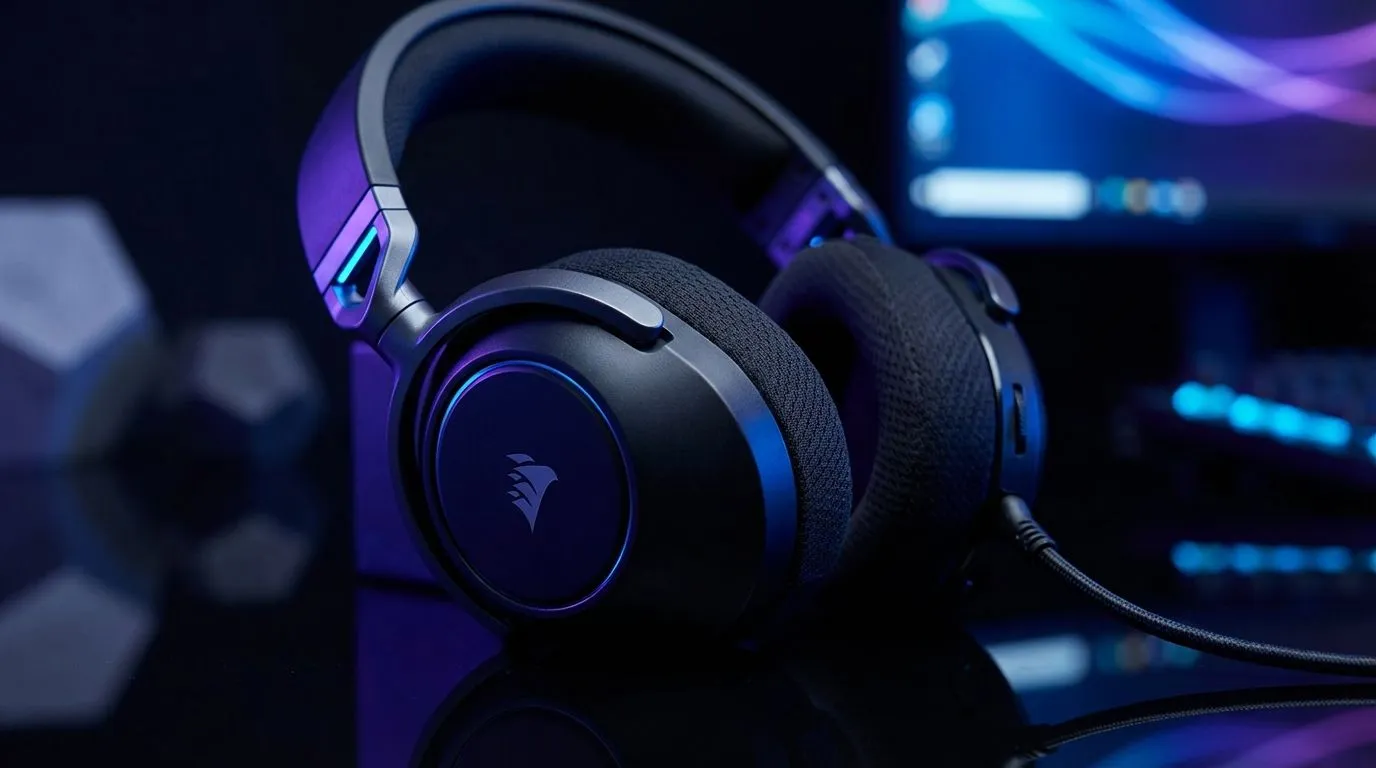
Imagine you are in a 1v1 on Dust 2. You hear a faint scrape. Is it Catwalk or CT Spawn? In South Africa's competitive scene, sound is survival. Choosing between 7.1 vs Stereo Headsets can mean the difference between a clutch win and a frustrating respawn. Does the Corsair HS65 actually help you hear footsteps better than a standard pair? Let's find out. 🎧
Stereo headsets use two distinct drivers to deliver audio. This provides a natural soundstage for music and casual gaming. However, virtual 7.1 surround sound uses clever software to simulate a multi speaker environment. For gamers, this means better spatial awareness. You can pinpoint exactly where a reload or footstep originates. When browsing the wide variety of headphone headsets available, the choice usually comes down to your primary game genre.
In fast paced shooters like Counter-Strike 2 or Apex Legends, directional audio is king. Stereo might offer more "punch"... but virtual 7.1 offers more "perspective".
To get the most out of your headset, always disable "Windows Sonic" if your headset comes with its own proprietary software. Using two virtual surround processors at once can cause audio distortion and make it harder to localise enemy movements accurately.
The Corsair HS65 is a popular choice for local gamers because it balances price and performance. It features custom tuned 50mm neodymium audio drivers. These are designed to pick up subtle frequencies... like the rustle of grass or the click of a grenade pin. 🎯
When you use the included USB adapter, you unlock Dolby Audio 7.1. This expands the soundstage significantly. Instead of hearing a sound simply to your "left", you hear it "left-behind-the-crate". This level of detail is why many players prefer the 7.1 vs Stereo Headsets experience. It allows you to react before the enemy even appears on your screen.
While the HS65 is excellent, it is not the only player in the game. Many local enthusiasts also look at Razer headphones and headsets for their industry leading THX Spatial Audio. If you prefer a wireless experience with a bit of flair, the Razer Barracuda X Chroma Wireless Headset is a fantastic alternative that handles both gaming and mobile use with ease. 🔊
Ultimately, your choice should reflect your environment. If you play in a noisy room, look for headsets with plush earcups that offer passive noise isolation. This ensures that the faint sound of footsteps isn't drowned out by the kettle boiling in the kitchen.
Ready to Hear Every Detail? Whether you need the surgical precision of 7.1 surround or the raw power of high-end stereo, we have the gear to elevate your game. Explore our massive range of headset specials and find the perfect pair to dominate the server today.
Virtual 7.1 can sharpen directional cues in some games and setups, but results vary by headset and mix. Corsair HS65 tests show modest directional gains.
HS65 performs well both ways: 7.1 can help pinpoint footsteps, while stereo often sounds cleaner for music and simpler mixes.
Enable Corsair iCUE virtual surround, disable Windows spatial sound, then calibrate in-game audio channels and volume levels for tests.
Not always. 7.1 improves positional cues but competitive benefit depends on map design, audio mixing, and player familiarity.
Stereo headsets can offer lower processing and consistent cues, making them a solid competitive choice for some players.
Do blind A/B tests with recorded footstep scenarios, keep volume/EQ consistent, and note directional accuracy and clarity.
Use neutral EQ, enable virtual 7.1 only for positional tests, reduce reverb in-game, and raise mid-high frequencies slightly for footsteps.
Choosing between magnetic vs clamp phone mounts for your car? Discover the pros, cons, and stability features to ensure your device stays secure on every drive. 📱🚗
Read more
Are compact magnetic phone mounts worth it for South African commuters on a budget? 🚗 Discover if these affordable gadgets offer the stability you need for daily drives and long road trips. Stay connected safely without breaking the bank! 📱
Read more
Discover why magnetic phone car mounts are the top choice for South African drivers. 📱 Learn how to choose the perfect vent mount for your vehicle and ensure a secure, hands-free experience on every road trip. 🚗
Read more
Discover how SecureGrip vent clip mounts provide superior stability for your smartphone. Learn the mechanics behind the clamp and why it matters for your daily drive. 📱🚗
Read more
Stop struggling with bulky mounts. We break down the essential compact car phone holder features that ensure stability, safety, and ease of use for your daily commute. 🚗💨 Find your perfect fit.
Read more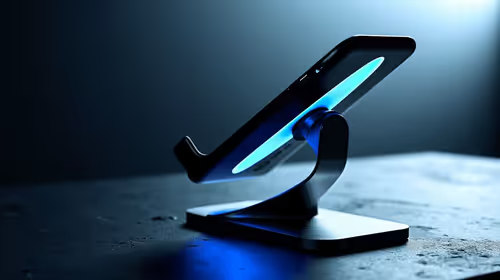
Discover how 360 rotatable phone mounts transform your viewing experience. We break down design mechanics and rotation range benefits to help you choose the perfect setup for your car, desk, or studio. 📱✨
Read more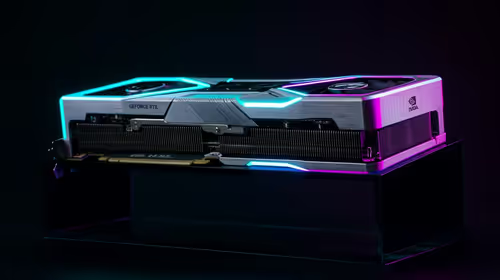
RTX 5090 Elden Ring at 1080p guidance depends on settings, CPU balance, VRAM, cooling, and game updates. Treat FPS wording as a test target, not a guaranteed result for SA builds.
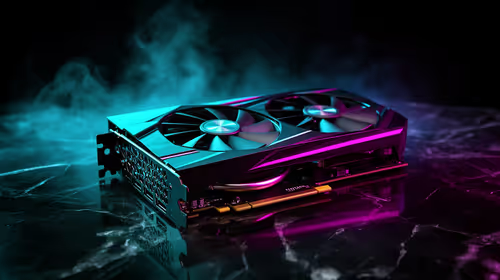
Cheapest GPU that runs Hollow Knight at 1440p should be shortlisted around the job it must do. South African buyers should compare GPU tier, VRAM, cooling, and PSU headroom, warranty path, and upgrade room before treating any pick as best.

RTX 4080 too expensive? Cheaper SA alternatives should solve the exact workload without overbuying. Compare nearby options by GPU tier, VRAM, cooling, and PSU headroom, local warranty path, and total build balance before moving to a product page.

Recommended build for Hollow Knight Silksong at R100 000 SA buyer's guide frames a dream-class PC around more than one game. Balance flagship graphics, premium CPU, 32GB or more RAM, fast SSDs, quiet cooling and power quality.

Windows 11 Ethernet unidentified network needs a cable, router and PC comparison before a reset. Test a second device and run the network troubleshooter. Save adapter drivers and custom settings before using network reset as the final step.

Steam processing Vulkan shaders is graphics preparation rather than a normal game download. On Linux, compare progress and repeat launches before deleting caches. A driver or game change can alter the work, so gather evidence before paying for a new GPU.

Steam discounts and events are moving towards personalised recommendations in early 2027. A firm start date is still pending. The change concerns promotional visibility, so compare the actual rand price and game requirements before making a purchase.

Windows 11 Bluetooth toggle missing can mean the radio is not being detected or enabled. Start with a complete power-off, then check the adapter and drivers. Pairing a new mouse cannot repair an absent Bluetooth control, so isolate the PC first.

Windows 11 spatial sound greyed out needs an output-device check before a headset purchase. Select the intended playback device and look for Windows Sonic for Headphones. Speaker, HDMI and headphone routes can expose different spatial sound options.
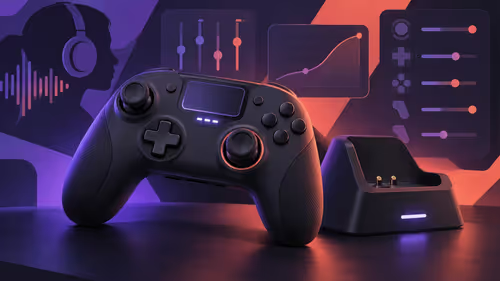
NACON Revolution 5 Unlimited adds a control screen, TMR sticks and charging dock. The controller targets PS5 and PC use, with a dedicated PC mode. Match your games and connection route before treating its premium features as a reason to replace a working pad.

GeForce NOW October 2026 games include 25 planned additions, with six in the first week. Store release dates do not guarantee instant cloud access. Check the exact game, store version, regional service and connection before changing your PC budget.

DGX Spark 64GB is a new local-AI configuration scheduled for 23 October. Its smaller unified memory pool changes workload planning. Compare model size, context and concurrency with the existing 128GB system before requesting a South African quote.