


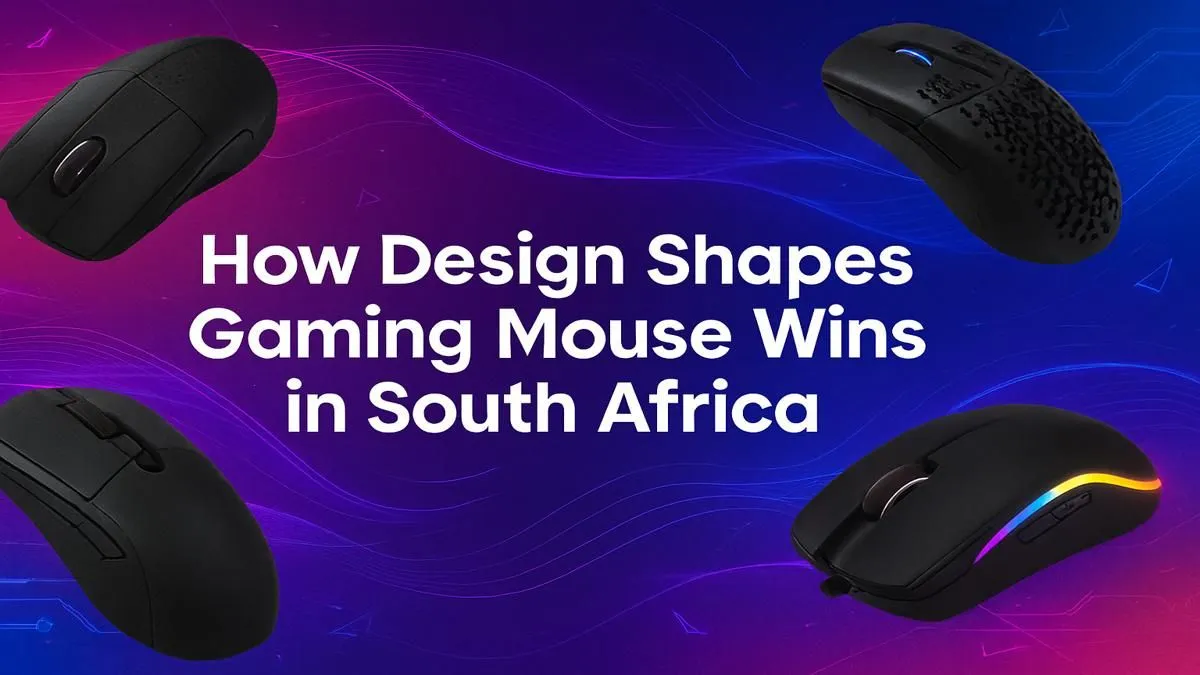
That last-second flick... the one that could have won the round. Did you miss because of skill, or was your gear holding you back? Finding the best gaming mouse South Africa has to offer isn't just about flashy lights; it's about precision engineering that fits your hand and playstyle perfectly. It’s the difference between a near-miss and a legendary headshot. Let’s dive into how the right design can seriously up your game. 🎯
Why Gaming Mouse Design is More Than Just Looks
Forget the RGB for a second. The core of a great gaming mouse is its physical design—the shape, weight, and how it feels in your hand after a three-hour competitive session. A mouse that fits you like a glove becomes an extension of your arm, translating your thoughts into pixel-perfect actions. This ergonomic synergy is the secret weapon of pro players, and it’s far more important than any spec sheet number.
The search for the perfect gaming mouse often comes down to three key physical aspects: your personal grip style, the overall weight of the mouse, and the sensor that powers it all.
Finding Your Grip: Palm, Claw, or Fingertip?
How you hold your mouse is the single most important factor in choosing the right shape. There are three main styles, and each one pairs best with a specific type of design.
The Three Main Grip Styles
- Palm Grip: Your entire palm rests on the mouse. This is great for comfort and smooth, sweeping motions. Look for larger, ergonomic mice that fill your hand.
- Claw Grip: Your palm touches the back of the mouse, but your fingers are arched and ready to click, like a claw. This allows for rapid clicks and quick adjustments. Ambidextrous or smaller ergonomic mice work well here.
- Fingertip Grip: Only your fingertips touch the mouse, with your palm floating above the mousepad. This offers maximum agility. Small, lightweight, and often symmetrical mice are ideal.
Understanding your grip is the first step to unlocking your potential. If you're building a setup from scratch, considering how your hand will rest on both your mouse and keyboard is crucial for long-term comfort and performance. You can often find great value in a keyboard and mouse combo designed to work together.
Pro Gamer Tip ⚡
Unsure of your grip? Play a fast-paced game for 15 minutes and then look at your hand without moving it from the mouse. The way you're naturally holding it is your dominant grip style. Don't force a grip that feels unnatural; choose a mouse that complements what you already do.
The Heart of the Mouse: Sensor and Switches
Once you've nailed the shape, it's time to look under the hood. The sensor is the "eye" of the mouse, tracking your movement across the mousepad. Modern optical sensors from leading brands are virtually flawless, meaning they won't spin out or lose tracking during a fast flick.
Key terms to know:
- DPI (Dots Per Inch): Simply put, this is sensitivity. A higher DPI means the cursor moves further with less physical mouse movement. Most pros use a lower DPI (400-1600) for better control.
- Polling Rate (Hz): This measures how often the mouse reports its position to your PC. 1000Hz is the standard, meaning it reports 1000 times per second for a super responsive feel.
The clicks matter too! The switches beneath the main buttons determine the feel and durability of your clicks. From satisfyingly tactile mechanical switches to lightning-fast optical ones, the right click-feel can make your actions feel more immediate. This level of customisation is also found in a quality gaming keyboard, where the switch type defines the entire experience.
The Lightweight Revolution 🖱️
In recent years, the trend has shifted dramatically towards ultra-lightweight mice. A lighter mouse (typically under 75 grams) is easier to start and stop, reducing fatigue and making rapid, large movements feel effortless. This is a massive advantage in fast-paced shooters. If you're looking for an affordable entry into high-performance gear, pairing a lightweight mouse with one of the cheapest gaming keyboards in South Africa can give you a competitive edge without breaking the bank.
Whether you prefer a solid shell or a honeycomb design to cut weight, going lighter is a performance choice worth considering. For those who want to fine-tune their entire setup, you can even explore different keyboard switches to match the feel of your new mouse clicks.
Don't Forget the Finishing Touches
The best gaming mouse designs in South Africa also pay attention to the small details that create a premium experience.
- Mouse Feet (Skates): Look for 100% pure PTFE feet for the smoothest, most consistent glide across your mousepad.
- Cable: A flexible, paracord-like cable reduces drag and makes a wired mouse feel almost wireless.
- Software: Good software allows you to customise DPI, lighting, and button assignments without being bloated or intrusive.
Personalising your setup with custom keyboard keycaps or adding a comfortable wrist rest are other great ways to ensure your entire gaming station is optimised for victory.
Ready to Aim True? The perfect gaming mouse is a personal choice, but the right design is out there waiting for you. Stop letting your gear hold you back. Explore our massive range of gaming mice and find the perfect tool to dominate the competition in South Africa.











