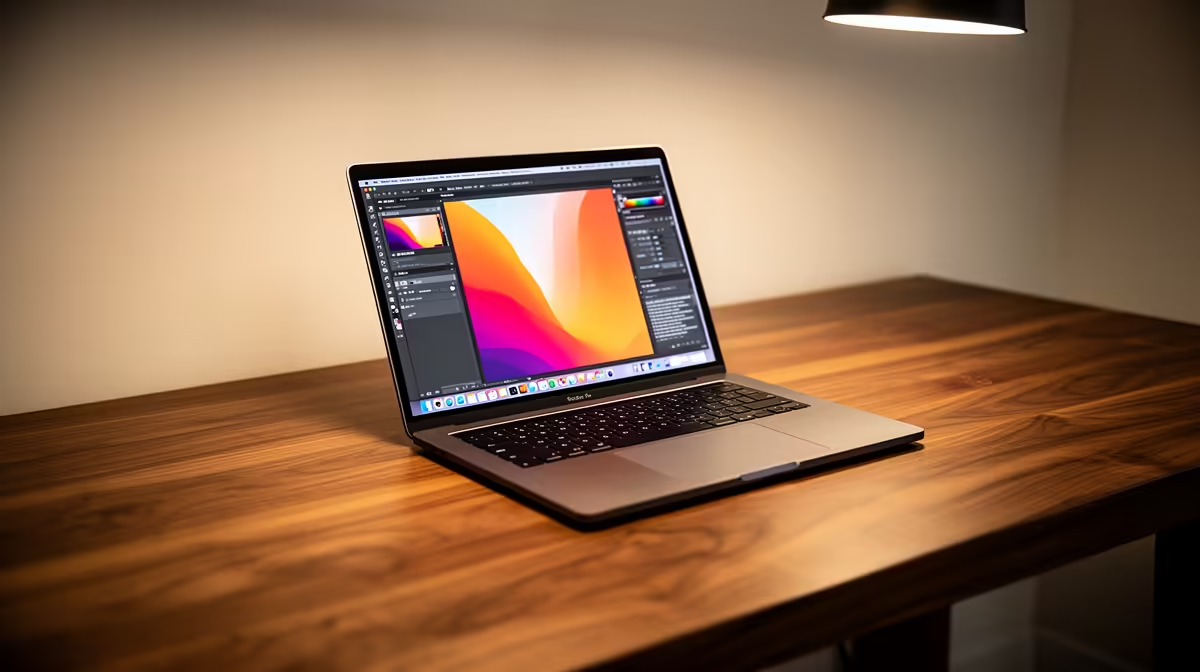
Staring at a spinning wheel while Adobe Photoshop decides its fate? We’ve all been there. For South African creatives, a slow laptop isn’t just an annoyance; it’s a barrier between your vision and your deadline. Choosing the right machine is critical. This guide cuts through the noise to help you find the best laptops for graphic design in South Africa, ensuring your tech keeps up with your creativity. Let's dive in. 🚀
Core Components of the Best Graphic Design Laptops
Finding the perfect creative workhorse means looking beyond the sticker price. The best laptops for graphic design balance power across several key areas. Understanding these components is the first step to making a smart investment in your career.
The CPU: Your Creative Engine
The Central Processing Unit (CPU) is the brain of your operation. For graphic design, you're looking for a balance between high clock speeds (for snappy performance in apps like Illustrator) and multiple cores (for multitasking and rendering in programs like Blender or After Effects). The choice between Intel and AMD often comes down to your specific workflow. Whether you lean towards the excellent single-core performance often found in Intel laptops on special or the multi-core dominance of AMD laptops on special, a modern Core i7/Ryzen 7 or higher is your ideal starting point.
The GPU: More Than Just for Gaming
Your Graphics Processing Unit (GPU) handles everything visual. While integrated graphics can manage basic tasks, a dedicated GPU from NVIDIA (like an RTX 4050 or higher) is essential for serious design work. It accelerates tasks in the Adobe Creative Suite, powers 3D modelling, and makes video editing buttery smooth. This is precisely why many of the best gaming laptop deals are secretly some of the top laptops for graphic design in South Africa. They offer incredible GPU power for the price. ✨
RAM: Your Digital Workspace
Think of RAM as your desk space. The more you have, the more projects and applications you can have open simultaneously without your system slowing to a crawl. For professional graphic design, 16GB is the absolute minimum. If you frequently work with massive high-resolution files, complex layered documents, or video, 32GB or more is highly recommended for a frustration-free experience.
The Display: Your Window to Creativity
This is non-negotiable. A laptop's display is your canvas, and if its colours are inaccurate, your final product will be too. Look for screens with high colour accuracy ratings, aiming for 90-100% sRGB coverage for web work and high Adobe RGB or DCI-P3 coverage for print and video. A bright, high-resolution (QHD or 4K) panel will make your work shine.
Pro Tip: Calibrate Your Colour 🎨
Even the best displays can drift in colour over time. Investing in a simple hardware calibration tool like a SpyderX or Calibrite is a small price to pay for perfect colour accuracy. It ensures that the colours you see on screen are the same ones your clients and printers will see.
Features That Elevate a Good Laptop to a Great One
Beyond the core specs, a few key features separate a decent graphic design laptop from a professional-grade tool.
Crucial Connectivity
Your workflow doesn't happen in a vacuum. A good selection of ports is vital. Look for Thunderbolt 4 or USB4 ports, which offer lightning-fast data transfer speeds for external SSDs and allow you to connect multiple high-resolution displays with a single cable. A built-in SD card reader is also a massive convenience for photographers and videographers.
Build Quality and Cooling
Creative software pushes hardware to its limits, generating significant heat. A well-designed thermal system is crucial to prevent performance throttling during long rendering sessions. A sturdy chassis, often made of aluminium, not only feels more premium but also withstands the rigours of travel to client meetings or co-working spaces.
Finding Your Ideal Graphic Design Laptop in South Africa
The "best" laptop is the one that best fits your specific needs and budget. A 3D artist has different requirements than a UI/UX designer. Before you buy, ask yourself:
- What software do I use most? Check the recommended specs for your primary applications.
- How important is portability? Will you be travelling often, or will it mostly stay on a desk?
- What's my budget? Determine your price range in ZAR and focus on the machines that offer the best performance within it.
Answering these questions will help you narrow down the options and find a machine that feels like a true partner in your creative process, not just a tool.
Ready to Bring Your Vision to Life?
The right tech can unlock your creative potential. Stop waiting for renders and start creating at the speed of thought. Explore our massive range of laptop specials and find the perfect machine to power your passion.