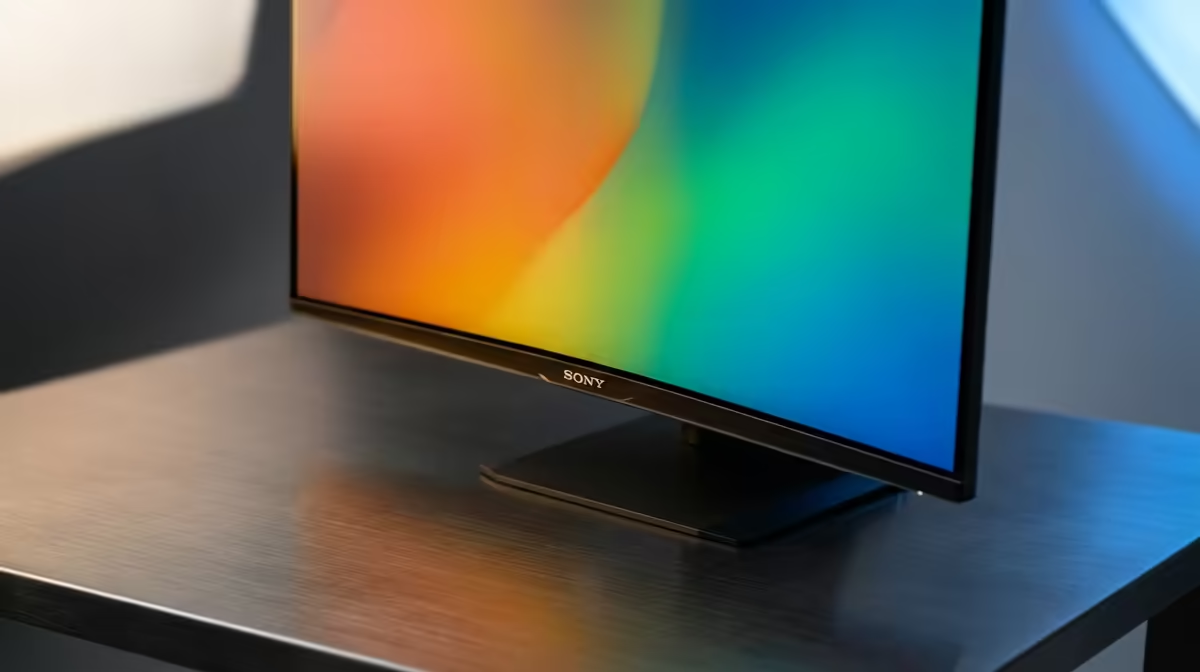
Staring at your timeline, you realise the colours look… off. That vibrant sunset you filmed now looks washed out and dull. For South African creators, this is a familiar pain. A bad monitor doesn't just make editing a chore; it sabotages your final product. But finding the best monitor for video editing in South Africa on a budget isn't impossible. You just need to know what to look for, and we're here to help.
Why Your Monitor is Your Most Important Editing Tool
Think of your monitor as the window to your creative world. If that window is dirty or warped, you can't trust what you see. In video editing, this means inaccurate colour grading, missed details in the shadows, and a final export that looks completely different on your client's screen or a viewer's phone. Investing in a decent, colour-accurate display is one of the smartest upgrades you can make. It ensures what you see is what you get, saving you hours of frustrating revisions.
A great monitor allows you to work with confidence, knowing your colours are true. Of course, it helps to have a capable machine driving those pixels. Even many of our budget gaming PCs have the graphics power needed for smooth 1080p or even 1440p editing workflows.
Key Specs for a Budget Video Editing Monitor
Navigating monitor specs can feel like alphabet soup… IPS, sRGB, HDR, Hz. Let's cut through the noise and focus on what truly matters for finding a great, affordable monitor for editing in SA.
Colour Accuracy: Your Non-Negotiable
This is the big one. For any colour-critical work, you need a monitor that can accurately reproduce colours.
- sRGB: This is the standard colour space for the web. Look for a monitor that covers at least 99% sRGB. Anything less, and the colours in your YouTube videos or social media content won't be reliable.
- DCI-P3 & Adobe RGB: These are wider colour gamuts used in digital cinema and print, respectively. While full coverage is usually found on pricier models, some budget-friendly options offer decent DCI-P3 coverage (around 90-95%), which is a fantastic bonus.
Resolution: Is 4K a Must-Have?
Everyone wants 4K, but is it essential on a budget? Not necessarily.
- 1440p (QHD): This is the sweet spot for many. It offers a significant sharpness upgrade over 1080p without demanding a monster graphics card to run smoothly. You get more screen real estate for your timelines and tools, making it a practical choice for many editing rigs under R20k.
- 4K (UHD): Amazing for detail, especially if you shoot in 4K. However, it requires more GPU power. If your PC struggles, you could experience laggy playback in your editor, defeating the purpose.
Panel Type: IPS is King 👑
For video editing, an IPS (In-Plane Switching) panel is the only way to go. Compared to VA or TN panels, IPS monitors provide superior colour accuracy and much wider viewing angles. This means the colours won't shift and change if you move your head slightly… a critical feature for consistent editing.
Productivity Pro Tip ⚡
On Windows, use the PowerToys FancyZones utility to create custom snap layouts for your windows. It's a lifesaver for managing multiple apps on an ultrawide monitor, letting you organise your timeline, preview window, and asset folders perfectly for video editing.
Finding the Best Deals in South Africa
Once you know your specs, the hunt begins. The best monitor for video editing in South Africa is one that balances performance with price. Sometimes, the best value isn't in a dedicated "professional" monitor but in a high-quality gaming display. These often have excellent colour accuracy and high refresh rates at a competitive price, making them perfect dual-purpose tools. It's why pairing a good monitor with one of our best gaming PC deals is such a popular choice for local creators.
Don't Forget the PC Powering Your Pixels 🚀
Remember, even the world's greatest monitor can't fix a sluggish PC. If your computer is struggling to process footage, your entire workflow will grind to a halt. A balanced setup is key. Ensure your PC's CPU and GPU can handle your typical project resolution and complexity. If you're looking to edit 4K footage smoothly, you'll need one of the more powerful PCs over R20k to avoid bottlenecks.
A powerful, stable machine is the engine of your creativity. Whether you build your own or opt for a professionally assembled rig, getting the core components right is essential. For a hassle-free, performance-optimised solution, check out our latest pre-built PC deals that are ready to edit straight out of the box.
Ready to See the True Picture? 🎨
The right monitor is a crucial investment that elevates your work from amateur to professional. It's time to trust your colours and bring your creative vision to life. Explore our huge range of monitors and find the perfect display for your editing suite.