


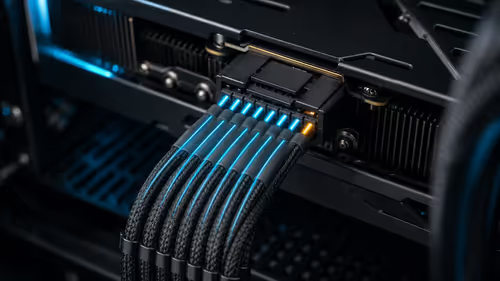
RTX Power Guard: Can Software Prevent Connector Damage?
A new open-source tool watches per-pin current on ASUS Astral RTX 5080 and 5090 cards. It can trigger an emergency shutdown, but it does not replace correct cabling and inspection.
Read moreASUS has introduced a 24.5-inch 1080p Fast IPS monitor with a 420Hz overclocked refresh rate. It is a specialised esports screen, not an automatic upgrade for every gaming PC.

The new ASUS 420Hz monitor pushes a 24.5-inch Fast IPS panel far beyond the refresh rate most gaming PCs can sustain. The ROG Strix XG259QNSR Ace is built around 1080p competitive play, where motion clarity and low delay matter more than a large screen or higher resolution. It is a specialised choice, not a universal monitor upgrade.
The XG259QNSR Ace combines a 24.5-inch 1920x1080 Fast IPS panel with a 420Hz overclocked refresh rate and a listed 0.3ms minimum response time. It makes sense for a competitive player whose PC can hold very high frame rates. No South African price or arrival date is confirmed; the lowest in-stock ASUS gaming monitor in the 7 August snapshot was a 31.5-inch 250Hz model at R7,199.
ASUS positions the screen for professional esports use. The compact 24.5-inch size keeps the minimap, crosshair and peripheral action within a tighter field of view, while 1080p reduces the graphics load compared with 1440p or 4K. That combination is deliberate: the panel is trying to show more distinct frames, not more pixels.
The official specification lists a 420Hz overclocked refresh rate, 1ms grey-to-grey response and 0.3ms minimum response. It also lists G-SYNC and FreeSync Premium compatibility, ELMB Sync and variable overdrive. Those features aim to keep motion clearer when the game's frame rate moves rather than staying locked at one number.
DisplayPort 1.4 and HDMI are included, along with height, tilt, swivel and pivot adjustment. ASUS DisplayWidget software allows settings to be changed with a mouse. Buyers should still confirm which input and settings are required for the maximum refresh rate once a local retail listing appears.
The exact XG259QNSR Ace was not established in the local catalogue on 7 August. The checked ASUS range instead included a 31.5-inch 1080p Fast VA display with a 250Hz overclocked refresh rate at R7,199. A 27-inch 1440p QD-OLED 280Hz model appeared at R16,899, while a 27-inch 5K IPS model offered a 330Hz 1440p mode at R18,299.
That spread shows why refresh rate cannot be judged alone. The full monitor range covers different panel types, resolutions and sizes. The gaming monitor selection is the better comparison when adaptive sync and high refresh are essential.
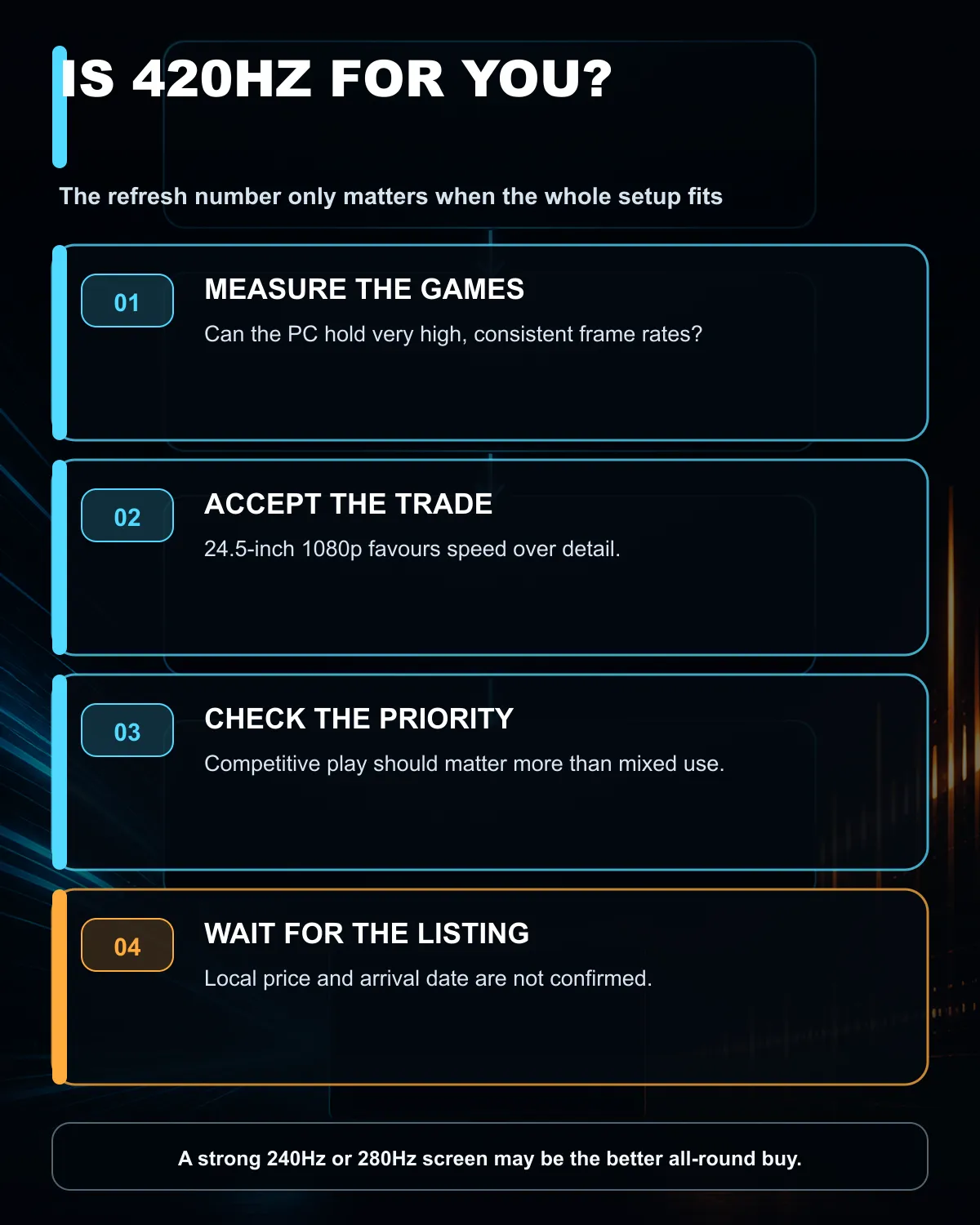
A 420Hz 1080p screen trades image detail and workspace for speed. A 1440p 240Hz or 280Hz display may suit a player who mixes competitive titles with single-player games. A 4K screen serves visual detail and productivity better, but asks much more of the graphics card.
A monitor can refresh 420 times each second even when the game renders fewer frames, but the strongest benefit arrives when the PC produces a similarly high and stable rate. Competitive titles at reduced settings can reach that range on fast hardware. Large cinematic games often will not, even with an expensive graphics card.
Measure the games you actually play. Use a repeatable match or benchmark, record the average and low frame rates, and watch the processor as well as the graphics card. At 1080p and very high frame rates, the processor can become the limit. Lowering visual settings cannot solve a processor ceiling.
Variable refresh rate remains useful below the maximum. It synchronises the panel with the delivered frames and can reduce tearing. The 420Hz number is therefore a ceiling, but paying for that ceiling only makes sense when the rest of the system and the player's priorities can use it.
Buy this class of monitor when competitive shooters are the main use, 1080p is acceptable, the desk suits 24.5 inches and measured performance is already very high. The upgrade is easier to justify for a player moving from 144Hz than for someone who already owns a strong 240Hz display.
Wait for an exact local listing if this model is the target. A global announcement does not confirm South African timing, warranty channel or price. Compare any eventual offer with current monitor specials, because a lower-refresh 1440p or OLED display may deliver the better all-round experience for the same budget.
Choose differently when image detail, creative work, console use or varied games matter as much as esports. Resolution, panel behaviour, ports, ergonomics and warranty can have more daily value than the last step in refresh rate.
It can show frames more frequently, but the visible benefit depends on game performance, player sensitivity and the quality of both panels.
No. ASUS lists a native 1920x1080 resolution on the 24.5-inch panel.
Not for the monitor to work, but consistently high frame rates are needed to make full use of its refresh ceiling.
No exact South African price or arrival date was established in the 7 August check.
The checked range included a 31.5-inch 250Hz FHD ASUS gaming monitor at R7,199.
Choosing a screen for competitive play? Compare current gaming monitors at Evetech by resolution, measured PC performance and panel type before paying for an extreme refresh ceiling.
ASUS lists a 420Hz overclocked refresh rate on its 24.5-inch 1080p Fast IPS panel.
No, but the benefit is clearest when the PC can deliver very high and consistent frame rates in competitive games.
Not necessarily. The resolution reduces GPU load and the compact screen keeps more of the action within the player's central view.
The 7 August snapshot found an ASUS 31.5-inch 250Hz FHD model at R7,199.
ASUS lists compatibility with G-SYNC and FreeSync Premium, plus ELMB Sync for motion clarity.
Wait only if its 24.5-inch 1080p and extreme-refresh focus match your games. No local price or arrival date is confirmed.
A new open-source tool watches per-pin current on ASUS Astral RTX 5080 and 5090 cards. It can trigger an emergency shutdown, but it does not replace correct cabling and inspection.
Read more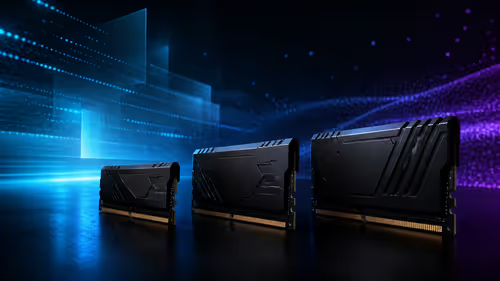
Microsoft is working to reduce Windows 11 memory use on 8GB PCs. For a new gaming build, 16GB remains the practical floor while 32GB gives heavier games and multitasking more room.
Read more
Memory supply is expected to stay tight into 2027. South African builders with a near-term project should price the correct RAM now instead of waiting for an assumed drop.

AMD's Q2 results show weaker gaming revenue but stronger Ryzen-led client sales. South African buyers should judge today's CPU value by platform cost, not the headline alone.

SpaceX is exploring a terrestrial mobile network, but that does not change Starlink's South African licensing position. Local buyers should wait for formal authorisation and launch terms.

Black Friday Gaming PC Wait can help if your PC need is flexible. On a R8,000 SA budget, compare deal risk, component balance, warranty, and timing before waiting.

MSI has joined a new wave of overseas graphics-card price increases. South African buyers should compare the card they need against live local options rather than panic-buy.
Memory supply is expected to stay tight into 2027. South African builders with a near-term project should price the correct RAM now instead of waiting for an assumed drop.
AMD's Q2 results show weaker gaming revenue but stronger Ryzen-led client sales. South African buyers should judge today's CPU value by platform cost, not the headline alone.

Steam's July 2026 survey puts 16GB VRAM and 8-core CPUs at the top of their categories. South African buyers can reach both from about R12,998 before the rest of the build.
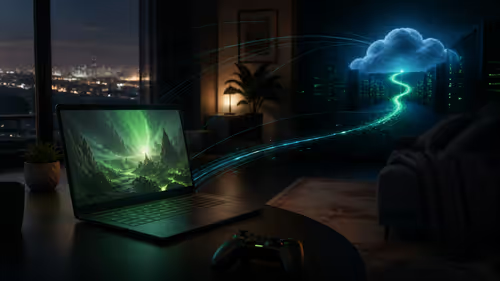
NVIDIA has listed 26 games for GeForce NOW in August. South African access remains available through the local alliance service, but each title still needs store ownership and service support.

ASUS has introduced a 24.5-inch 1080p Fast IPS monitor with a 420Hz overclocked refresh rate. It is a specialised esports screen, not an automatic upgrade for every gaming PC.
A new open-source tool watches per-pin current on ASUS Astral RTX 5080 and 5090 cards. It can trigger an emergency shutdown, but it does not replace correct cabling and inspection.
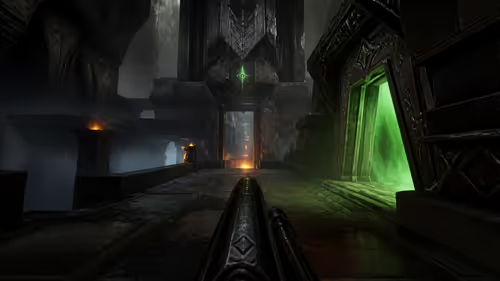
Quake's 30th anniversary update adds the Dawn of the Machine episode with 19 maps. Existing owners can install it free on supported PC storefronts, with no hardware upgrade required.