



ASUS 420Hz Monitor: What SA Esports Buyers Should Know
ASUS has introduced a 24.5-inch 1080p Fast IPS monitor with a 420Hz overclocked refresh rate. It is a specialised esports screen, not an automatic upgrade for every gaming PC.
Read moreA new open-source tool watches per-pin current on ASUS Astral RTX 5080 and 5090 cards. It can trigger an emergency shutdown, but it does not replace correct cabling and inspection.
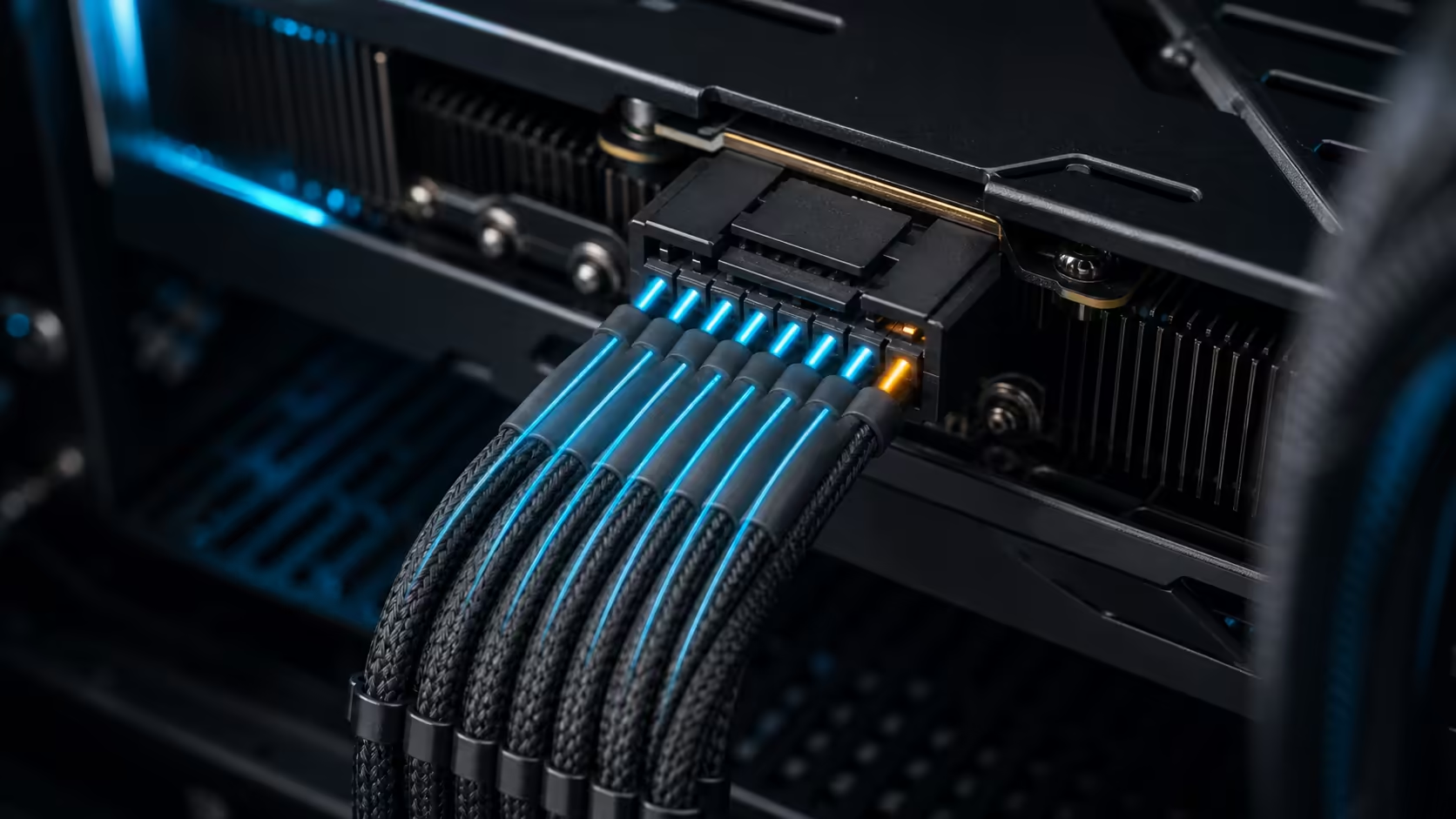
A free RTX power connector guard now turns the per-pin sensors on two ASUS ROG Astral graphics cards into an emergency shutdown. The open-source Windows tool watches all six power pins and can switch the PC off when one stays above its configured current limit. That is a useful experiment, but it is not a substitute for assembling and inspecting a high-power GPU correctly.
The watchdog supports only ASUS ROG Astral RTX 5080 and RTX 5090 cards. Its default rule polls twice per second and forces a shutdown when any pin remains above 9.5A for 15 seconds. The supported cards were in stock at R35,999 and R75,999 on 7 August, but owners should treat the software as an optional final layer behind a fully seated direct cable, sensible routing and physical checks.
The developer built the tool around current sensors exposed by the Astral cards. It reads each of the six 12-volt power pins without requiring a separate hardware monitor, then compares the readings with a sustained threshold. A short spike does not immediately stop the PC; the high reading has to remain in place for the configured period.
That narrow support list matters. A user cannot assume another RTX 5080 or RTX 5090 exposes the same sensor data, even when it uses the same connector. The tool is unofficial, Windows-only and dependent on software and sensor access continuing to work. Review the source and requirements before installing it.
An emergency shutdown also has a cost. Unsaved work may be lost and an active write can be interrupted. The action is intentionally severe because the developer treats sustained pin imbalance as the larger risk. That trade-off should be understood before the app is allowed to start with Windows.
Begin with the cable supplied or approved for the power supply. Prefer a direct 12V-2x6 connection from an ATX 3.1 unit instead of adding unnecessary adapters or extensions. Insert the plug fully, check that the latch is engaged and avoid a tight bend immediately beside the connector.
Cable routing must not pull the plug sideways after the side panel is closed. Confirm clearance before forcing the panel into place. After the first heat cycles, power the machine down and inspect for movement, discolouration, smell or heat damage. Monitoring cannot repair a poor contact or a damaged connector.
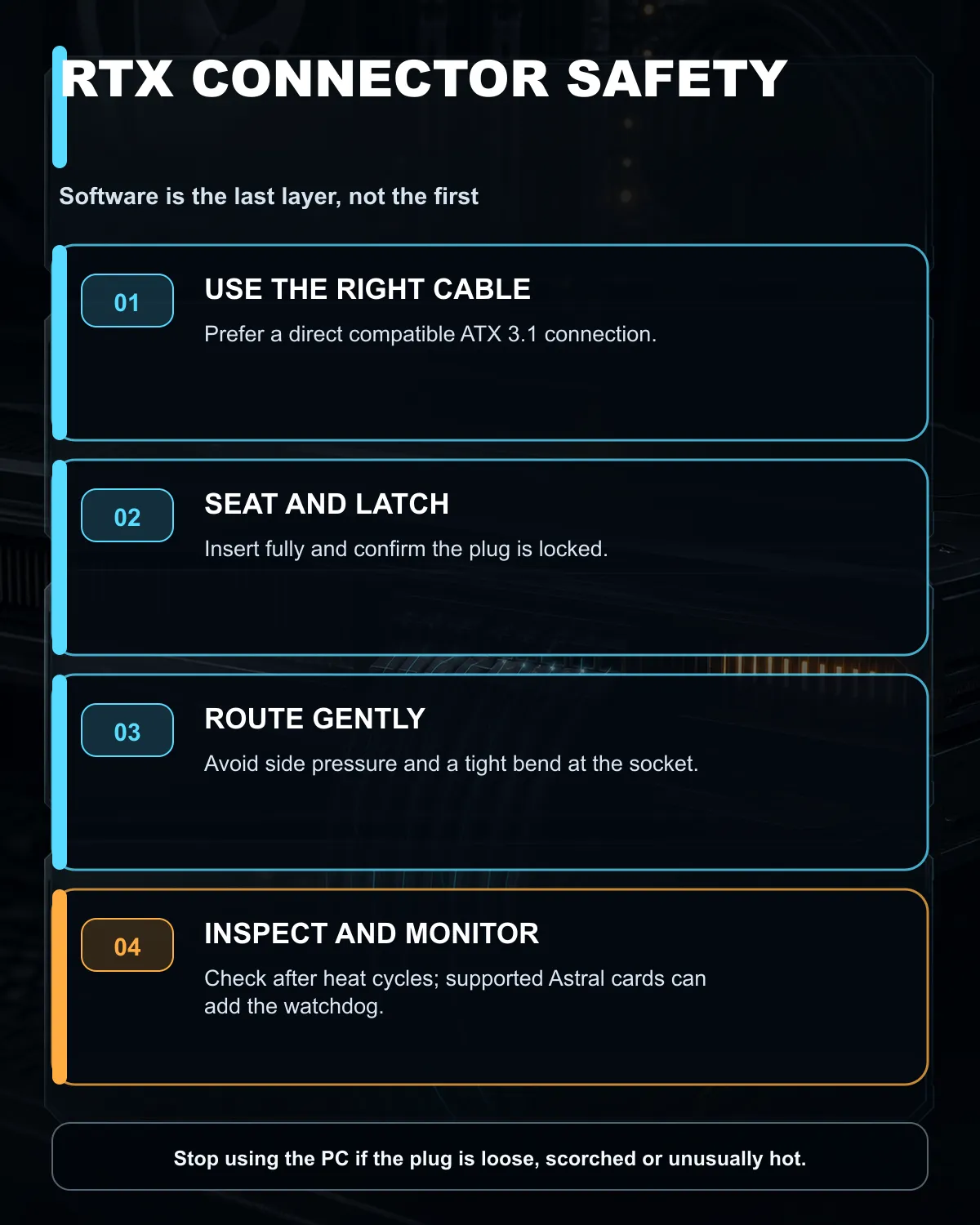
The software belongs after those steps. It can act on sensor data while the owner is away from the screen, which is more useful than a warning hidden behind a full-screen game. It still cannot guarantee prevention or cover a model without the necessary sensors.
The 7 August catalogue read found the ASUS ROG Astral RTX 5080 OC at R35,999 and the Astral RTX 5090 OC at R75,999. Those are the exact card families named by the developer. Start with the wider graphics card range when comparing whether an Astral model is required at all, then narrow to ASUS graphics cards for model-specific checks.
The same snapshot found in-stock 1000W ATX 3.1 power supplies from R2,199 and an ASUS TUF 1200W ATX 3.1 unit at R3,499. Wattage is only one part of the choice. Confirm the GPU maker's recommendation, connector type, cable count, transient support, case clearance and warranty terms.
The power-supply range provides the relevant category comparison. Do not reuse a modular cable from a different power-supply model merely because the plug fits. Pin layouts can differ on the unit side and the result can damage components immediately.
Photograph the seated connector before closing the case so there is a reference. Keep the cable free of side pressure, avoid repeated unplugging, and inspect it whenever the graphics card is moved. If the connector becomes loose, scorched or unusually hot, switch the PC off and stop using it until the hardware has been checked.
Owners of a supported Astral card can then decide whether the open-source guard adds useful peace of mind. Read its release notes, verify the download source and understand the shutdown rule. Do not lower or raise thresholds casually without electrical knowledge.
Builders using other cards should not install it in the hope that support is generic. Their best protection remains correct hardware selection, careful assembly and inspection. A software headline should strengthen that routine, not replace it.
The developer lists ASUS ROG Astral RTX 5080 and RTX 5090 models because they expose per-pin current readings.
Any monitored pin above 9.5A for 15 continuous seconds triggers a forced shutdown.
No. Full insertion, direct cabling, gentle routing and inspection remain the first safeguards.
No. Unsupported cards cannot provide the required readings, and any owner should review the unofficial software before use.
The checked Astral RTX 5080 was R35,999 and the Astral RTX 5090 was R75,999 on 7 August 2026.
Planning a high-power graphics build? Compare current graphics cards and ATX power supplies at Evetech, verify the connector path, and make careful cable installation the first safety layer.
The developer limits it to ASUS ROG Astral RTX 5080 and RTX 5090 cards because those models expose per-pin current sensors.
The default rule checks twice per second and shuts down if any monitored pin stays above 9.5A for 15 seconds.
No. It is an unofficial last line of defence, not a replacement for a fully seated cable, correct routing and regular inspection.
Yes. The 7 August snapshot found the Astral RTX 5080 at R35,999 and Astral RTX 5090 at R75,999.
An ATX 3.1 unit with a direct compatible GPU cable reduces adapters and is the cleaner starting point for a high-power build.
Review the source, dependencies and support limits first. An abrupt shutdown can protect hardware but may also lose unsaved work.
ASUS has introduced a 24.5-inch 1080p Fast IPS monitor with a 420Hz overclocked refresh rate. It is a specialised esports screen, not an automatic upgrade for every gaming PC.
Read more
Microsoft is working to reduce Windows 11 memory use on 8GB PCs. For a new gaming build, 16GB remains the practical floor while 32GB gives heavier games and multitasking more room.
Read more
Memory supply is expected to stay tight into 2027. South African builders with a near-term project should price the correct RAM now instead of waiting for an assumed drop.

AMD's Q2 results show weaker gaming revenue but stronger Ryzen-led client sales. South African buyers should judge today's CPU value by platform cost, not the headline alone.

SpaceX is exploring a terrestrial mobile network, but that does not change Starlink's South African licensing position. Local buyers should wait for formal authorisation and launch terms.

Black Friday Gaming PC Wait can help if your PC need is flexible. On a R8,000 SA budget, compare deal risk, component balance, warranty, and timing before waiting.

MSI has joined a new wave of overseas graphics-card price increases. South African buyers should compare the card they need against live local options rather than panic-buy.
Memory supply is expected to stay tight into 2027. South African builders with a near-term project should price the correct RAM now instead of waiting for an assumed drop.
AMD's Q2 results show weaker gaming revenue but stronger Ryzen-led client sales. South African buyers should judge today's CPU value by platform cost, not the headline alone.

Steam's July 2026 survey puts 16GB VRAM and 8-core CPUs at the top of their categories. South African buyers can reach both from about R12,998 before the rest of the build.
NVIDIA has listed 26 games for GeForce NOW in August. South African access remains available through the local alliance service, but each title still needs store ownership and service support.
ASUS has introduced a 24.5-inch 1080p Fast IPS monitor with a 420Hz overclocked refresh rate. It is a specialised esports screen, not an automatic upgrade for every gaming PC.
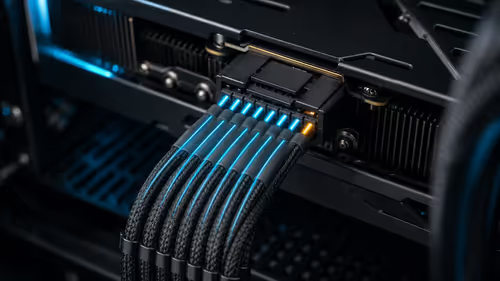
A new open-source tool watches per-pin current on ASUS Astral RTX 5080 and 5090 cards. It can trigger an emergency shutdown, but it does not replace correct cabling and inspection.
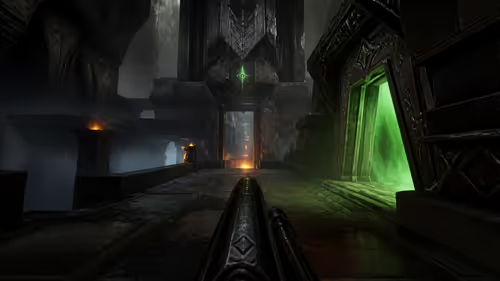
Quake's 30th anniversary update adds the Dawn of the Machine episode with 19 maps. Existing owners can install it free on supported PC storefronts, with no hardware upgrade required.