


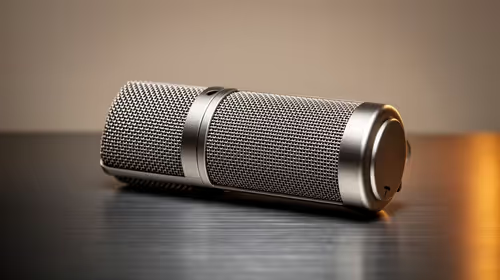
Supercardioid vs Cardioid Microphone: Which Picks Up Less Noise
Supercardioid vs Cardioid microphone: Find which pattern picks up less background noise and when to choose each. ✅ Clear guidance for streamers, podcasters, and live sound.
Read moreChecklist: 1) Choose flight yoke system by rotation & desk fit; 2) Compare throttle controls; 3) Confirm mounting space. Flight yoke system buyers' guide to pick the best fit for your sim ✈️🖥️
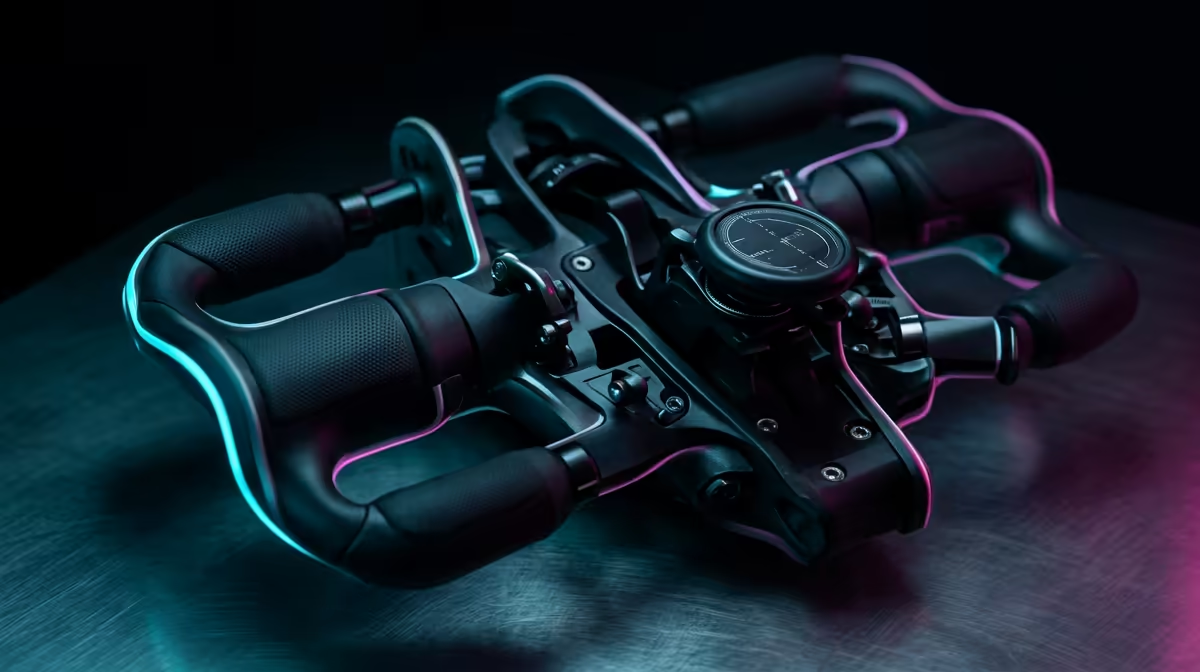
Ever tried landing a Boeing 737 at OR Tambo using a standard keyboard? It is a recipe for disaster. To truly master the virtual skies, you need a dedicated Flight Yoke System: Choose Yoke Rotation, Throttle & Desk Fit carefully to ensure your home cockpit feels authentic. Whether you are a weekend hobbyist or a pilot in training, the right gear makes all the difference in your flight precision. ✈️
When selecting your primary controller, the degree of rotation is the most critical factor for immersion. Most entry-level units offer a 90-degree turn, which works for casual flying... however, serious enthusiasts often look for a full 180-degree rotation. This allows for much finer control during those tricky crosswind landings in the Western Cape.
When you browse the latest flight simulator gear, look for stainless steel shafts and high-quality bearings. These components ensure that your pitch and roll movements remain smooth over years of use. If the movement feels "notchy," you will struggle to make the micro-adjustments required for a buttery-smooth touchdown.
Always calibrate your yoke within Windows Game Controllers before launching Microsoft Flight Simulator. This ensures your "dead zones" are minimised and that the full 180-degree physical rotation matches the 180-degree virtual movement in the cockpit. It prevents that annoying "twitchy" feeling during take-off.
A yoke on its own is only half the battle. You need a dedicated throttle quadrant to manage your manifold pressure and RPM effectively. Many South African simmers start with a basic three-lever setup... but as you move into twin-engine craft, you might want to expand your simulation gear and accessories to include multi-engine quadrants.
Having physical levers for flaps, mixture, and prop pitch adds a layer of muscle memory that a mouse click simply cannot replicate. It allows you to keep your eyes on the horizon while adjusting your descent rate... exactly how a real pilot operates.
Before you invest thousands of ZAR into a high-end setup, measure your desk. These systems can be bulky. If you also use your desk for work or sim racing, you need a yoke with a quick-release clamping system. 🔧
Look for adjustable clamps that can accommodate different desk thicknesses. A yoke that wobbles mid-flight is more than just an annoyance... it can lead to a total loss of control during a critical approach. Ensure there is enough clearance for your knees and that the throttle quadrant can be mounted comfortably to your left or right, depending on whether you prefer the Captain or First Officer's seat. 🚀
Ready to Take to the Skies? Mastering the art of flight starts with the right controls in your hands. Whether you are looking for a full 180-degree rotation or a compact setup for a smaller desk, we have the hardware to get you airborne. Explore our full range of flight simulator gear and start your pilot journey today.
Aim for 180°–360° rotation for realistic control. Higher rotation offers finer inputs for airliners; compact setups may use 90°–180° rotation.
Throttle controls change engine responsiveness and multi-engine management. A dedicated throttle quadrant improves realism and precision.
Yes, with proper desk mounting or a clamp kit. Check desk thickness, clearance, and recommended desk mounting flight yoke specs before buying.
Choose a flight yoke system for aircraft like airliners and Cessnas; use a joystick for fighters. Consider your preferred aircraft and sim goals.
Desk space is crucial. Measure mounting footprint and legroom; compact yoke for small desks prevents interference with keyboard and mouse.
Expect entry-level yoke systems around budget tier, mid-tier combos for better yoke rotation and throttle feel, and premium kits for high fidelity.
Yes. Calibrate yoke rotation and adjust sensitivity in your sim for accurate control. Yoke rotation sensitivity settings improve handling and trim.
Supercardioid vs Cardioid microphone: Find which pattern picks up less background noise and when to choose each. ✅ Clear guidance for streamers, podcasters, and live sound.
Read more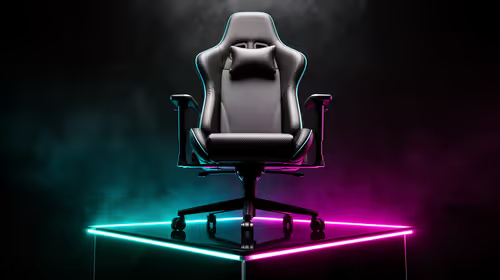
Mid-range gaming chair options can match comfort and support for most players—learn when you should splurge and when a mid-range gaming chair will work. Save money and protect posture. 🎮💺
Read more
- Identify best mouse recoil control keyword; - Build targeted long-tail phrases; - Create SEO elements and picks 🎯🖱️ Best mouse recoil control vertical sensitivity tips to cut recoil, refine aim, and pick the right FPS mouse.
Read more
Used gaming laptop checklist — • Confirm performance • Inspect build & thermals • Verify battery & connectivity. Use quick checks to ensure a second-hand laptop runs PUBG smoothly and avoid bad buys. 🕹️🔍
Read more
Best UPS for Gaming South Africa: Stop power cuts from kicking you out of PUBG ranked—compare runtimes, transfer times and budget picks to stay online ⚡🎮
Read more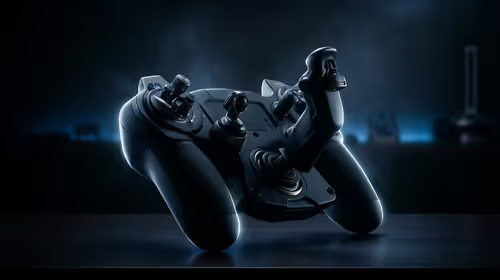
Flight yoke vs flight stick vs controller for MSFS: compare feel, accuracy, compatibility and value for Xbox and PC to pick the best input for your setup. 🎮✈️
Read more
Best Value Laptops South Africa 2026 — Find top picks, local prices and buy tips to maximise performance per rand. Compare deals for students, creators and gamers. 🔎💸

Struggling with a weak Desktop PC Wi-Fi signal? 📶 Discover expert tips on positioning your tower and external antennas to eliminate lag and maximize your internet speeds for gaming and streaming. 🚀

Tired of loadshedding router restarts killing your Wi-Fi? ⚡ Discover why power cuts disrupt your connection and learn expert tips to get back online faster after the lights return. 🌐

Master using a Nano SIM 4G router as your primary internet solution. Get stable speeds and seamless connectivity for gaming and streaming at home! 🌐🚀

Gauteng r30 000 needs practical checks before you choose. Compare fit, workload, support, setup needs, timing, and delivery expectations without relying on live availability or fixed 2026 claims.

Gauteng r40 000 needs practical checks before you choose. Compare fit, workload, support, setup needs, timing, and delivery expectations without relying on live availability or fixed 2026 claims.

Gauteng r50 000 needs practical checks before you choose. Compare fit, workload, support, setup needs, timing, and delivery expectations without relying on live availability or fixed 2026 claims.

Gauteng r60 000 needs practical checks before you choose. Compare fit, workload, support, setup needs, timing, and delivery expectations without relying on live availability or fixed 2026 claims.

Three-tier smart watch plan for commuting should be shortlisted around the job it must do. South African buyers should compare fit, performance, compatibility, and upgrade room, warranty path, and upgrade room before treating any pick as best.

AR Glasses buying order for commuting students should be shortlisted around the job it must do. South African buyers should compare fit, performance, compatibility, and upgrade room, warranty path, and upgrade room before treating any pick as best.

Smart Watch buying order for commuting should be shortlisted around the job it must do. South African buyers should compare fit, performance, compatibility, and upgrade room, warranty path, and upgrade room before treating any pick as best.

Smart Watch buying order for quiet PC builds needs a balanced parts plan, not a random basket. Map the CPU, GPU, RAM, SSD, cooling, and monitor target to the budget so SA builders know where to spend first.