Finding Your Wings: Flight Yoke vs Flight Stick vs Controller for MSFS
Imagine banking over Table Mountain as the sun dips below the Atlantic... the cockpit glow is perfect, but your plane feels twitchy and unresponsive. The debate of Flight Yoke vs Flight Stick vs Controller for MSFS isn't just about desk space; it is about how you want to experience the sky. For South African simmers, choosing the right input method is the difference between a frustrating "game" and a true-to-life aviation simulation.
The Case for the Flight Stick: Versatility and Precision
The flight stick, or joystick, is often the first upgrade for any aspiring pilot. It is the natural choice if you prefer flying Airbus liners or agile fighter jets. Because most sticks include a twist axis for rudder control, you can get away without buying pedals immediately. This makes it a cost-effective way to explore our massive range of flight simulator gear without cluttering your entire office.
Flight sticks offer a level of granular control that a standard thumbstick cannot match. When you are trying to grease a landing in a heavy crosswind at King Shaka International, that extra physical travel in the stick allows for much finer adjustments.
Why a Flight Yoke Offers the Ultimate Realism
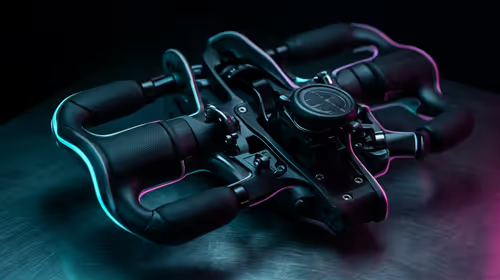
If your goal is to captain a Boeing 737 or a Cessna 172, a yoke is the only way to go. It replicates the "steering wheel" style of general aviation and commercial aircraft. Using two hands to pull back on the yoke during rotation feels substantial... it gives you a physical connection to the aircraft's weight.
To get the most out of this setup, you will likely want to browse for additional simulation gear and accessories like throttle quadrants and trim wheels. While a high-quality yoke setup can cost several thousand ZAR, the immersion of physically turning the wheel and pushing the throttles is what separates the enthusiasts from the casual players.
Sensitivity Settings ✈️
In MSFS, always add a small 'deadzone' (around 3-5%) to your joystick or yoke axes in the control options. This prevents 'sensor drift' where your plane might slowly roll to one side even when you aren't touching the controls. It makes those long-haul flights across the Karoo much more relaxing.
Using a Controller: The Entry-Level Reality
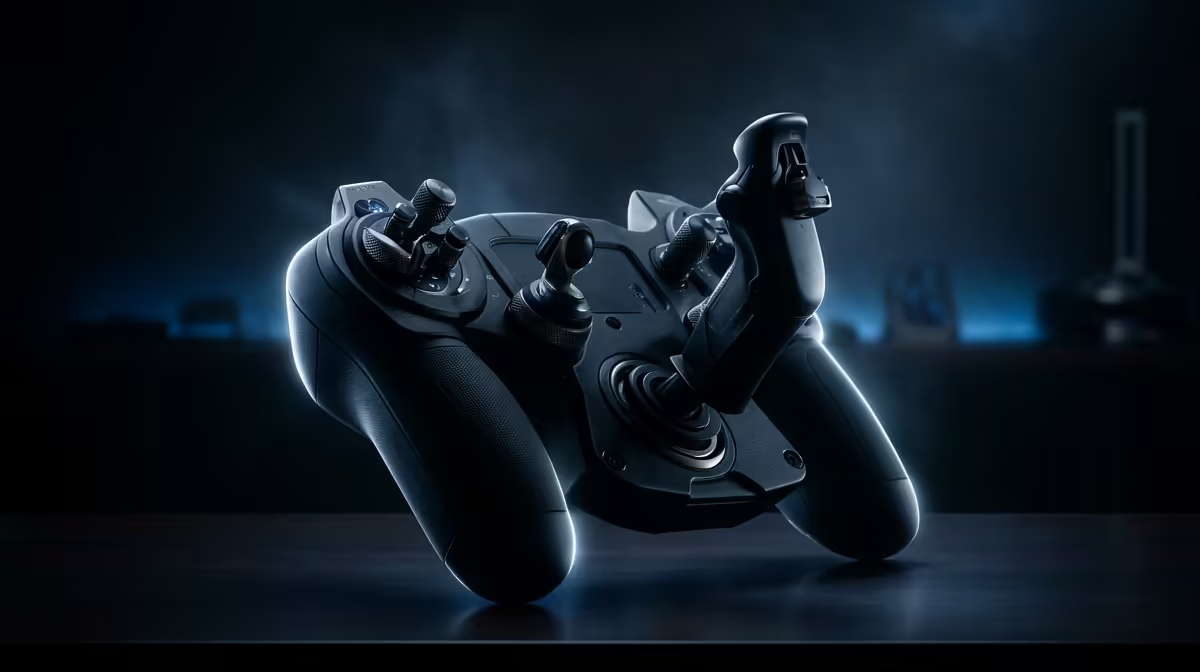
We all start somewhere. An Xbox controller is perfectly functional for Microsoft Flight Simulator, especially if you are just flying casually to see the sights. It is portable, familiar, and requires zero setup time. However, the short throw of the thumbsticks makes smooth, cinematic turns very difficult to achieve.
Interestingly, many local gamers who enjoy sim racing find that they eventually crave that same level of tactile feedback in the air. Just as you wouldn't want to race a GT3 car with a keyboard, trying to land a jumbo jet with a tiny plastic trigger often leaves you wishing for more precision.
Final Verdict: Which Should You Choose?
When weighing up Flight Yoke vs Flight Stick vs Controller for MSFS, consider your favourite aircraft. If you love variety and military jets, the flight stick is the winner. If you are a purist who loves "heavy" metal and GA flying, save up for the yoke. For those on a tight budget, the controller will get you off the ground... but it won't be long before you want to feel the wind under your wings with dedicated hardware.