


Dedicated Media Keys for Streamers: Improve Workflow Fast
Dedicated media keys give streamers one-touch control to mute, switch scenes, clip highlights, and adjust audio — cutting task time and boosting consistency 🎛️⚡
Read moreGaming mouse loadshedding: Decide whether a wired or wireless mouse suits South African gamers facing frequent loadshedding. Compare latency, battery, UPS tips and top picks to stay gaming ⚡🖱️
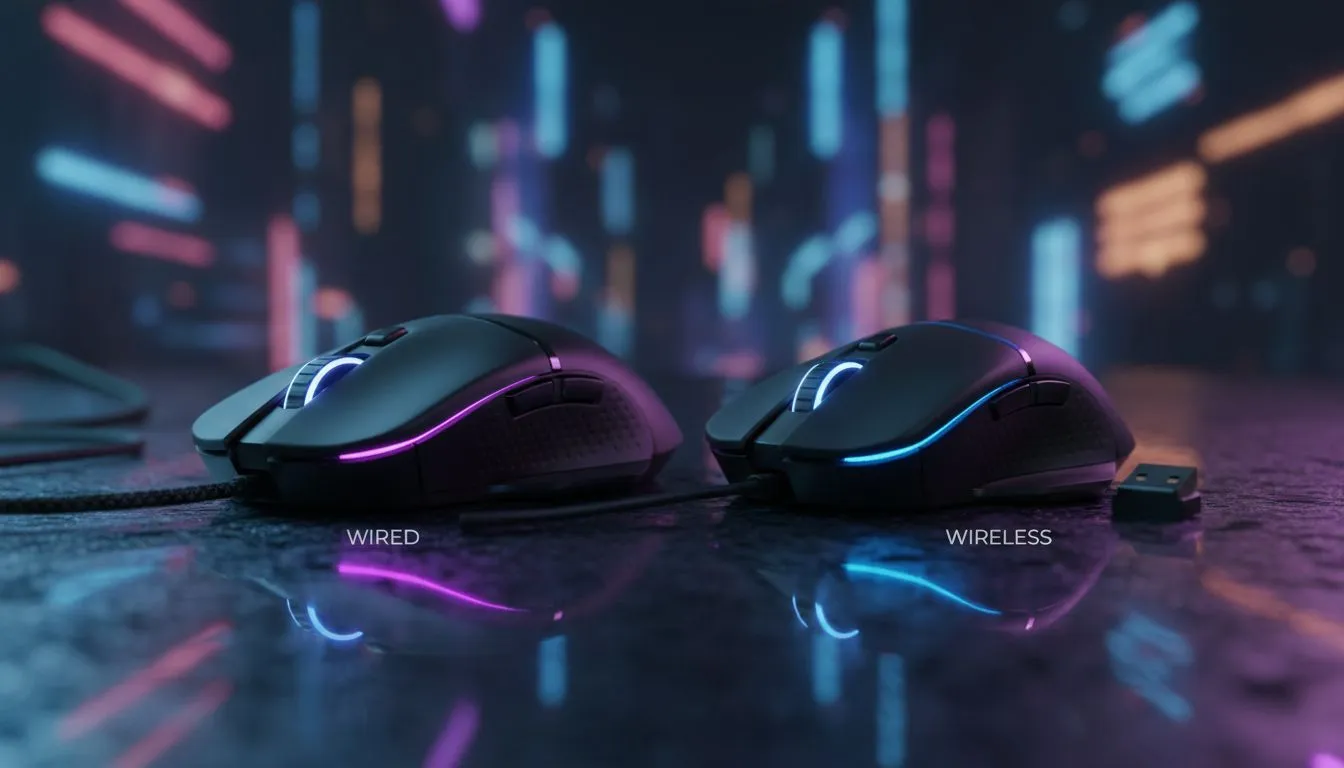
If the lights go, does your aim go with them? Loadshed schedules are part of life here, and choosing between a wired or wireless gaming mouse changes more than cable clutter. This guide cuts through latency, backups, and real-world SA tips so you can keep fragging during brownouts. Read on for simple buying moves, local links, and pro tips to stay competitive. ⚡🎮
Wired mice still offer the most consistent latency for competitive play, because they don’t rely on batteries or radio links. For quick specs and pro-grade wired options, browse Evetech’s catalogue of gaming mice — the product pages list polling rates and sensor details you’ll want to compare: https://www.evetech.co.za/components/gaming-mouse-117.aspx. When milliseconds matter, a cabled connection removes one potential failure point during loadshedding.
Wireless tech has levelled up — many modern wireless mice match wired latency in everyday use. But battery life and recharging matter during prolonged outages. If you want wireless freedom plus convenience, check Evetech’s wireless selection where battery specs and charging features are clearly shown: https://www.evetech.co.za/buy-wireless-mouse/x/1597.aspx. Tip: choose a mouse with on-board charging or a detachable cable so you can plug in when the lights drop.
Budget, mid-range, or premium — there are options at every price point. For current promotions and price ranges in ZAR, see Evetech’s best gaming mouse deals page; use it to spot bargains before they sell out: https://www.evetech.co.za/best-gaming-mouse-deals/x/054.aspx. Expect to pay less for basic wired models and more for feature-rich wireless mice with customisation and low-latency dongles.
A few small extras make a big difference during load-shedding. A USB-C charging dock, spare batteries, or a braided cable can be lifesavers. Evetech stocks curated accessories to keep you online and comfortable: https://www.evetech.co.za/buy-mouse-accessories/x/1595.aspx. Also consider a UPS for your router and PC to bridge short outages; that protects your connection even if house power drops.
Keep a short, high-quality USB cable in your gear bag. Many wireless mice can run wired while charging. During a scheduled outage, plug in and keep your DPI and macro profiles active so your play doesn’t skip a beat.
If you play competitively and want the least variables during loadshedding, wired is the safe pick — see wired models here: https://www.evetech.co.za/buy-wired-mouse/x/1596.aspx. If you value desk freedom and can manage charging cycles, modern wireless mice deliver excellent performance and convenience. Either way, match the mouse to your playstyle, and keep a short backup cable handy so loadshedding doesn't cost you a match.
Ready to Find Your Perfect Match? The Mac vs Windows debate is complex, but for maximum power, choice, and value in South Africa, Windows is hard to beat. Explore our massive range of laptop specials and find the perfect machine to conquer your world.
Wired is more reliable during loadshedding if you lack backup power. Wireless works with battery or UPS; choose low-latency models for gaming mouse loadshedding.
Yes — on internal battery. With loadshedding use a charged mouse or connect the PC to a UPS for uninterrupted wireless play.
Modern low-latency wireless mice match wired performance for most gamers; check polling rate and connection tech when choosing.
Expect 20–100+ hours depending on model and lights. Look for models with long battery life or swappable batteries for longer sessions.
Yes — many wired esports mice offer lower latency, lighter weight and no battery worries, making them solid picks for loadshedding-prone areas.
Buy a UPS that covers PC and router for at least 30–60 minutes, use power-saving modes, and consider a wired mouse to avoid battery drain.
Consider low-latency wireless with long battery life, or a reliable wired esports mouse; search for 'best gaming mouse for loadshedding south africa' for tailored picks.
Dedicated media keys give streamers one-touch control to mute, switch scenes, clip highlights, and adjust audio — cutting task time and boosting consistency 🎛️⚡
Read more
PBT vs ABS keycaps: Clear, local guide for South African gamers—compare feel, sound, durability and where to buy. Find the best material for your budget and playstyle 🎮🇿🇦
Read more
- Multi-Function Digital Dial: define benefits - Show gamer setups and macros - Offer buying and setup tips Multi-Function Digital Dial puts programmable control at your fingertips for faster actions and smoother streaming. 🎮⚙️
Read more
- Explain benefits; - Show the science; - Compare options; - Recommend picks. Magnetic wrist rest for gaming cuts wrist strain and boosts comfort during long sessions 🕹️✨
Read more
best gaming keyboard South Africa: Learn how to pick a low-latency mechanical keyboard, choose switches, layout and budget for competitive play 🎮⚡
Read more
Best wireless keyboard and mouse combo for small desks — curated, space-saving picks that boost comfort and productivity in tight setups. Find low-profile layouts, compact mice, and reliable range to fit your compact workstation. 🖱️⌨️
Read more
Discover webcams that automatically adjust light and color for crystal-clear video calls 🎥✨. Boost your streaming quality today!
Read more
Discover webcams that blend into your workflow 🎯 Capture moments while you work, stream, or create. Upgrade your setup with smart, multitasking tech!
Read more Dedicated media keys give streamers one-touch control to mute, switch scenes, clip highlights, and adjust audio — cutting task time and boosting consistency 🎛️⚡
Read more
Checklist: 1) Map keyboard actuation depth to genres 2) Step-by-step adjust settings 3) Test and tune for performance 🎮⌨️ Learn keyboard actuation depth for FPS, MOBA, RTS, and RPG to improve response and accuracy.
Read more
Optical switches deliver faster actuation and lower latency than traditional mechanical switches, using light-based triggers and minimal debounce to boost gaming and typing performance ⚡⌨️
Read more
Clean gaming keyboard quickly and safely in dusty or humid conditions with step-by-step tips, tool checklist, and maintenance routines to prevent corrosion and switch failure. 🧼💨
Read more