


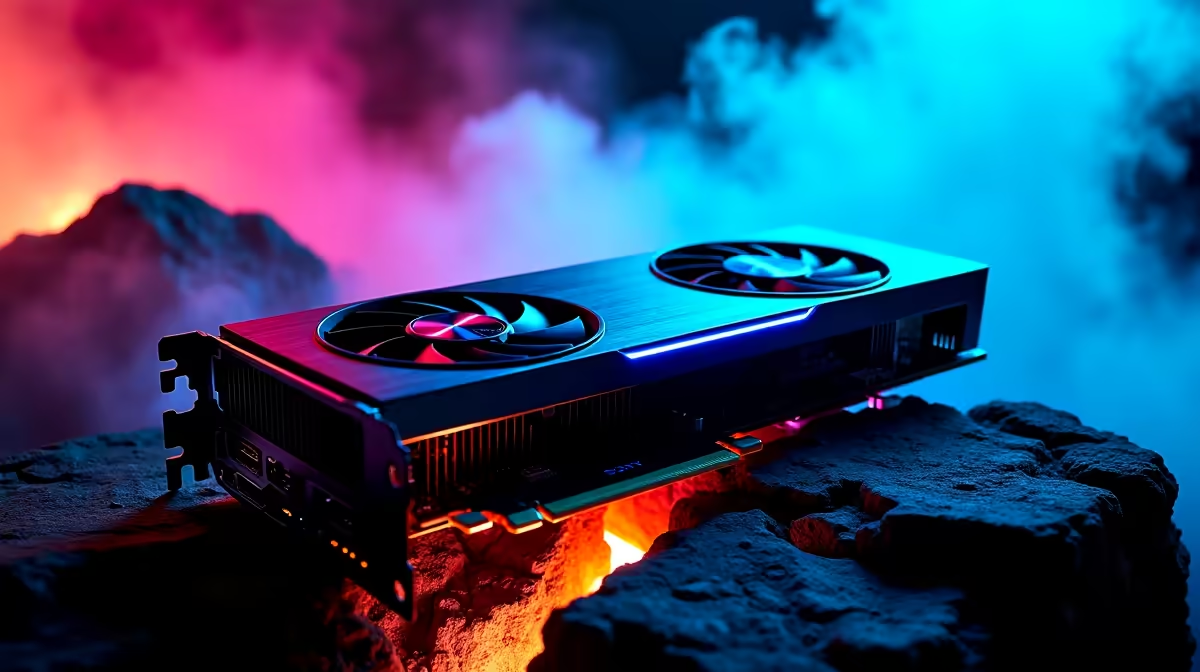
The wait for Vice City is almost over 🚀. If you dropped serious ZAR on a flagship rig, you want to push every pixel. To optimise your GTA 6 settings on RTX 4090 for best performance, you need balance. Nobody wants frame drops during a high-speed heist. Let us look at how to manage those breathtaking visuals while maintaining buttery-smooth frame rates.
Harnessing the Flagship Power
The RTX 4090 is an absolute monster. It handles ray tracing and 4K resolution effortlessly. But maxing out every single slider is not always smart. If you are still running older hardware, do not panic. It might just be time to upgrade your graphics card before launch day.
Tweaking for Maximum Visuals 🔧
Focus on lighting and shadows first. Volumetric clouds and ultra-ray tracing devour VRAM. Dialing these back keeps your frames well above 60fps at 4K. It also ensures the vibrant neon colour palette stays crisp.
If tweaking sliders sounds like too much work, we have you covered. Our best gaming PC deals offer systems pre-configured for heavy lifting. Alternatively, grabbing one of our curated pre-built PC specials gets you ready to play instantly.
Frame Rate Pro Tip ⚡
Always enable DLSS 3 with Frame Generation. It uses AI to create extra frames... giving your system a massive performance boost without sacrificing visual quality.
Taking the Heist Anywhere
Not everyone wants to be chained to a desk. Modern mobile GPUs pack incredible power. If you prefer robbing banks from the couch, browse our high-performance gaming laptops. You get an untethered experience without losing the graphical fidelity.
Whatever your setup, remember to keep your drivers updated. Keep an eye on our weekly tech specials to score upgrades that save your ZAR ✨.
Ready for Vice City? Prepping for the biggest game of the decade requires serious hardware. Explore our massive range of PC components and systems and find the perfect machine to conquer your world.











