


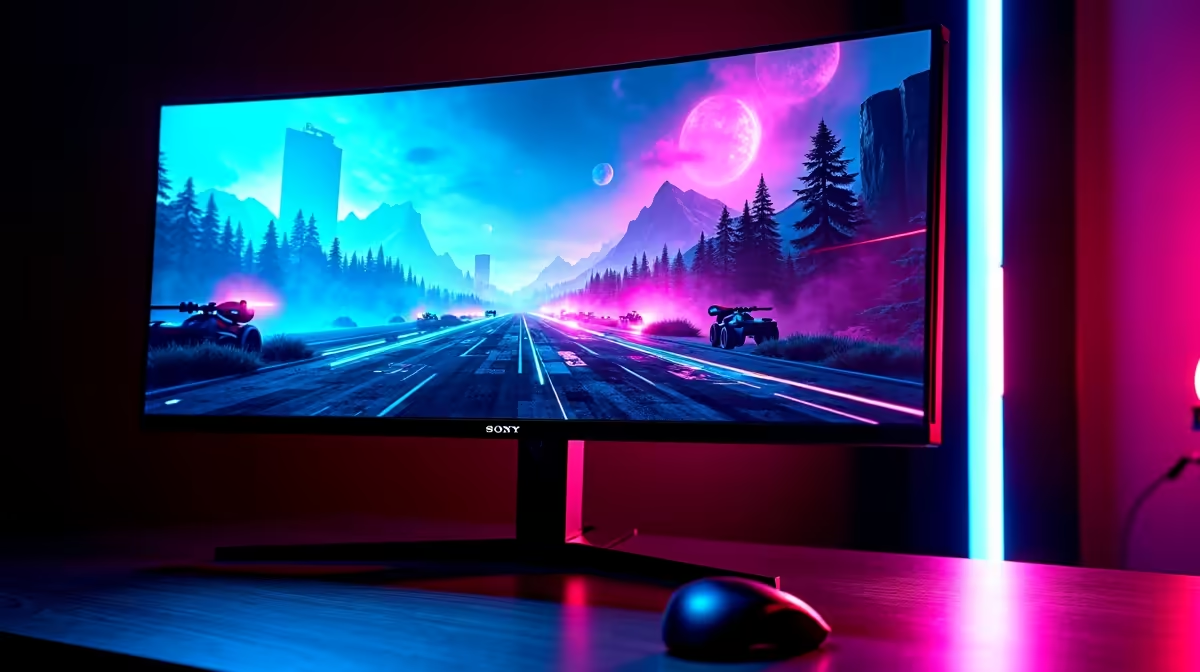
Why the RTX 5060 Demands the Right Monitor for Smooth Gaming ⚡
If you’re upgrading to an RTX 5060, tuning your monitor choice is crucial. This GPU balances power and value perfectly, but pairing it with a poor display dampens your experience. South African gamers craving fluid FPS and vibrant colours need to match frame rates and resolutions wisely. That’s why knowing what monitor pairs best with RTX 5060 for gaming saves you ZAR and maximises every pixel on-screen.
What to Look For in a Monitor for the RTX 5060
The RTX 5060 thrives with monitors that showcase its prowess without bottlenecking performance. At 1080p or 1440p, this GPU can keep high refresh rates running. So, consider:
- Refresh rate: Aim for 144Hz or higher to fully benefit from the RTX 5060’s frame output.
- Resolution: 1920×1080 (Full HD) or 2560×1440 (QHD) strike the right balance between clarity and performance.
- Panel type: IPS or VA panels provide rich colours and sightlines, important for immersive gaming.
- Response time: Under 5ms response ensures crisp, blur-free visuals during fast-paced action.
These specs work well without pushing the RTX 5060 too hard—holding that sweet spot for FPS and quality.
Top Monitor Picks to Pair with RTX 5060 from Evetech
Evetech offers a range of monitors to match the RTX 5060’s style and power. For a smooth 144Hz gaming experience with excellent colour tuning, check out the monitors available here. You’ll find great options under R5,000 that fit South African gamers’ budgets.
If you’re hunting for comprehensive gaming setups, browse the best gaming PC deals — many bundle compatible monitors and GPUs like the RTX 5060. Going pre-built hits the convenience and pricing sweet spot too; see what’s on offer at pre-built PC deals.
How to Max Out RTX 5060 Performance with Your Monitor Settings 🔧
Setting your monitor up correctly unleashes the full potential of the RTX 5060. Here’s where to start:
- Enable G-Sync or FreeSync if your monitor supports it to reduce screen tearing.
- Adjust your refresh rate to the highest supported (e.g., 144Hz) in Windows display settings.
- Use Nvidia’s control panel to set resolution and scale settings that suit your games and screen size.
- Calibrate colour profiles for vivid, balanced visuals without oversaturation.
Fine-tuning these will leave you enjoying fluid, crisp gameplay on a display that suits the RTX 5060 perfectly.
Monitor Sync Tech
If your monitor supports Nvidia G-Sync or AMD FreeSync, always enable it. It eliminates stutter and tearing — making your RTX 5060's frame output buttery smooth.
Should You Consider a Gaming Laptop or Standalone Graphics Card?
Not all South African gamers want to build or upgrade desktops. Gaming laptops with RTX 5060 GPUs are rising in popularity for their portability. See Evetech’s selection of notebooks for sale to find compact setups that pair well with external monitors or simply perform well on their own.
Alternatively, if you already have a solid PC, swapping in an RTX 5060 from Evetech’s graphics cards range can upgrade your visuals without rebuilding.
Unlock the Ultimate Gaming Setup Don’t settle for mismatched hardware. Pair your RTX 5060 with a monitor designed for performance and immersion — Shop now at Evetech for performance that leaves lag in the dust.











