
The ASUS ROG Swift OLED PG32UCWM tries to serve two very different priorities with one 31.5-inch panel. It offers detailed 4K output at 240Hz and a faster 1080p mode at 480Hz, creating a genuine choice rather than one headline refresh rate.
Quick Answer
The PG32UCWM is a glossy 31.5-inch OLED monitor with 3840 x 2160 at 240Hz, a 1920 x 1080 dual mode at 480Hz and a listed 0.03ms response time. A live local snapshot on 12 August found seven in-stock OLED monitor rows from R9,999 to R22,999, but no exact PG32UCWM listing. Compare the full gaming monitor range before assigning value to an unconfirmed local model.
🖥️ Dual mode serves two workloads
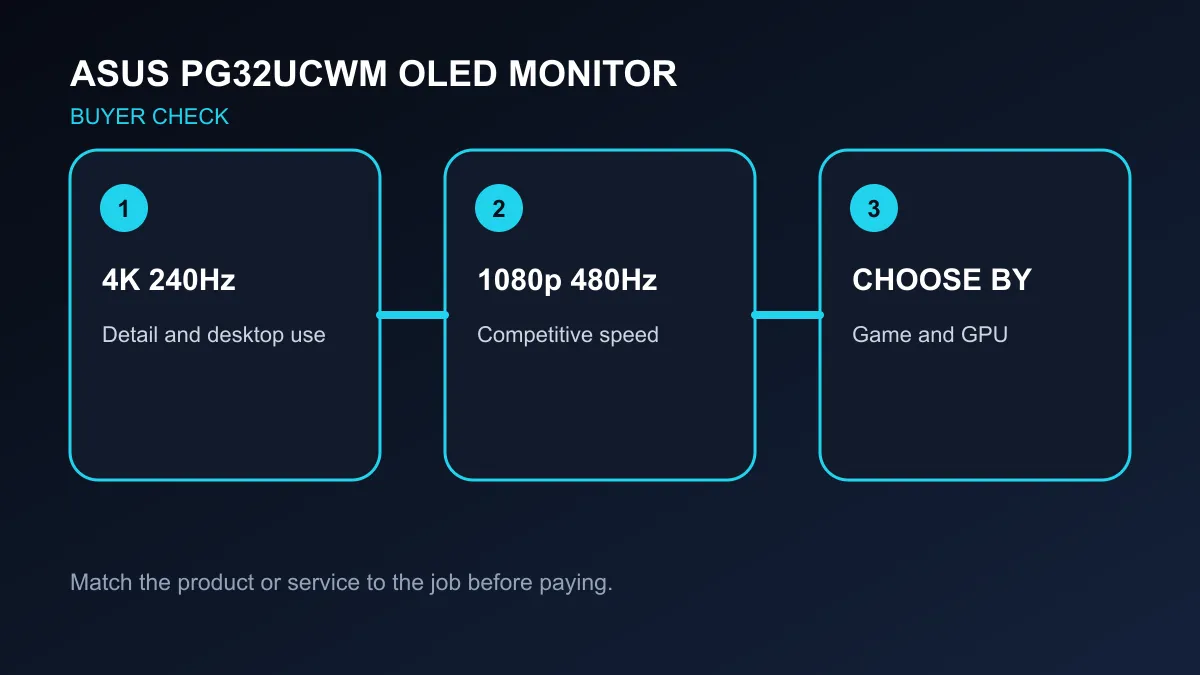
At 4K 240Hz, the panel targets sharp games, high-resolution media and desktop text. Driving that mode in demanding games requires substantial graphics performance, and settings may need adjustment to approach high frame rates. The 1080p 480Hz mode trades pixel density for faster motion updates, which is more relevant to competitive play than to spreadsheets, photo work or cinematic games.
Switching modes does not create free performance. The computer still needs to deliver frames, the game engine must scale, and the user must value the response difference. A player who mainly runs story-led games may spend almost all their time at 4K. Someone focused on esports can use the lower-resolution mode when latency and motion clarity matter more.
✨ OLED strengths need practical care
ASUS specifies 99% DCI-P3 coverage, HDR10 support and a peak HDR brightness figure of 1,000 nits. The glossy surface can preserve perceived contrast in a controlled room, while reflections become more visible when bright windows or lights face the screen. Desk position is therefore part of the buying decision.
OLED delivers deep blacks and fast pixel response, but static desktop elements deserve sensible management. Built-in panel-care features, screen timeout, varied content and a clear warranty policy all matter for a monitor that will mix work and play. Text clarity should also be judged at the intended viewing distance rather than inferred from resolution alone.
Connectivity can decide whether the dual-mode idea works across a complete setup. Check the available inputs, graphics-card output, cable capability and whether a laptop can supply the desired resolution and refresh rate. A monitor may accept several devices while only one path reaches its maximum mode. USB features and firmware controls should be evaluated separately from panel performance.
Screen size also changes usable sharpness. A 31.5-inch 4K desktop can offer generous workspace, but 1080p stretched across the same area will look much softer at close range. The 480Hz setting is therefore a deliberate competitive mode, not the best all-day desktop setting. Keep everyday applications in the native mode.
🇿🇦 Rand comparisons set the context
The catalogue read found a 27-inch QHD OLED option at R9,999, several QHD OLED models between R13,999 and R17,999, and 4K or ultrawide OLED rows reaching R22,999. Those are current local references, not substitutes for a future PG32UCWM price. Panel size, resolution, refresh mode, ports and warranty coverage differ across the list.
Browse gaming monitors, then use monitor best sellers to see established local choices. Add the graphics card requirement to the monitor budget: a premium 4K screen can expose a weak frame-rate target more quickly than a lower-resolution display.
Frequently Asked Questions
What are the two refresh modes?
The monitor supports 4K at 240Hz and a 1080p dual mode at 480Hz.
Is the panel glossy?
Yes. ASUS describes it as a TrueBlack Glossy OLED panel.
Is a South African price confirmed?
No. The live snapshot found other OLED monitors but no exact PG32UCWM row.
Choosing between detail and speed? Match the display mode to your games, graphics performance, room lighting and warranty expectations.