


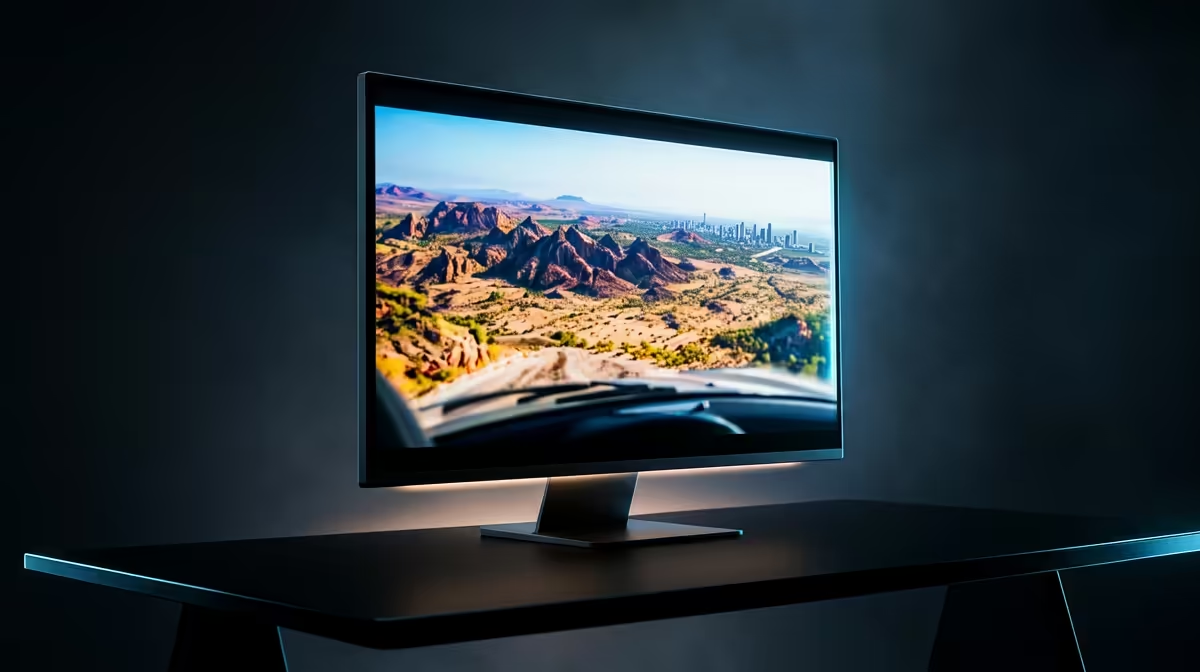
Tuning Visuals for the Highveld and Coast
Whether you are navigating the tricky crosswinds at Cape Town International or soaring over the jagged peaks of the Drakensberg, nothing breaks the immersion like a sudden frame drop. Achieving flight sim settings for smooth performance in South Africa requires a fine balance between visual fidelity and hardware limitations. We understand the struggle of maintaining a stable 60 FPS when the scenery gets dense... especially with our unique local topography.
The first step to stability is adjusting your Terrain Level of Detail (TLOD). While it is tempting to crank this to the max, keeping it between 100 and 150 provides a sharp image without taxing your CPU into oblivion. For those using professional-grade flight simulator gear, responsiveness is everything. A stutter during a short-final approach at OR Tambo can lead to a very expensive virtual repair bill. 🔧
Managing Data in a Capped World
South African internet has come a long way, but latency and data caps can still haunt your flight path. Modern simulators stream gigabytes of photogrammetry data to render cities accurately. If your line is struggling, your performance will suffer.
Bandwidth Pro Tip ⚡
Navigate to your Data settings and enable a 'Rolling Cache'. Set it to at least 32GB on your fastest SSD. This stores frequently visited South African airports and landmarks locally, drastically reducing stutters caused by data streaming delays during your flight.
Hardware Synergy and Local Support
While many of our local community members are also sim racing enthusiasts, flight simulation demands a different kind of precision. Volumetric clouds are often the biggest GPU killer. Setting these to 'High' instead of 'Ultra' can save you up to 15% in frame times with almost no perceptible loss in visual quality.
If you find that your current rig is still gasping for air over the Cape Peninsula, it might be time to look at your physical setup. Upgrading your simulation gear and accessories can often provide better control, making even lower frame rates feel more manageable through smoother input handling. 🚀
Final Calibration for Stability
Always disable Motion Blur and Depth of Field. These effects add "film-like" quality but often mask the crispness required for reading cockpit instruments. By keeping your flight sim settings for smooth performance in South Africa lean and focused, you ensure that your hardware spends its power where it matters most... on the flight physics and world rendering. ✨
Ready to Elevate Your Aviation Experience? Don't let hardware stutters keep you grounded while the rest of the world takes flight. Whether you need a high-end yoke or a complete cockpit overhaul, we have the tech to keep your frame rates high and your altitudes higher. Explore our full range of Simulation Gear and dominate the South African skies today.










