Ever felt your aim was just… off? That moment in a tense Warzone firefight or a crucial Valorant round where your crosshair skips a pixel or a click doesn’t register? It might not be your skill or your connection, bru. Often, the culprit is hiding in plain sight: your mouse’s brain. Neglecting your gaming mouse firmware is like trying to win a race with a poorly tuned engine. Let's get it sorted.
What Exactly is Gaming Mouse Firmware?
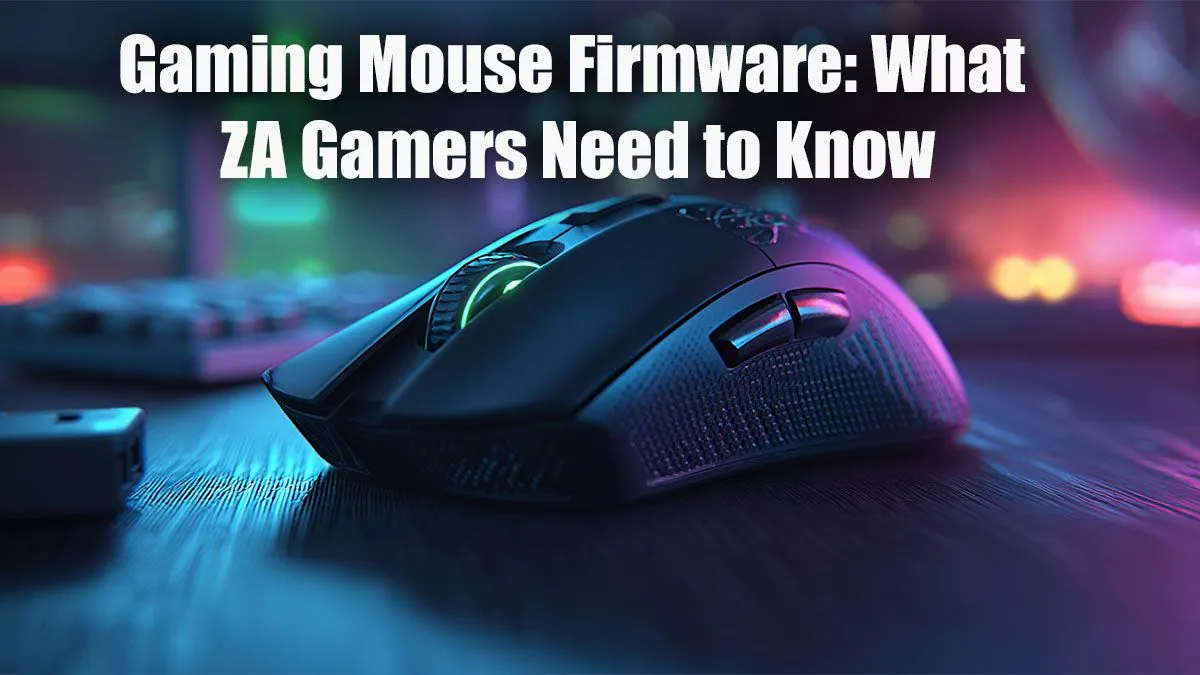
Think of gaming mouse firmware as the mini operating system that runs directly on your mouse. It’s not the driver or the flashy software on your PC; it’s the low-level code embedded in the hardware itself. This firmware tells the sensor how to track movement, how to interpret clicks, and how to talk to your computer.
A modern gaming mouse is a sophisticated piece of kit, and its firmware dictates everything from DPI (Dots Per Inch) accuracy to lift-off distance and polling rate. Getting this right is fundamental to consistent performance. ✨
Why You Can't Ignore Firmware Updates
Skipping a firmware update is a classic rookie mistake. Manufacturers don't release these updates for fun; they release them to fix problems and boost performance. Here’s why you should always pay attention:
- Bug Squashing: Annoying issues like random disconnects, scroll wheel jumps, or the dreaded double-click bug are often fixed with a simple firmware patch.
- Performance Boosts: Updates can refine sensor tracking algorithms for smoother, more accurate aiming. For wireless mice, this can mean a more stable connection and even better battery life.
- New Features: Sometimes, manufacturers add new capabilities, like improved lighting effects or new power-saving modes, through a firmware update.
The best brands consistently support their products post-launch. You'll find many of them in our best gaming mouse deals, ensuring you get a device that keeps getting better.
A Gamer's Guide to Updating Firmware Safely 🔧
Updating your gaming mouse firmware is usually straightforward, but doing it wrong can be a costly mistake. Follow these steps to ensure a smooth process:
- Use Official Software: Only download the control software (like Logitech G Hub, Razer Synapse, or SteelSeries GG) from the manufacturer's official website.
- Connect Directly: If possible, plug your mouse or its receiver directly into a USB port on your motherboard, not a hub or front-panel port.
- Close Background Apps: Shut down any unnecessary programs, especially games, to prevent conflicts.
- Follow On-Screen Prompts: The software will guide you. It will detect your mouse and let you know if an update is available.
- Don't Interrupt: This is the golden rule. Never unplug the mouse, turn off the PC, or let your laptop's battery die during the update.
Crucial Update Tip ⚡
Interrupting a firmware update can "brick" your mouse, making it completely unusable. The process usually only takes a minute or two. Be patient and let it finish. If you're using a laptop, make sure it's plugged into the wall before you start.
Does Firmware Differ for Wired vs. Wireless Mice?
Absolutely. While the core job of the firmware is the same, the focus changes slightly depending on the connection type.
For a reliable wired mouse, firmware updates often centre on maximising sensor precision and achieving the highest, most stable polling rates for near-instant response times.
With a cutting-edge wireless mouse, the gaming mouse firmware has a tougher job. It has to manage a rock-solid wireless connection, aggressively optimise power consumption for longer battery life, and still deliver the flawless tracking performance you expect. 🚀
Does a Higher Price Tag Mean Better Firmware?
Not always, but there's a strong correlation between price and the level of ongoing support.
You can find some fantastic great options under R1,000 that will receive critical bug fixes. However, as you move up in price, you're not just paying for better hardware; you're investing in better long-term software and firmware support.
The competitive sweet spot for many ZA gamers includes mice under R2,000, where you get excellent sensors and regular, meaningful updates. The premium mice over R2,000 often receive the most frequent updates, sometimes unlocking new performance modes or features long after you've bought them.
Ultimately, a well-supported mouse is a better long-term investment for any serious gamer.
Ready to Upgrade Your Aim? Keeping your gaming mouse firmware updated is key, but it all starts with a quality mouse. From budget heroes to esports titans, the right tool makes all the difference. Explore our massive range of gaming mouse deals and find the perfect peripheral to dominate your game.