


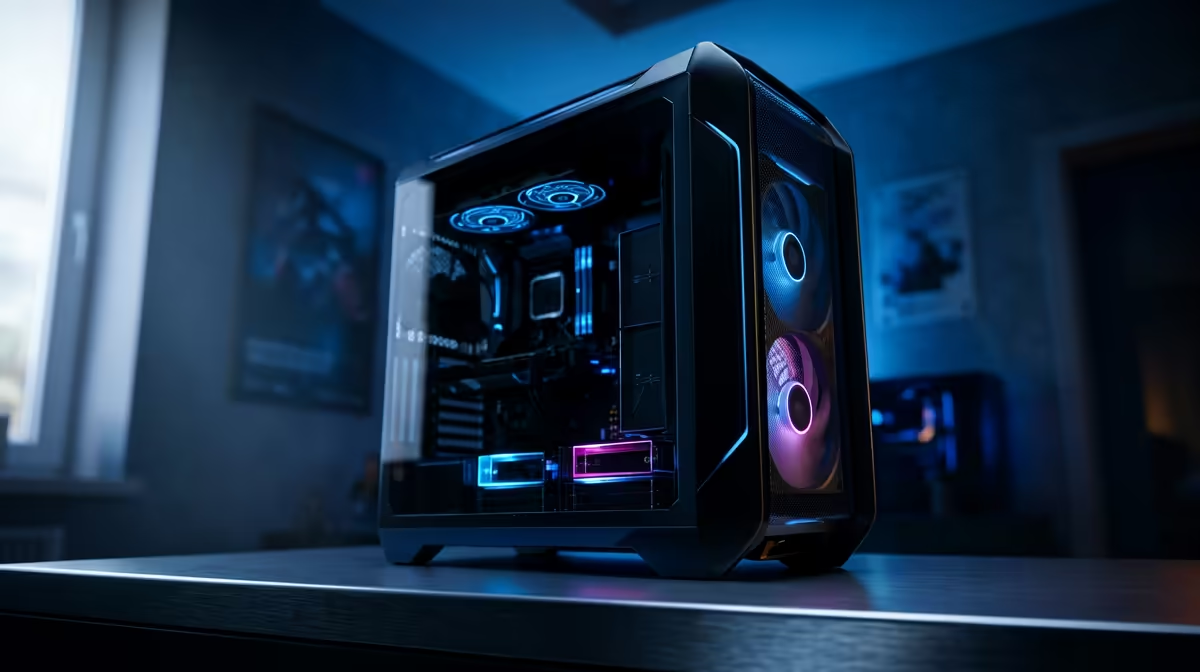
Your high-end gaming rig, once a beast, is now stuttering during a clutch moment in a competitive match. The fans are screaming like a jet engine, and your FPS is dropping faster than the Rand. What gives? Before you blame your hardware, the culprit is often simpler… and dustier. Proper gaming PC maintenance is not just a chore; it’s the secret to unlocking consistent, peak performance and protecting your investment. Let’s get those frames back. ✨
The Silent Killers of Performance: Dust & Heat
Every gamer knows that heat is the enemy of performance. But the primary cause of overheating isn't a faulty component; it's usually a simple build-up of dust. Think of dust as a tiny, unwanted blanket suffocating your CPU and GPU. It clogs heatsink fins and chokes cooling fans, trapping heat and forcing your components to throttle—drastically reducing their speed to avoid damage.
This is why a clean PC is essential for getting silky-smooth frames in fast-paced titles that demand peak hardware response, like those you'd play on a dedicated Counter-Strike 2 gaming PC.
Your Essential Gaming PC Maintenance Checklist
Keeping your rig in top shape doesn't require an engineering degree. A little routine care goes a long way. We can break down effective PC maintenance into two key areas: the physical clean-up and the digital tune-up.
Physical Cleaning: The Dust Buster's Guide 🔧
Aim to do this every 3 to 6 months, or more often if you have pets or live in a dusty area.
- Power Down Completely: Shut down your PC, switch off the power supply unit (PSU), and unplug it from the wall.
- Get Your Tools: You'll need a can of compressed air and a microfibre cloth.
- Open It Up: Remove the side panel to get access to the internals.
- Blast Away Dust: Use short bursts of compressed air to clean dust from all fans (case, CPU, GPU), heatsinks, and especially the dust filters. Hold the fan blades gently to stop them from spinning too fast.
A clean rig ensures your GPU can breathe, which is non-negotiable for visually stunning games. The gorgeous world of Night City on a powerful Cyberpunk 2077 gaming PC deserves nothing less than maximum, stutter-free performance. This level of care also keeps you ready for those victory royales on a finely-tuned Fortnite gaming PC.
Cooling Pro Tip ⚡
For next-level temperature control, dive into your BIOS or use software like MSI Afterburner to set a custom fan curve. This tells your fans to spin up earlier as temperatures rise, keeping your components cooler under load. It's a simple tweak that can significantly boost sustained performance during long gaming sessions.
Digital Cleanup: Optimising Your Operating System
A clean PC on the inside is just as important. Digital clutter can slow your system down just as much as physical dust.
- Update Your Drivers: Always keep your graphics card drivers updated. NVIDIA, AMD, and Intel release frequent updates that include crucial performance optimisations for new games.
- Manage Startup Programs: Too many apps launching at startup can eat up resources. Press
Ctrl + Shift + Escto open Task Manager, go to the "Startup" tab, and disable anything you don't need running immediately. - Clear Out Junk: Use Windows' built-in Disk Cleanup tool to remove temporary files and other digital debris.
This digital side of PC performance maintenance is vital for complex simulations like those on a Microsoft Flight Simulator gaming PC and ensures you have every advantage in competitive shooters, whether you're playing on a Call of Duty: Warzone 2.0 PC or an Overwatch 2 gaming PC.
When It’s Time for an Upgrade 🚀
Sometimes, even the most diligent gaming PC maintenance can't bridge the gap between your hardware and the demands of modern games. If you've cleaned your rig, optimised your software, and are still struggling to hit a stable 60 FPS, it might be a sign that a component… or the whole system… is due for an upgrade.
Technology moves fast, and what was top-tier a few years ago can become a bottleneck today. Whether you're building worlds on a Minecraft gaming PC or fighting for a chicken dinner with a dedicated PUBG gaming PC, having the right hardware foundation is key. An upgrade can feel like a brand new start, especially for iconic titles best enjoyed on a powerful GTA V gaming PC.
Ready for a Performance Boost? A well-maintained PC is a happy PC. But if your rig is still struggling after a good clean-up, it might be time for an upgrade. Explore our incredible gaming PC deals and find a machine built for the next generation of gaming.









