


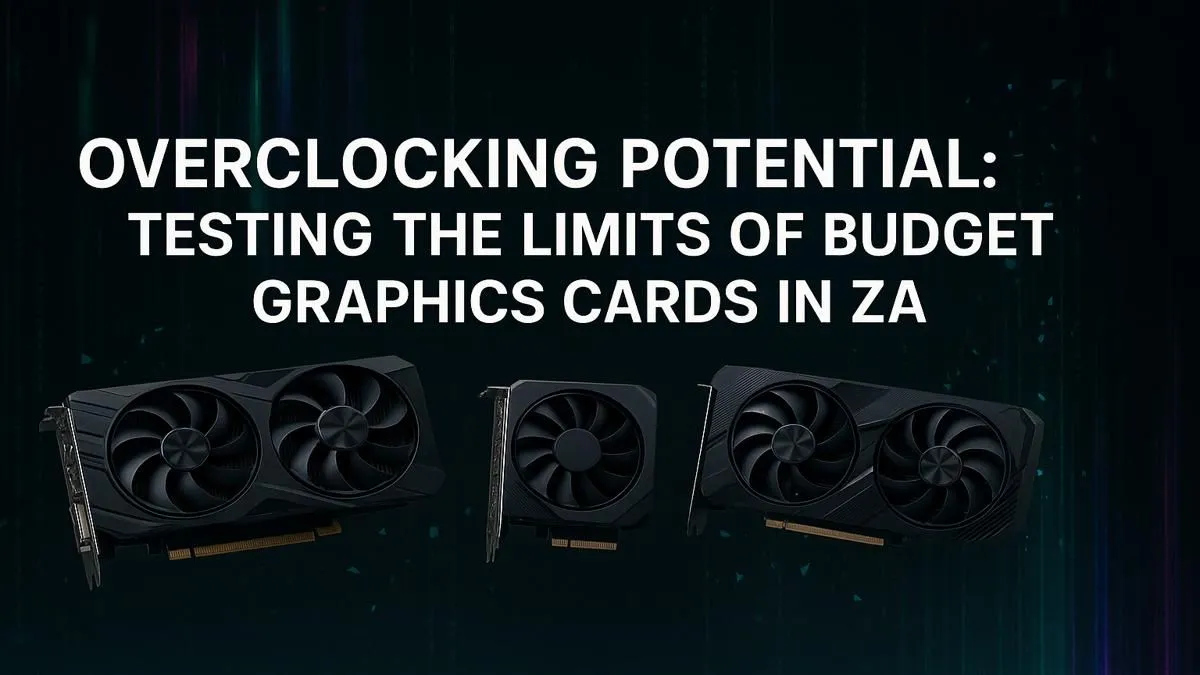
Staring at your screen, wondering why you’re getting 50 FPS in Helldivers 2 when you know your rig can do better? We get it. In South Africa, every rand counts, and buying a new GPU isn't always an option. But what if you could unlock extra performance for free? This is the promise of overclocking budget graphics cards. We put it to the test to see if you can squeeze more power out of your hardware without spending a cent. 🚀
What is Overclocking and Is It Safe for Budget Cards?
At its core, overclocking is simply pushing your graphics card to run faster than its factory-set speed limit. Think of it as tuning your car's engine for a bit more oomph. By increasing the GPU's core clock (how fast the main processor runs) and memory clock (how fast its dedicated video memory operates), you can process more data per second, which translates directly into higher frame rates in games.
But is it safe? Absolutely, if you're careful. Modern GPUs have built-in safety features to prevent them from overheating and damaging themselves. The key to a successful and safe overclock is making small, gradual adjustments and keeping a close eye on your temperatures. A good cooling setup is your best friend here. While many of today's NVIDIA & ATI graphics cards come with excellent coolers, ensuring your PC case has good airflow is crucial.
Our Budget Graphics Card Performance Test Setup
To conduct a realistic performance test for overclocking budget graphics cards in ZA, we simulated a typical South African gamer's setup. We used a popular entry-level card and a suite of free, easy-to-use software that anyone can download.
- The Tool: MSI Afterburner. It's the gold standard for GPU overclocking and works with cards from most manufacturers, not just MSI graphics cards. It lets you adjust clock speeds, voltage, and fan curves with a simple interface.
- The Benchmark: Unigine Heaven. This is a great tool for stress-testing your GPU to check for stability. If your overclock can survive 30 minutes of this, it's likely stable for gaming.
- The Game: Apex Legends at 1080p, a popular title that responds well to GPU performance boosts.
Our goal wasn't to set world records but to find a stable, everyday overclock that provides a noticeable performance lift without pushing the hardware to its absolute limit.
Monitor Your Temps! 🔧
Your GPU temperature is the most important metric to watch. Use the monitoring overlay in MSI Afterburner to keep an eye on it during testing. As a general rule, try to keep your GPU below 85°C under full load. If it gets hotter, you may need to improve your case airflow or dial back the overclock.
The Results: How Much "Free" Performance Did We Unlock?
After an hour of careful tweaking and testing, we found the sweet spot. We managed a stable +150 MHz on the core clock and +400 MHz on the memory clock. So, what did this mean for actual gameplay? ✨
The results were impressive for a free tweak. In our Apex Legends benchmark, the average frame rate jumped from 78 FPS to 87 FPS—a solid 11.5% improvement! The minimum frame rates, which are crucial for smooth gameplay, saw an even bigger lift. Those annoying stutters during intense firefights were noticeably reduced. This kind of performance boost is exactly what makes overclocking a budget GPU so appealing. It's enough to make a game feel smoother and more responsive.
This process works well across different brands, whether you're looking to tune up the latest AMD Radeon graphics cards or even some of the newer Intel Arc graphics cards. However, it's important to remember this is primarily for gaming. For professional work where stability is paramount, sticking with stock settings on dedicated workstation graphics cards is almost always the better choice.
Is Overclocking Your Budget GPU Worth It in ZA?
So, should you try overclocking your budget graphics card? Our performance test says yes... with a small catch. It’s a fantastic way to get more value from your hardware, especially if you enjoy tinkering. That 10% performance gain could be the difference between a playable and an unplayable experience in a new game. ⚡
However, it won’t magically turn a R4,000 card into a R15,000 beast. If you’ve pushed your hardware as far as it can go and still aren't hitting your performance targets, it might be time to consider an upgrade. Overclocking is a brilliant stopgap, but a new GPU is the ultimate solution.
Ready to Unleash True Performance? Overclocking can give you a welcome boost, but nothing beats a hardware upgrade. If you're ready to leave lag behind and dominate the lobby, it's time for a new GPU. Explore our massive range of graphics cards and find the perfect powerhouse for your rig.











