


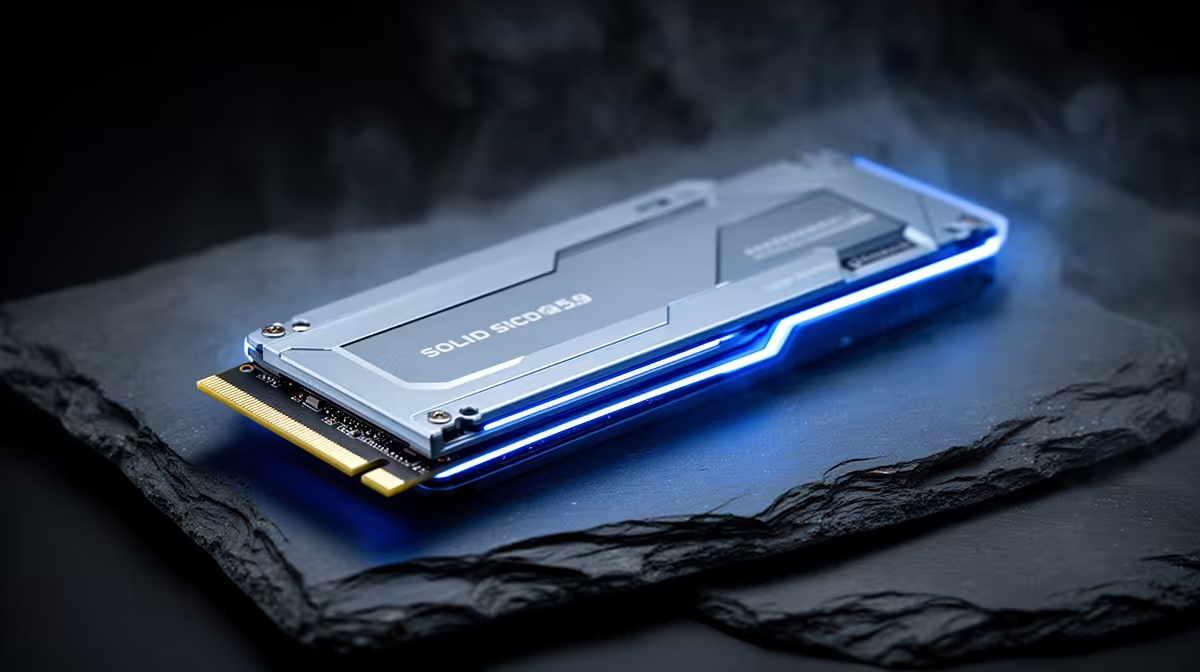
Is your rig feeling a bit sluggish? In the high-stakes world of competitive gaming, every millisecond counts. That split-second delay loading into a Warzone lobby or a Valorant map could be the difference between a triumphant win and a frustrating loss. The big question on every PC builder’s mind right now is whether jumping to the latest storage tech gives you the ultimate multiplayer gaming edge. Let's dive into the PCIe 5.0 vs 4.0 SSD debate.
PCIe 5.0 vs 4.0 SSD: What's the Real-World Speed Difference?
At its core, the difference between PCIe 5.0 and 4.0 is raw, blistering speed. Think of it like this: PCIe 4.0 is a super-fast highway with multiple lanes, letting data travel at up to ~7,000MB/s. PCIe 5.0 doubles that highway, pushing theoretical speeds past 12,000MB/s. 🚀
While that sounds incredible on paper, the performance jump isn't always noticeable in everyday gaming. Your operating system will feel snappier, and large file transfers will finish in a blink. But for the average gamer, the practical difference between loading a game on a top-tier Gen 4 drive and a new Gen 5 drive might only be a second or two. Both generations represent a massive leap over older SATA SSDs, so you’re getting lightning-fast performance either way with modern NVMe SSDs.
Does a Faster SSD Actually Boost Your FPS?
This is the million-rand question, and the answer is... not really. A faster SSD won't directly increase your frames-per-second (FPS). Your graphics card and CPU are still the heavy lifters responsible for rendering the beautiful, high-frame-rate chaos on your screen.
Where you will feel the difference is in loading times and asset streaming. A faster SSD means less time staring at loading screens and smoother transitions in massive open-world games like Starfield or Cyberpunk 2077, as the game can pull textures and models from your drive almost instantly. For most gamers in South Africa, a selection of high-quality Gen 4 NVMe SSDs offers the absolute best performance-for-rand value right now.
Check Your Motherboard First! 🔧
Before you even think about a Gen 5 upgrade, check your gear. You need a compatible motherboard (like an AMD AM5 or Intel Z690 Z790 series) and a supported CPU to unlock those insane PCIe 5.0 speeds. Without them, your shiny new drive will just run at slower Gen 4 speeds.
Where PCIe 5.0 SSDs Will Be the True Champions
So, if the immediate gaming benefit is small, why bother with Gen 5? The answer is future-proofing. Technologies like Microsoft’s DirectStorage are poised to change how games handle data. DirectStorage allows your graphics card to pull game assets directly from the SSD, bypassing the CPU and slashing load times to almost nothing.
As more games are built to take advantage of this, the speed of a PCIe 5.0 drive will become a significant advantage, delivering a seamless, interruption-free experience. If you’re building a top-tier rig today and want it to be at the forefront of gaming tech for years to come, investing in one of the next-generation Gen 5 SSDs is a smart move. ✨ It ensures you’re ready for the next wave of gaming innovation.
The Verdict: Your Ultimate Multiplayer Gaming Edge?
So, is a PCIe 5.0 SSD the ultimate multiplayer gaming edge we’ve been looking for? For today’s games, not quite. The real-world advantage over a high-end PCIe 4.0 drive is marginal for most gaming scenarios. The "edge" still comes from skill, a high-refresh-rate monitor, and a stable internet connection.
However, for elite PC builders, content creators who move massive files, and gamers who demand zero compromises and want to be ready for the future, PCIe 5.0 is the undisputed king. For everyone else, a fast and reliable PCIe 4.0 SSD remains the champion of value and performance in the great PCIe 5.0 vs 4.0 SSD showdown.
Ready to Obliterate Your Loading Screens? Whether you're future-proofing with Gen 5 or grabbing the best value with Gen 4, the right SSD makes all the difference. Check out our latest SSD deals at Evetech for performance that leaves lag in the dust.










