


Why Your Textures Are Blurry: The PoE 2 VRAM Guide
Path of Exile 2 looks incredible, but nothing ruins the immersion like textures turning into blurry mud mid-fight. If you see objects pop into existence or textures failing to load, your graphics card is likely gasping for air. This PoE 2 VRAM Guide will help you stop texture culling and keep Wraeclast looking crisp... even when the screen is full of chaos. ⚡
Understanding Texture Culling and Pop-In
Path of Exile 2 uses a sophisticated engine that prioritises performance. When your Video RAM (VRAM) fills up, the game does not just crash. Instead, it "culls" textures. This means it swaps high-resolution assets for low-quality versions to save space.
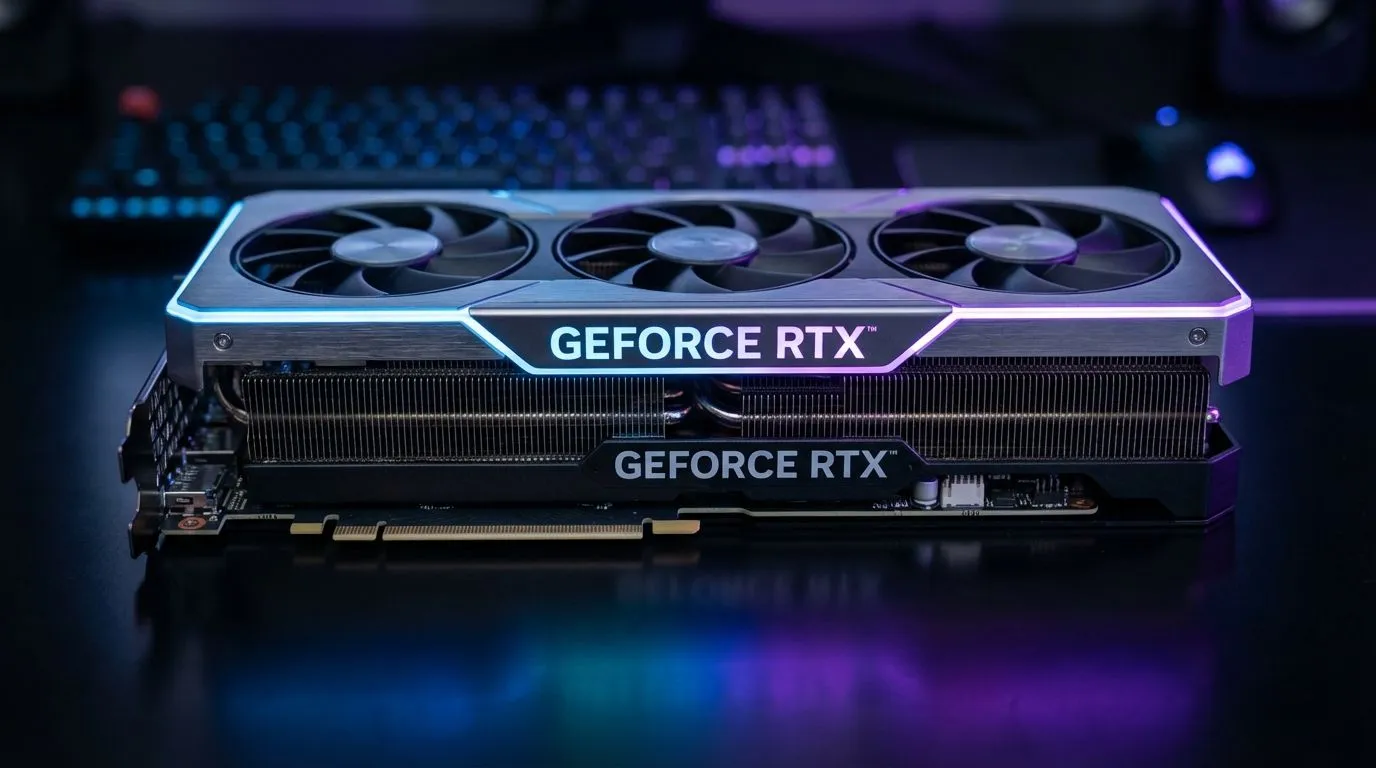
If you are rocking an older card, you might notice the ground or character armour looks pixelated for a few seconds. This is often caused by a bottleneck in your hardware. Upgrading to modern NVIDIA and ATI graphics cards is the most direct way to ensure you have enough overhead for the high-resolution assets PoE 2 demands.
How to Optimise Settings for Lower VRAM Cards
You do not always need to spend R15,000 to get a playable experience. Start by lowering your Texture Quality. This is the biggest VRAM hog in the game. Setting this to "Medium" can often free up over 1GB of memory.
Another culprit is the "Texture Filtering" setting. While it does not use as much VRAM as raw texture quality, lowering it can help older cards breathe. If you find that your frame rate is stable but the visuals are popping in and out... your VRAM is definitely the limit.
VRAM Monitoring Tip ⚡
Use an overlay like MSI Afterburner or the built-in Windows Game Bar (Win+G) to monitor VRAM usage in real-time. If the usage hits 95% or higher, the engine will start culling textures. Keeping usage around 80% ensures a smooth visual experience without sudden pop-in.
Choosing the Best Hardware for Path of Exile 2
If you are tired of blurry textures, it might be time for a hardware refresh. For those who want maximum reliability and cooling, MSI graphics cards offer some of the best thermal designs in South Africa. Keeping your card cool helps maintain higher clock speeds... which assists in faster asset streaming.
The AMD vs Intel Value Proposition
AMD has been very generous with memory lately. If you want the most "VRAM per Rand," looking at AMD Radeon graphics cards is a smart move. Cards like the RX 7800 XT offer 16GB of VRAM... more than enough to handle PoE 2 at 4K without ever seeing a culled texture. 🚀
On the other hand, if you are on a strict budget but still want modern features, Intel Arc graphics cards provide a surprising amount of memory for the price. They are becoming a very viable alternative for South African gamers looking to escape the "low VRAM" trap. ✨
What About Workstation Cards?
While some users might be tempted by the massive memory pools on workstation graphics cards, these are generally not optimised for gaming drivers. Stick to consumer-grade cards for the best Path of Exile 2 experience. You want drivers that are specifically tuned for the latest patches and Vulkan/DirectX 12 optimisations.
Final Thoughts on VRAM Management
Managing your VRAM is about balance. You want the highest visual fidelity possible without hitting that dreaded "culling" threshold. By following this PoE 2 VRAM Guide and ensuring your hardware is up to the task, you can enjoy the dark, gritty world of Wraeclast in all its glory. No more blurry textures... just pure, high-resolution monster slaying. 🔧
Ready to Upgrade Your Visuals? Don't let texture pop-in ruin your Path of Exile 2 experience. For the best performance, choice, and value in South Africa, a GPU upgrade is the ultimate solution. Explore our massive range of graphics card specials and find the perfect card to keep your game looking crisp.











