Master the Battlegrounds with PUBG Pro Settings 2026
Landing in Pochinki or Los Leones without the right configuration is a recipe for a quick trip back to the lobby. In 2026, PUBG remains as demanding as ever on your hardware... especially when you are trying to spot a ghillie suit at 400 metres. Achieving the perfect balance between high frame rates and visual clarity is the secret to winning more chicken dinners in South Africa’s competitive scene. ⚡
Optimise Your Hardware for Max FPS
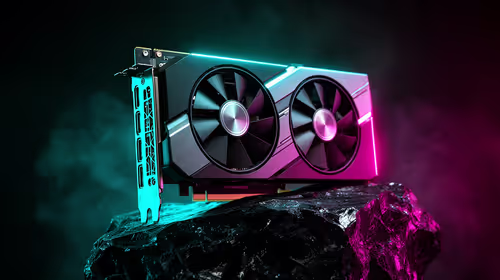
To hit that buttery-smooth 144Hz or 240Hz target, your GPU needs to be doing the heavy lifting without breaking a sweat. Most local pros are moving toward the latest NVIDIA and ATI graphics cards to ensure they never see a frame drop during a final circle smoke-out. While PUBG is notoriously CPU-heavy, your graphics card determines how cleanly those textures render at high speeds.
If you are looking for specific thermal performance to survive the South African summer, many gamers swear by MSI graphics cards for their superior cooling arrays. Keeping your clock speeds stable is essential when a match drags on for thirty minutes of high-intensity looting and shooting.
Visibility Pro Tip ⚡
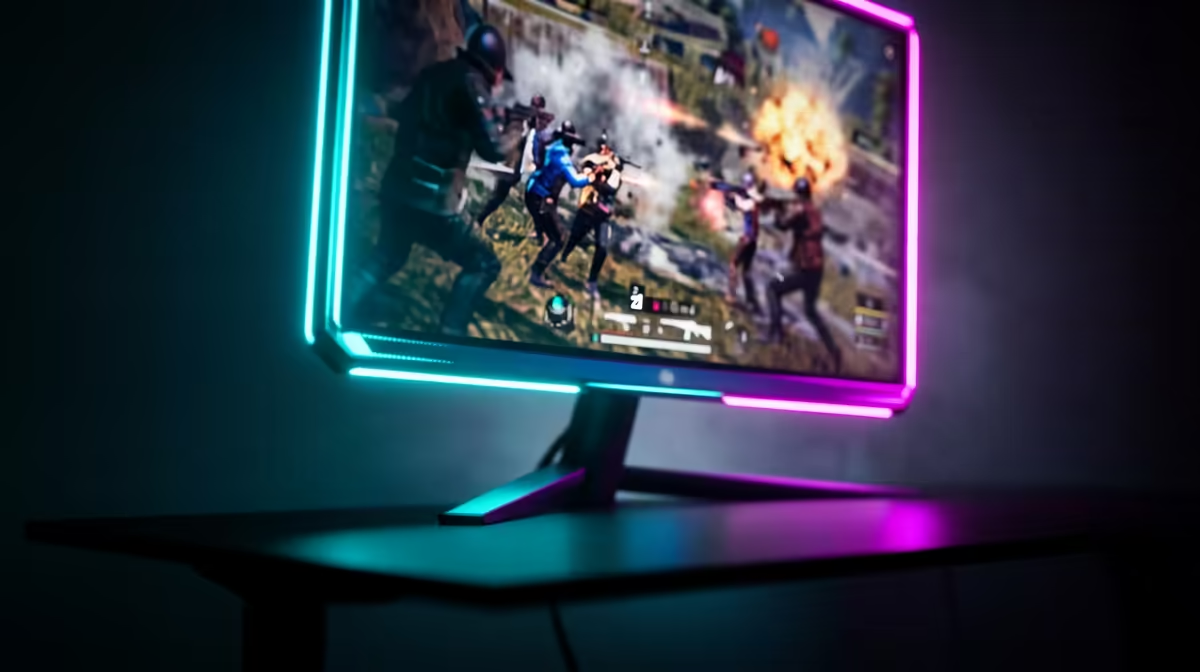
Set your 'Post-Processing' to Low or Very Low. While High settings make the game look cinematic, they often add unwanted shadows and blur that make it harder to spot enemies hiding in buildings. Turning this down instantly improves enemy visibility in dark corners.
Fine-Tuning Enemy Visibility and Clarity
In the 2026 meta, "Anti-Aliasing" is a point of contention. To keep the image sharp, most pros use "Low" or "Medium" settings. This reduces the "shimmer" on power lines and fences without adding the soft blur that "Ultra" settings introduce. If you find the game looks too jagged, consider upgrading to Intel Arc graphics cards, which have seen massive driver improvements for DirectX 12 titles like PUBG, offering crisp image reconstruction. 🚀
For those who use their rigs for more than just gaming... perhaps rendering architectural models or 4K video by day... even modern workstation graphics cards can now be toggled into "Game Ready" modes to provide a competitive edge without needing a secondary PC.
The Best Settings for Competitive Play
To achieve PUBG Pro Settings 2026: Max FPS and Enemy Visibility, you should generally follow the "Competitive Low" template:
- View Distance: Medium or High (to see vehicles and players).
- Textures: High (keeps the game from looking like mush).
- Sharpen: On (helps define player silhouettes).
- V-Sync: Off (always off to reduce input lag).
If you prefer the raw power and price-to-performance ratio that dominates the mid-range market, AMD Radeon graphics cards are an excellent choice. Their latest FSR implementation allows you to upscale your resolution while maintaining a high frame count... giving you the best of both worlds for under R10,000 in many cases. 🔧
Ready to Claim Your Chicken Dinner? Don't let stuttering frames be the reason you lose your next gunfight. Whether you need the raw power of NVIDIA or the value of AMD, we have the hardware to keep you on top. Explore our massive range of graphics card specials and find the perfect upgrade to dominate the battlegrounds.