


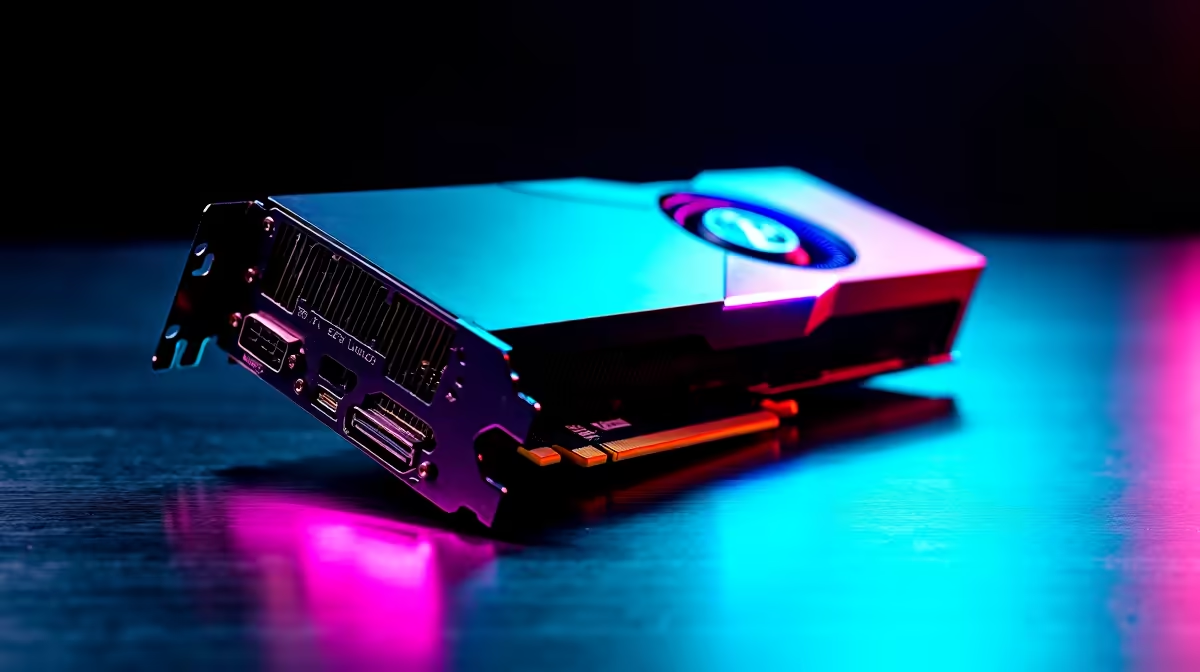
Waiting for 4K video exports can feel like watching paint dry during load-shedding. If you are a South African content creator, time is literally money. You need hardware that crushes heavy timelines without breaking a sweat. Enter the NVIDIA flagship GPU 🚀. We decided to test the RTX 4090 Premiere Pro performance. We wanted to see if it justifies the hefty ZAR price tag for professional editors in 2026. Whether you are cutting a feature film or rendering daily YouTube vlogs, processing power is non-negotiable.
Pushing the Limits of RTX 4090 Premiere Pro Performance
When you upgrade your graphics card, you expect tangible results. The RTX 4090 boasts a massive 24GB of GDDR6X VRAM and over 16,000 CUDA cores. In the real world, this translates to buttery-smooth playback. Scrubbing through multi-cam 8K RED RAW footage is effortless. You will see no dropped frames... and no stuttering. Adobe has heavily optimised its software to utilise NVIDIA dual encoders. This means hardware-accelerated encoding is faster than ever before. You can finally preview heavy visual effects in real time.
Benchmarks... What Do the Numbers Mean for SA Creators?
We ran a series of intense render tests. Exporting a complex 10-minute 4K timeline with heavy Lumetri colour grading took mere minutes 🎬. This raw RTX 4090 Premiere Pro performance outpaces previous generations by a massive margin. Based on industry-standard PugetBench scores, this GPU achieves unparalleled timeline responsiveness. The dual encoders allow you to export H.265 files at blistering speeds. Every second saved on a render is another second you can spend refining your creative vision. If you are building a workstation, explore our best gaming PC deals to find a base system that can handle this behemoth.
Editing Pro Tip ⚡
Inside Premiere Pro, go to Edit > Preferences > Memory. Change the "Optimize rendering for" setting from Performance to Memory if you are working with extremely heavy 8K files. This prevents crashes when pushing your hardware to the absolute limit.
Building the Ultimate Editing Rig
Dropping the world's fastest GPU into an old rig will bottleneck your workflow. You need a top-tier CPU and at least 64GB of RAM to match. A balanced system ensures your motherboard and power supply can handle the massive power draw. Many creators prefer skipping the build process entirely. Grabbing one of our tailored pre-built PC deals ensures your components are perfectly balanced from day one. Cable management and airflow are also sorted for you.
But what if you need to edit on a film set? Desktop power is great... but mobility is sometimes crucial. Modern high-performance laptops now feature mobile variants of the 40-series cards. They deliver incredible rendering speeds while sitting at a coffee shop in Cape Town.
Is the Investment Worth Your Rands? ✨
Let us talk value. The upfront cost in ZAR is significant. However, cutting your export times in half allows you to take on more client work. That means the card pays for itself over a few busy months. Upgrading your setup is a serious commitment. Make sure you invest in hardware that scales with your growing production needs. If you want to maximise your budget, keep a close eye on our daily tech specials for massive savings on premium components.
Ready to Supercharge Your Timeline? Rendering bottlenecks are a thing of the past. If you demand the absolute best RTX 4090 Premiere Pro performance in South Africa, we have you covered. Explore our massive range of desktop specials and build the ultimate editing workstation today.











