


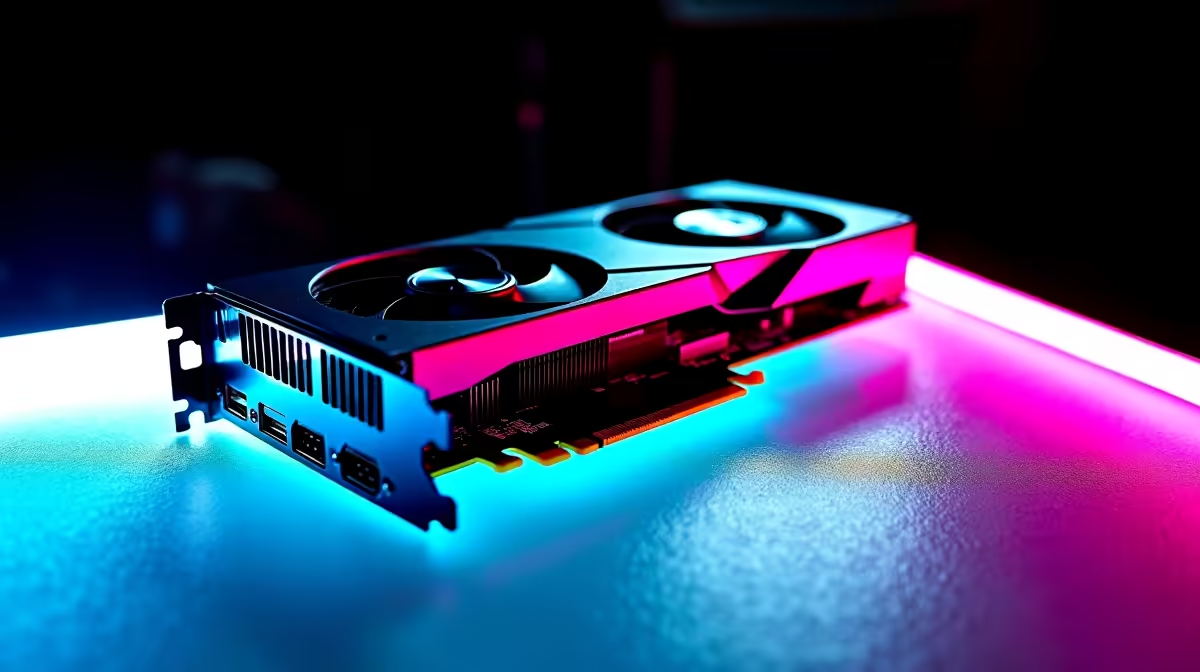
Let's be honest... running modern AAA titles on a budget in South Africa can feel like casting a spell with a broken wand. But the new entry-level Nvidia GPUs are turning heads. If you are wondering about the RTX 5050 Hogwarts Legacy FPS numbers, you are in the right place. We have benchmarked this budget brawler to see if it delivers smooth magic without draining your hard-earned ZAR.
Decoding the RTX 5050 Hogwarts Legacy FPS
At 1080p resolution, this card punches well above its weight class. Without any upscaling enabled, you might see around 45 to 55 frames per second on High settings. The experience is definitely playable... but we can easily do much better.
Once you enable DLSS 3 and Frame Generation, the RTX 5050 Hogwarts Legacy FPS easily leaps past the 80 FPS mark. It is a massive performance jump for budget builds. The visual fidelity remains incredibly sharp. If you are planning an upgrade soon, browsing the latest graphics cards is your first step to better frame rates.
Best Settings for Magical Performance ✨
To get the perfect balance of visual quality and smooth gameplay, you need to tweak a few sliders. We recommend setting Textures and Models to High. However, you should drop Shadows and Fog down to Medium.
Shadows are notoriously heavy on your VRAM. Lowering them frees up memory without ruining the dark atmosphere of the castle. If your current rig is struggling to load textures even on Low settings, it might be time to look at some gaming PC deals to secure a modern system.
Optimisation Pro Tip 🔧
Keep Ray Tracing turned off for the RTX 5050 in this specific title. While the card supports it, standard rasterisation paired with DLSS Quality mode offers a much smoother experience when exploring the busy streets of Hogsmeade.
Desktop vs Mobile Form Factors
You might be wondering if the laptop version of this chip holds up. Historically, mobile chips run slightly slower due to strict thermal limits. However, the RTX 5050 Hogwarts Legacy FPS on modern gaming laptops is surprisingly close to the desktop variant.
Nvidia has optimised their power delivery beautifully this generation. Cooling plays a massive role here. A laptop with robust thermals will sustain boost clocks much longer. This prevents annoying frame drops during intense combat sequences. Whether you prefer the portability of a notebook or the raw cooling power of pre-built PCs, you will get a solid 1080p experience.
Maximising Your ZAR on Upgrades 🚀
Upgrading your setup does not have to cost a fortune. The 50-class GPUs are specifically designed for budget-conscious gamers. They give you full access to Nvidia's latest AI features without the flagship price tag.
Building a balanced system ensures you do not bottleneck your shiny new graphics card. Pair it with a decent six-core processor and at least 16GB of fast RAM. To stretch your rands even further, patience is key. Always keep a close eye out for weekly tech specials before making your final choice. A smart purchase leaves you with more cash for actual games.
Ready to Upgrade Your Magic? Getting the best frame rates shouldn't require a Gringotts vault. Whether you are building from scratch or upgrading an old rig, we have the gear you need. Explore our massive range of gaming PC specials and find the perfect machine to conquer your world.











