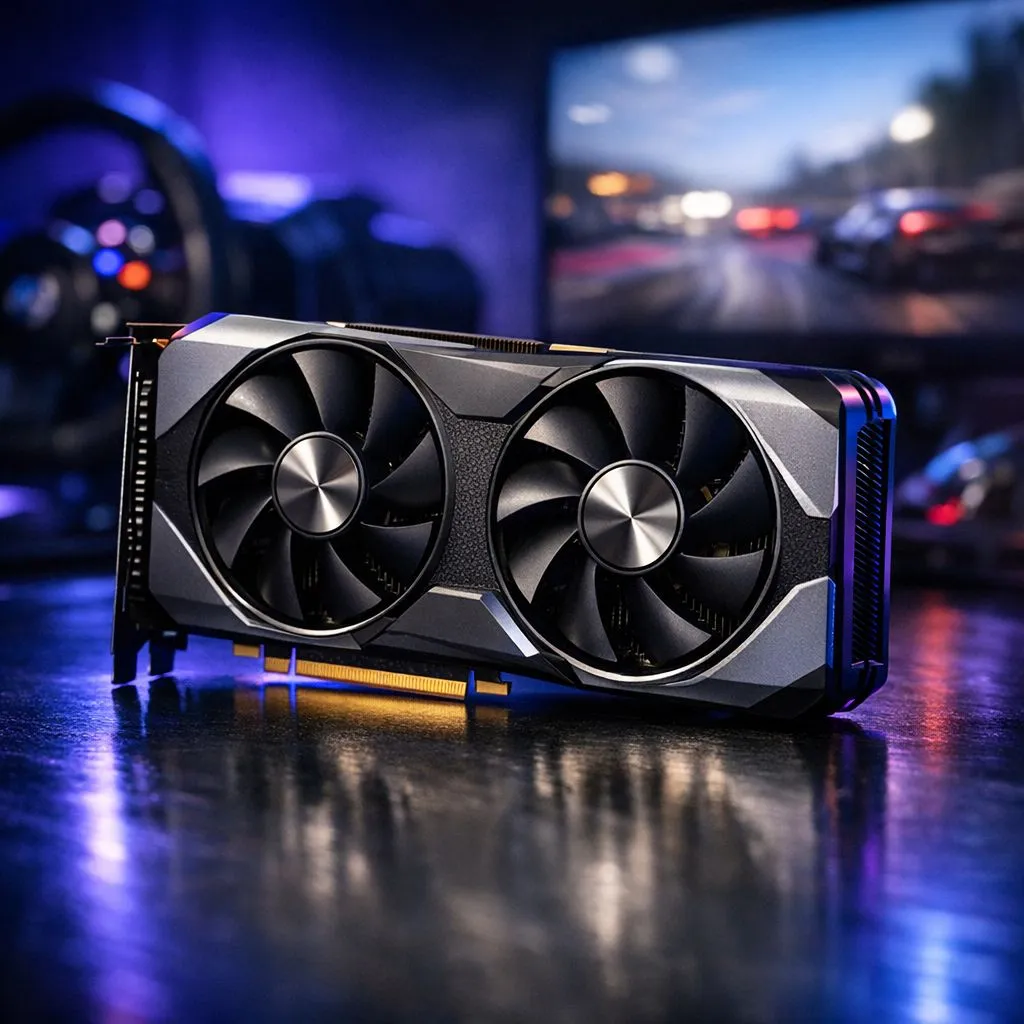
Achieving 60FPS in RTX 5060 Sim Racing
Every millisecond counts when you are hitting the apex at Kyalami. With the arrival of the RTX 5060 sim racing has never felt more accessible for South African petrolheads. Getting a steady 60FPS in titles like Forza and Assetto Corsa is the "sweet spot" for immersion. This guide helps you tune your settings without breaking the bank or your lap times. 🏎️
Performance expectations for the RTX 5060 in Sim Racing
The RTX 5060 brings next-gen architecture to the mid-range market. If you are looking to upgrade your current rig, you can browse the latest NVIDIA graphics cards to see how the 50-series stacks up against previous generations. In Forza Horizon 5, the 5060 handles Ultra settings at 1080p with ease... often pushing well past that 60FPS target.
For Assetto Corsa Competizione, the requirements are a bit steeper. This sim is notoriously heavy on the CPU and GPU. However, the RTX 5060 uses AI-driven technologies to maintain fluid motion. Cooling is vital for long endurance races. Choosing MSI-specific GPU models ensures you get a card with a thermal design that stays quiet while you focus on your racing line. ⚡
Optimising Forza and Assetto Corsa for 60FPS
To keep your frame rate stable, you need to balance visual fidelity with raw performance. In Forza, turning down "Motion Blur" and "Reflection Quality" can give you a significant boost. These settings often consume resources that are better spent on texture resolution.
While NVIDIA is a popular choice for many, it is worth looking at the competition in the South African market. Some budget-conscious racers might consider Intel Arc graphics cards for decent entry-level performance in older titles. Alternatively, if you prefer raw rasterisation power, you can buy AMD Radeon graphics cards to potentially get more VRAM for high-resolution textures. 🚀
Sim Racing Pro Tip ⚡
Always enable NVIDIA Reflex in your game settings. This reduces system latency, meaning the time between you turning your steering wheel and the car reacting on screen is minimised. For sim racing, lower latency is often more important than the highest possible graphics settings.
Choosing the right hardware for your rig
Not everyone uses their PC just for gaming. If you use your rig for 3D rendering or professional design between races, workstation graphics cards provide the stability needed for heavy workloads... though the RTX 5060 remains the better value for pure gaming.
In South Africa, we often face high ambient temperatures. Ensure your chassis has enough airflow. A steady 60FPS is only possible if your hardware is not thermal throttling. If you realise your frames are dropping after thirty minutes of racing, check your fan curves. Small adjustments in software can save you thousands of Rands in potential hardware damage. ✨
Ready to Build Your Dream Racing Rig?
The RTX 5060 is the perfect entry point into high-fidelity sim racing. For the best prices and expert advice in South Africa, we have you covered. Explore our massive range of graphics cards and find the perfect GPU to dominate the track.