You're deep into a Warzone match, the final circle is closing, and you alt-tab for a split second to mute a noisy Discord channel. Suddenly, your PC freezes. The audio stutters, the screen locks up, and by the time it recovers… you’re back in the lobby. If this sounds familiar, you’ve felt the pain of an old-school hard disk drive (HDD) failing at multitasking. It’s time to talk about the massive difference an SSD makes.
Why Your Old HDD Struggles with Multitasking
Think of your HDD as a librarian who has to physically run to a shelf to grab one book (a piece of data) at a time. If you ask for three books from different aisles at once, they have to run back and forth, causing significant delays. This is because HDDs use a physical spinning platter and a mechanical arm to read and write data.
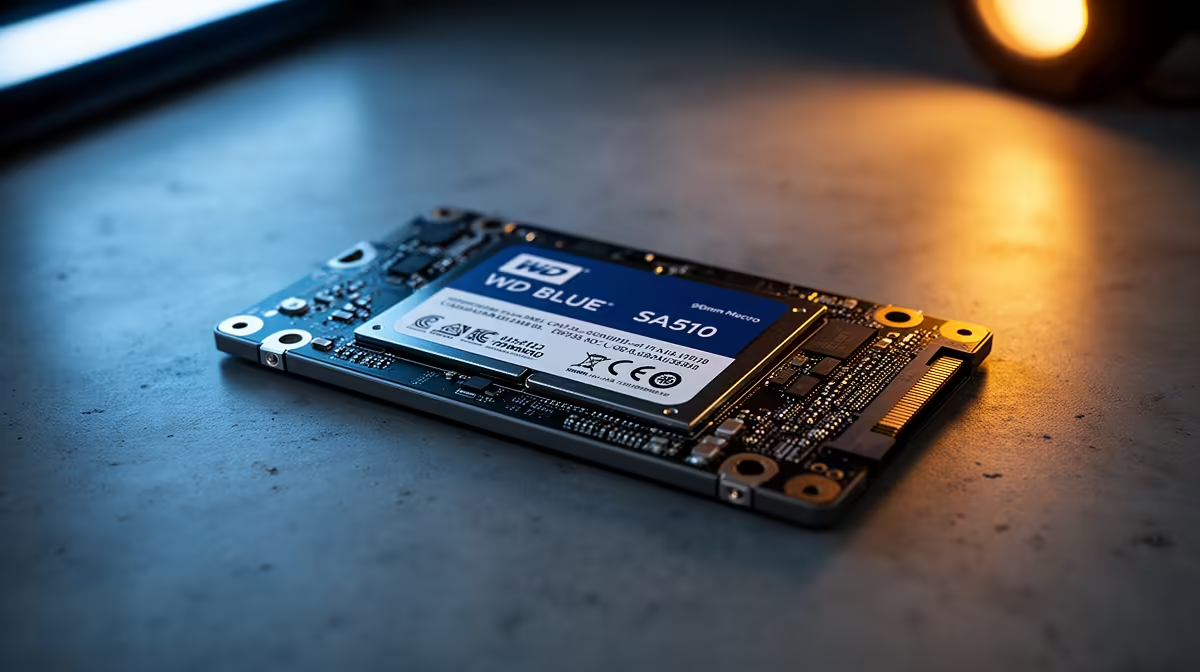
An SSD, on the other hand, is like having a team of librarians who can instantly access any book from anywhere. It uses flash memory with no moving parts, allowing it to read and write multiple streams of data almost instantly. This is the core reason why the WD Blue SA510 SSD multitasking performance leaves traditional HDDs in the dust. ⚡
The SA510 SSD vs. HDD: A Real-World Test
Let's paint a picture. You're downloading a new game on Steam, listening to a Spotify playlist, and have a dozen Chrome tabs open researching your next PC upgrade.
On an HDD: Your music might start to skip. Switching between browser tabs feels sluggish. Your game download speed might even dip because the drive is struggling to write the game files while serving data to your other applications.
With a WD Blue SA510 SSD: Everything is seamless. Your music plays without interruption, tabs load instantly, and your game downloads at full speed. This smooth experience is where the value of solid-state technology truly shines. For anyone looking to boost their PC's responsiveness without breaking the bank, upgrading to a solid-state drive is one of the most impactful changes you can make.
Easy Upgrade Pro Tip 🔧
When you upgrade to a new SSD, you don't have to reinstall Windows from scratch. Use free software like Macrium Reflect or Clonezilla to "clone" your entire old HDD to your new SSD. It copies everything—your OS, files, and programs—exactly as it was, saving you hours of setup time.
Beyond the Basics: Exploring Your SSD Options
The WD Blue SA510 is a fantastic SATA-based SSD, perfect for breathing new life into older desktops and laptops. But the world of SSDs is vast and exciting. If your motherboard has the right slot, you could explore even faster options.
Modern systems often support compact M.2 2280 drives that plug directly into the motherboard, eliminating cable clutter and offering incredible speeds. For creators and hardcore enthusiasts who demand the absolute best, there are even blazing-fast Gen 5 NVMe SSDs that push the boundaries of performance.
While the WD Blue is a reliable workhorse, it's always worth checking out other top-tier brands like ADATA and Kingston, which also offer a fantastic range of drives to suit any budget and need. ✨
The bottom line? The debate over WD Blue SA510 SSD multitasking performance vs HDDs isn't really a debate at all. It's an evolution. Making the switch is the single best way to make an old PC feel brand new again.
Ready to Ditch the Lag for Good?
Stop letting a slow hard drive hold you back. An SSD upgrade is the most noticeable performance boost you can give your PC. Explore our massive range of solid-state drives and find the perfect fit to conquer your digital world.