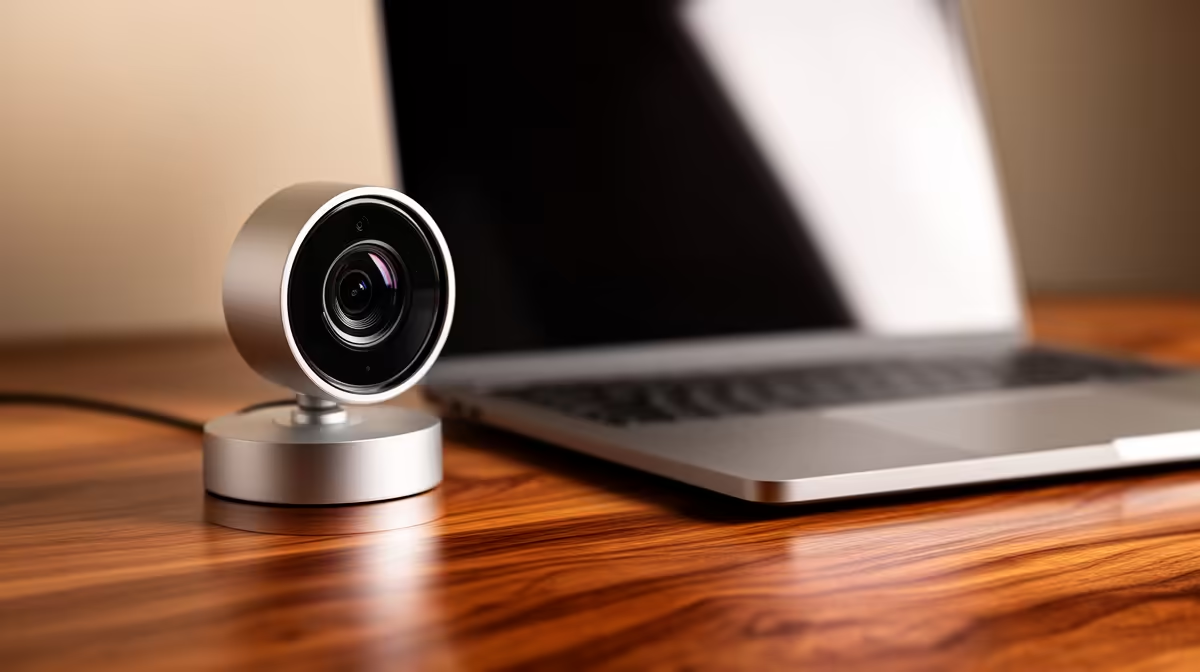
Logitech Brio 100 FHD at R458 is the sensible webcam choice for home office workers who want sharper video than basic HD without paying for a full 4K setup. For everyday Teams-style calls, online interviews, remote client meetings, and desk-based admin, 1080p is worth it when faces, documents, and small gestures need to look clearer on screen.
Best webcam picks for remote work
Logitech Brio 100 FHD R458 is the balanced pick because its FHD spec sits in the sweet spot for most home office calls. It gives a cleaner image than entry HD, while staying well below the price of a 4K model.
Logitech C270 HD R252 is still useful if the desk only needs basic video for quick check-ins, training calls, or occasional admin meetings. Its HD spec makes sense when price matters most and the camera is not the main part of the work setup.
NearStream V08AF 4K R678 is the upgrade option for users who present often, record clips, or want extra detail for a sharper-looking desk setup. Its 4K spec gives more headroom than FHD, but for routine office calls the Logitech Brio 100 FHD R458 will be enough for many people.
Home office desk in South Africa
For a spare-room desk, dining-table workstation, or shared study corner, the Logitech Brio 100 FHD R458 is the practical middle ground: FHD quality, a modest price, and a clearer look than the Logitech C270 HD R252. The NearStream V08AF 4K R678 suits a creator desk or sales role where the camera image carries more of the presentation.
Ready to choose the right webcam?
Use Logitech Brio 100 FHD at R458 as the home office desk benchmark, then check whether its listed spec matches the space, workload, and upgrade path.