Kingston 16GB current-gen SODIMM at R741 suits a student laptop or reception notebook running Microsoft 365, because this RAM kit gives enough headroom for Word, Excel, browser tabs, Teams calls, and everyday admin without overbuying.
Recommended RAM picks
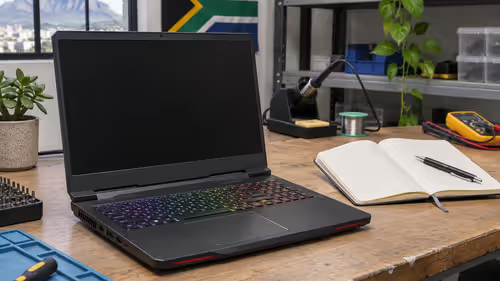
For a basic laptop refresh, the Kingston 16GB current-gen SODIMM at R741 is the sensible first stop. Its 16GB capacity is the key spec here: enough for documents, spreadsheets, email, PDFs, and a few research tabs, while keeping the upgrade cost low for a student desk or small office machine.
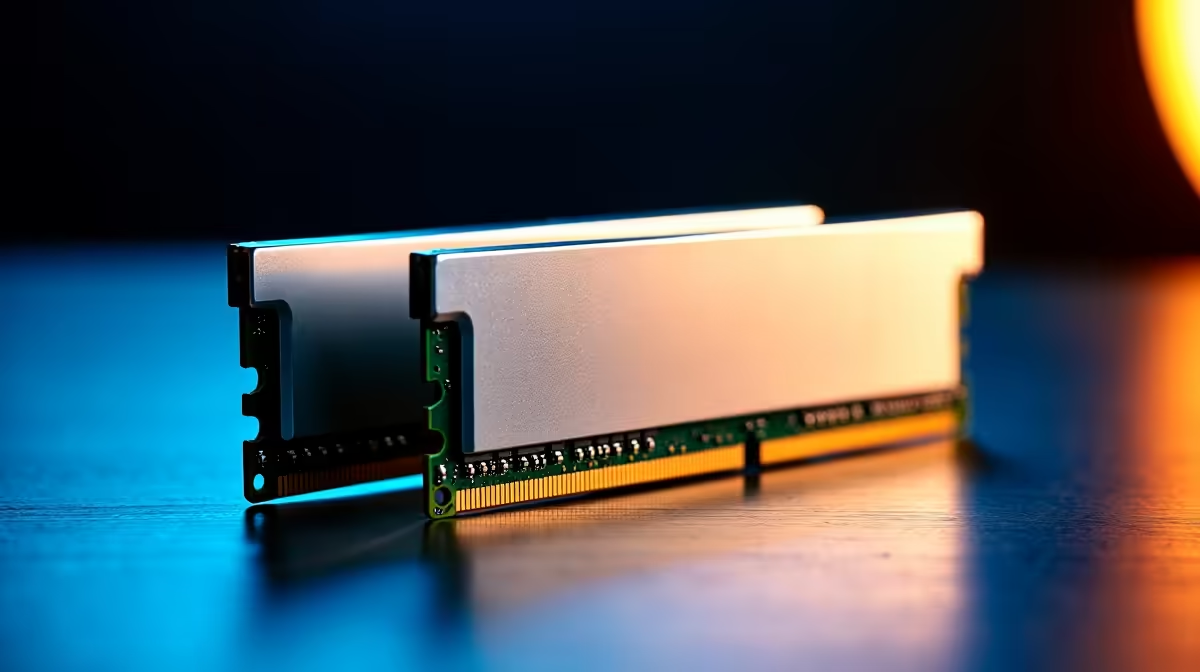
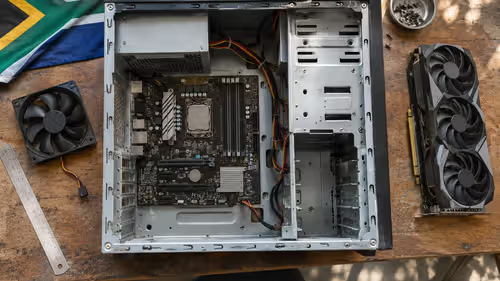
If the desktop is used by someone who keeps many spreadsheets, browser windows, and chat apps open, the TEAMGROUP VULCAN 32GB current-gen 6000 at R1,460 is the stronger value choice. The 32GB capacity gives more breathing room than a 16GB kit, and the 6000 speed makes it a practical current-gen option for a newer desktop build.
Kingston FURY 32GB current-gen 6400 at R2,300 is the better fit when the same PC also handles heavier multitasking after work, such as photo sorting, light content creation, or many open reports. Its 32GB capacity and 6400 speed make it a sharper performance pick than entry-level memory.
SA reception desk and student admin use
At a front counter, study desk, or home office in South Africa, the biggest issue is not peak performance. It is keeping the system responsive while switching between browser-based portals, email, spreadsheets, and video calls. Kingston 16GB current-gen SODIMM at R741 is enough for a laptop doing that routine, while TEAMGROUP VULCAN 32GB current-gen 6000 at R1,460 is the smarter desktop upgrade when several users share the same machine.
Ready to choose the right memory?
Choose TEAMGROUP VULCAN 32GB current-gen 6000 speed at R1,460 for the 16gb current-gen memory enough brief when its listed spec matters more than adding extra desk clutter.