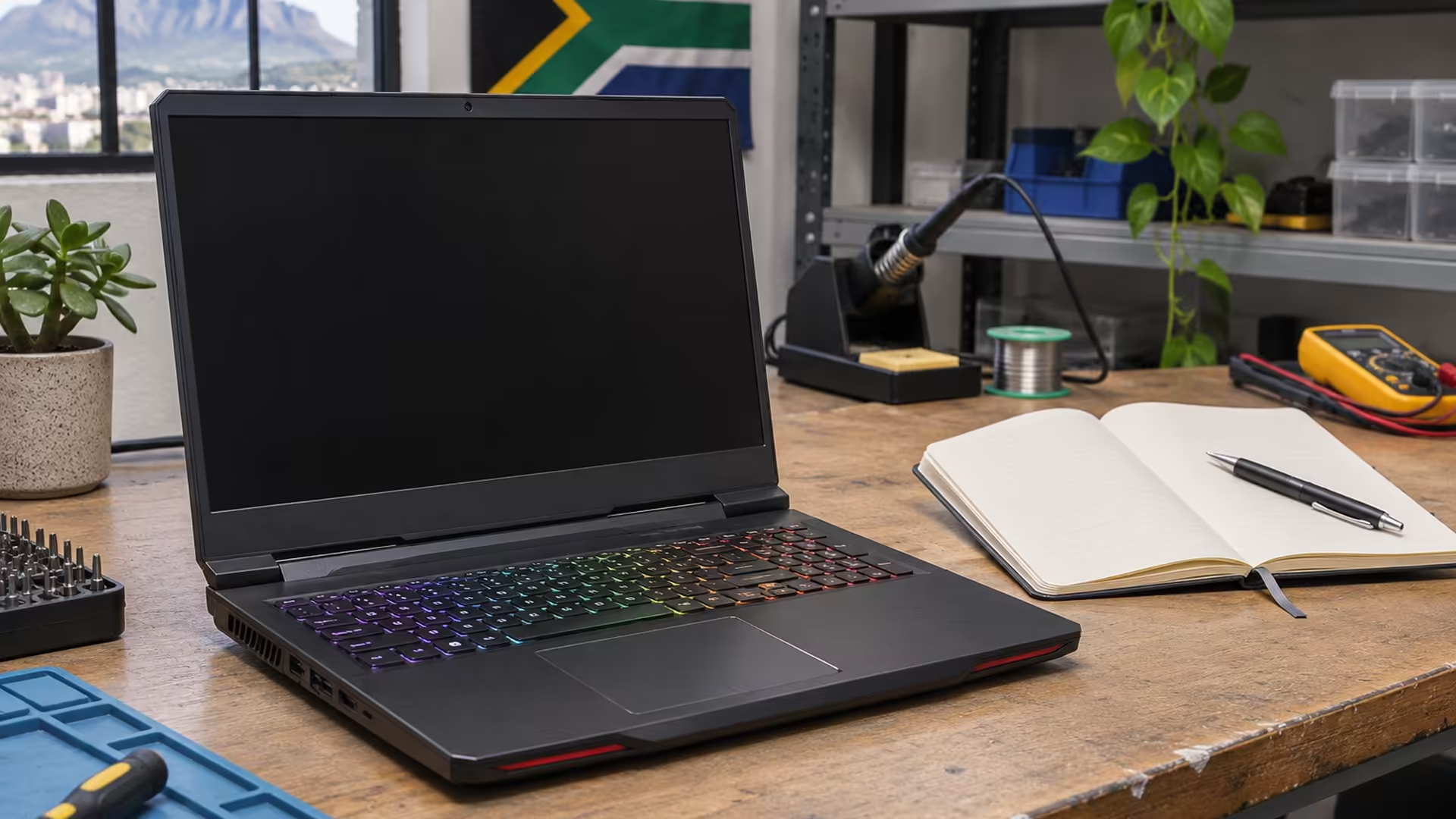
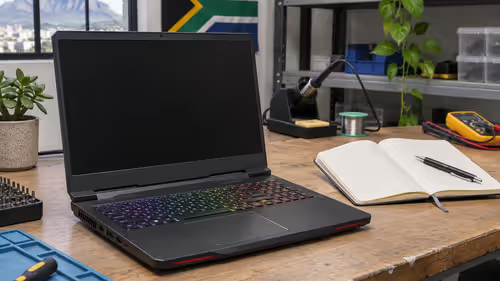
Two notebooks called Master 16 can give you different GPU, screen and component choices. The phrase on a search result is a family name. Ask for the full identifier on the quotation and write it next to the machine you saw in a review. Compare that identifier before you use the review to judge frame rates.
Quick Answer
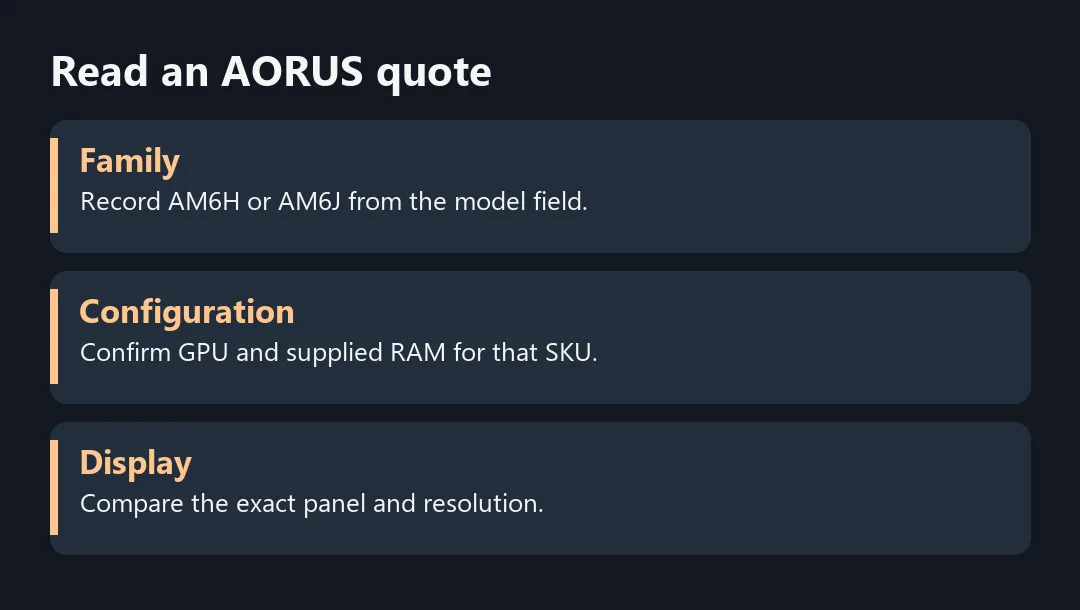
For an AORUS Master 16 gaming notebook, start with the full model code. Gigabyte lists the Gen 2 under AM6J with multiple GPU configurations, including an RTX 5070 Ti option. Confirm the exact GPU, panel, fitted memory and storage on the South African quote.
🏷️ Match the identifier before the review
Read the model code after the family name. If the listing shows only Master 16, ask for the code on the box or specification sheet. Gigabyte provides a separate AM6H sheet and separate AM6J listings. That gives you a way to discard benchmark results from a different model when comparing the same game.
Check the GPU field and the display resolution together. A game test run at the laptop panel's native resolution can render a different number of pixels from a test from another reviewer. Once you have the same GPU and resolution, check whether the benchmark used the same graphics settings and was run on mains power.
💾 Read the fitted parts and upgrade list separately
The memory on a quotation is what you can use on day one. The compatibility list describes which parts the maker validated for a particular machine. Gigabyte groups an AM6J compatibility list under specific model codes. Start there when you want to fit a drive you already own or buy more memory alongside the laptop.
Ask what bays and sockets are occupied in the exact configuration. Leave the upgrade out of the budget until you have those answers, especially if the requirement is to fit a second drive while keeping the supplied one. Ask for the original specification in writing if two listings show different capacities.
🇿🇦 Compare the local quote against your game list
Review GeForce Gaming Laptops with the titles and resolution you play most written down. Compare Gaming Laptops Above R20k by their actual configurations and price. If two systems are close on performance, consider whether you can comfortably carry the unit you will use. The right screen and storage configuration may matter more to you than an upgrade you never make. When a listing omits the full code, settle that question before paying.
Frequently Asked Questions
What code identifies the Master 16 Gen 2?
Gigabyte labels that family AM6J.
Is every Master 16 fitted with the same GPU?
The family has multiple configurations. Match the complete listing code to the spec sheet.
Does an AM6H review describe an AM6J?
Use a review of the same generation and configuration for a direct comparison.
Where do I check upgrade compatibility?
Use Gigabyte's memory and storage list for the full model code.
Does a local spec page confirm a rand price?
No. Request a quote for the actual configuration.
Which specs should the quote name?
Ask for the complete model, GPU, screen, fitted RAM and storage.
Read an AORUS quote
Match the generation and full model code to the GPU, screen and memory on your local quote. Compare compatible options at Evetech.