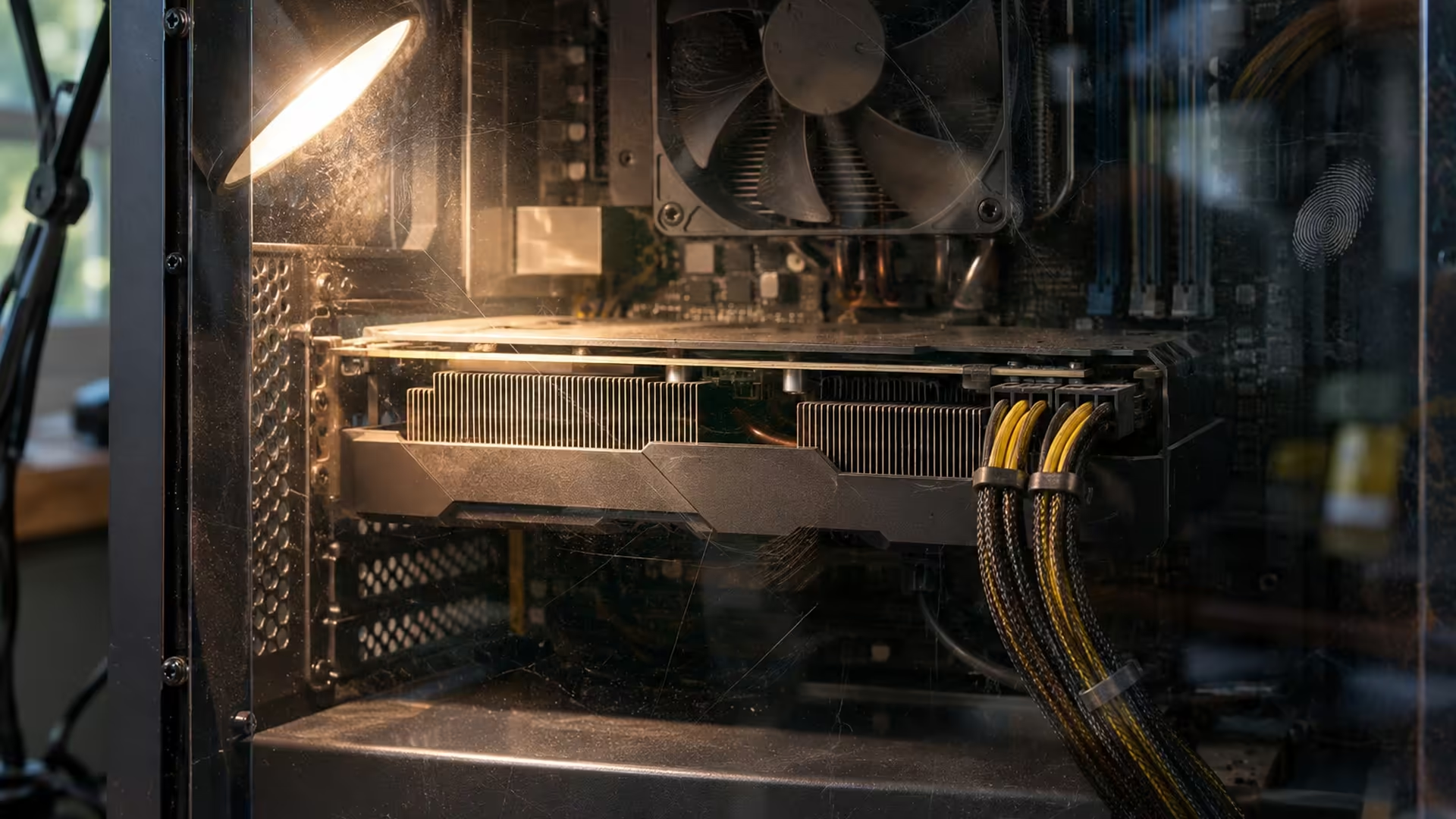
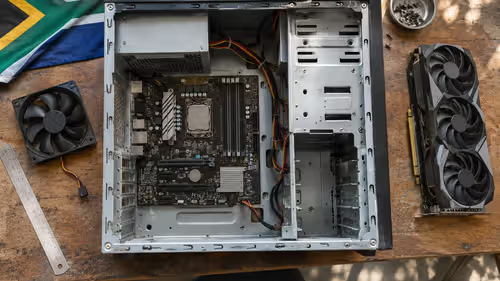
You enter a game lobby and hear a thin buzz from the PC. It moves in pitch when you return to the desktop. Before you put a new graphics card in the basket, reproduce the change from the same seat with the same game. Fan noise and the sound of an electrical component under load can overlap through a case panel.
Quick Answer
GPU coil whine is a high-pitched sound that can change with electrical load. Try a frame cap in the same repeatable game scene as a R0 comparison. If the sound changes immediately with the load, keep that result as a clue when you diagnose the source.
🎮 Make a repeatable comparison
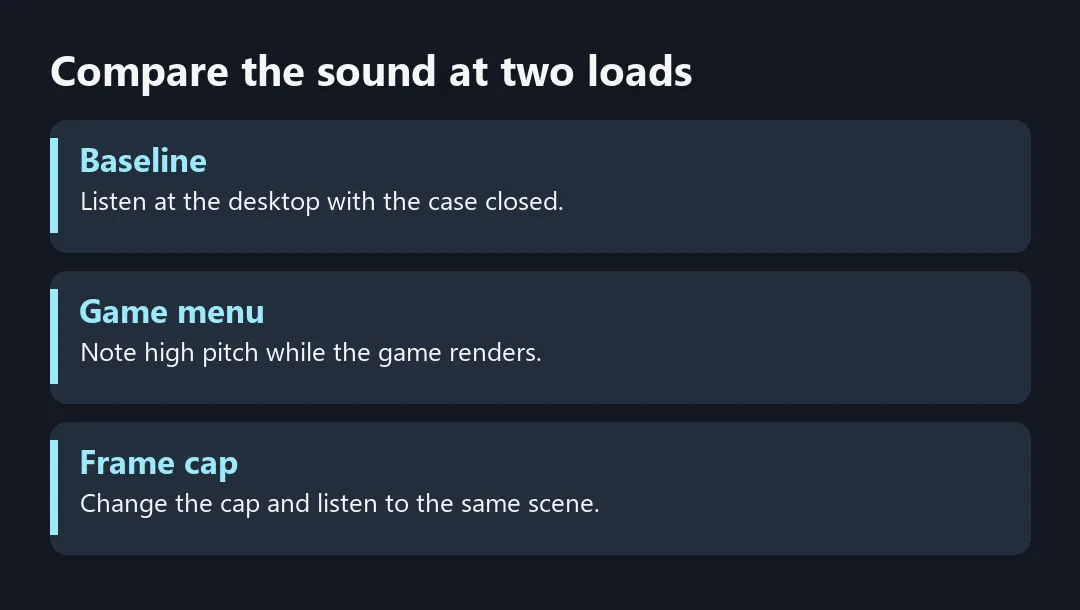
Listen at the desktop, then open a game menu that reliably produces the sound. Note how quickly it appears and whether the pitch jumps as you change views. Turn off your speakers for the comparison and leave the case closed. Record which scenes produced each result so you can repeat the test later.
Set a frame cap from the game's menu if one is available. Pick a cap below the frame rate you saw when the sound was most obvious, then return to the same view. Leave other graphics settings alone. The aim is to compare the sound as rendering load changes, not to find the best competitive settings.
🔍 Separate pitch changes from other symptoms
A fan can produce an airflow sound or a mechanical rattle. Listen for whether it builds and fades as the PC warms and cools, compared with a pitch that follows a change in scene. Write down which workload changes the pitch, and when it changes. It cannot establish the identity of every part inside the case.
Keep track of stability separately. A high tone during a stable game and an unexpected restart call for different observations. If the PC shuts down, record when and whether you can reproduce it. Leave the power supply closed while you investigate. Take the observations to a technician if you cannot locate the source safely.
🧰 Compare parts after diagnosis
Look at All Graphics Cards when you have a reason to replace or upgrade the card and can compare independent noise results for exact models. Graphics Card Accessories can help with a fit issue such as support or routing, after you have checked whether the noise is mechanical. Try the frame cap in a game you play often first. If the sound becomes unobtrusive at a rate you enjoy, you have a useful setting without a new purchase.
Frequently Asked Questions
What does GPU coil whine sound like?
It often sounds like a high-pitched buzz or whine that changes with electrical load.
Does a frame cap help the test?
Yes. It gives you a way to change rendering load in the same scene and listen for a change.
Does a lower pitch identify the exact part?
No. A load test shows a relationship. More than one component can produce the sound.
Should I open a power supply to listen?
Keep it closed. There are hazardous voltages inside.
Does coil whine establish a faulty GPU?
The sound can occur during otherwise normal operation.
What if the system crashes as well?
Record the crashes as a separate symptom and get the system diagnosed.
Compare the sound at two loads
Listen across two workload settings to identify a high-pitched GPU noise before replacing hardware. Compare compatible options at Evetech.