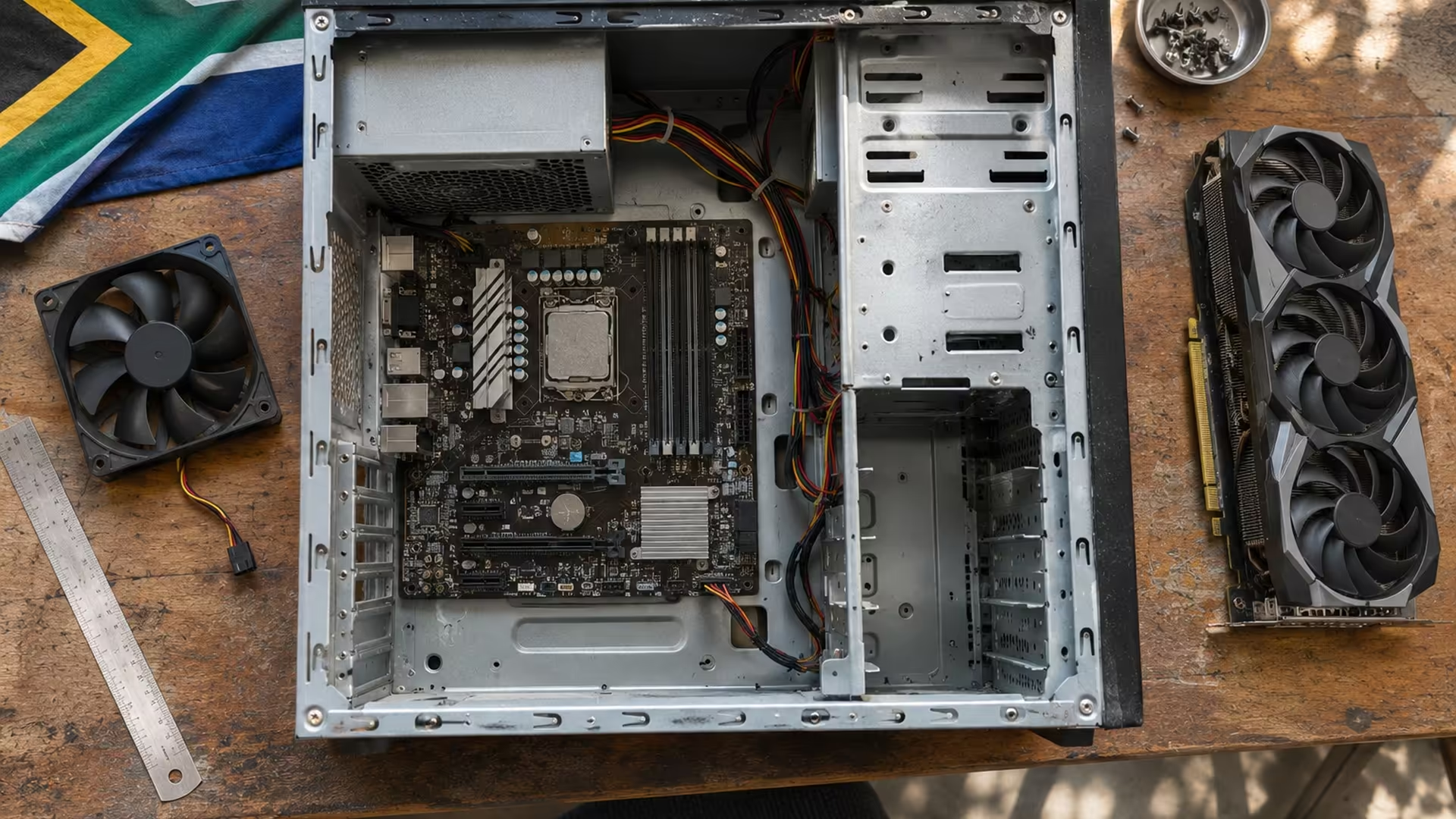
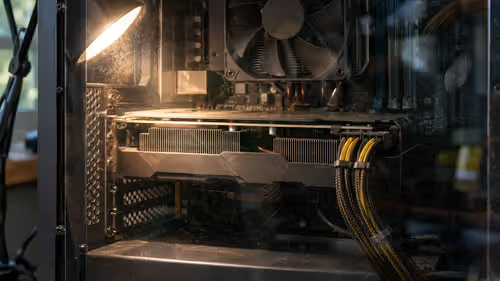
A case can list support for a big graphics card and a liquid cooler on the same page. Look at the drawing that shows where each part sits. Check whether they can both fit in the layout you want, with room left to connect the power lead and route the cooler tubes.
Quick Answer
For a gaming PC case, confirm the motherboard format, then compare the card length and thickness with the clearance for your chosen radiator position. An Antec C2M appeared at R899 in Evetech's 23 November sample. Verify fit independently of the price.
📏 Work from the diagrams
Use the model name on the actual graphics card specification sheet. Cards built around the same GPU can occupy different amounts of space. Check how far the card extends into the chassis and which slots it spans. The location of the power socket matters if the cable needs to turn before reaching the side panel.
Draw the motherboard tray and the intended radiator position on a sheet of paper. Mark where the radiator fans sit and which way the tubing will run. Now compare that sketch with the case manual. Case manufacturers use drawings to flag places where an installed cooler can reduce the space for a graphics card.
🌬️ Check the room around the chassis
Measure the shelf or desk if the whole tower must fit inside a fixed opening. Include the room to reach the power button and any ports on top. Leave rear space for the display cable and the path out to the wall. If you point the exhaust at a solid surface, check what clearance the manufacturer recommends.
Before fitting an existing GPU, look at the cable dimensions and manufacturer guidance. If any measurement puts the hardware right against a panel, plan a different layout on paper. Ask the chassis supplier about the actual build combination when the diagram is unclear.
🇿🇦 Compare cases after the parts fit
The sampled Antec C2M was R899. Browse Mini-ITX & Micro-ATX Cases if you need a smaller case, or All Cases if you can give the build more space. Compare the overall price with the fans and brackets you need. If your current case can already take the planned components with the recommended clearances, keeping it frees money for a part that changes how the PC performs.
Frequently Asked Questions
Which dimension should I check first?
Confirm that the chassis supports your motherboard form factor.
Can a front radiator affect GPU fit?
Yes. Check the card clearance for the exact radiator position and fan arrangement.
What else matters besides GPU length?
Check thickness, slot spacing and the room needed for the power lead.
Can I infer GPU clearance from the case depth?
Read the manufacturer's internal clearance diagram.
What should I do if the results are close?
Get a dimensioned drawing or choose a layout with more room.
Does R899 buy any compact case?
R899 was the sampled price of a specific Antec C2M, not a general compact case price.
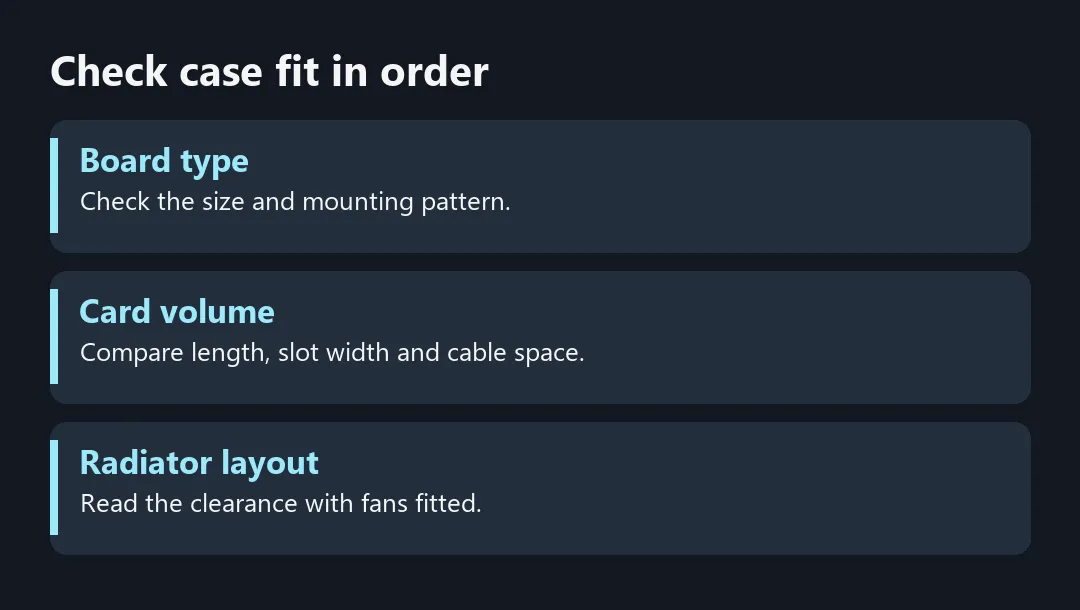
Check case fit in order
Measure GPU clearance in the radiator layout you plan to use before buying the case. Compare compatible options at Evetech.