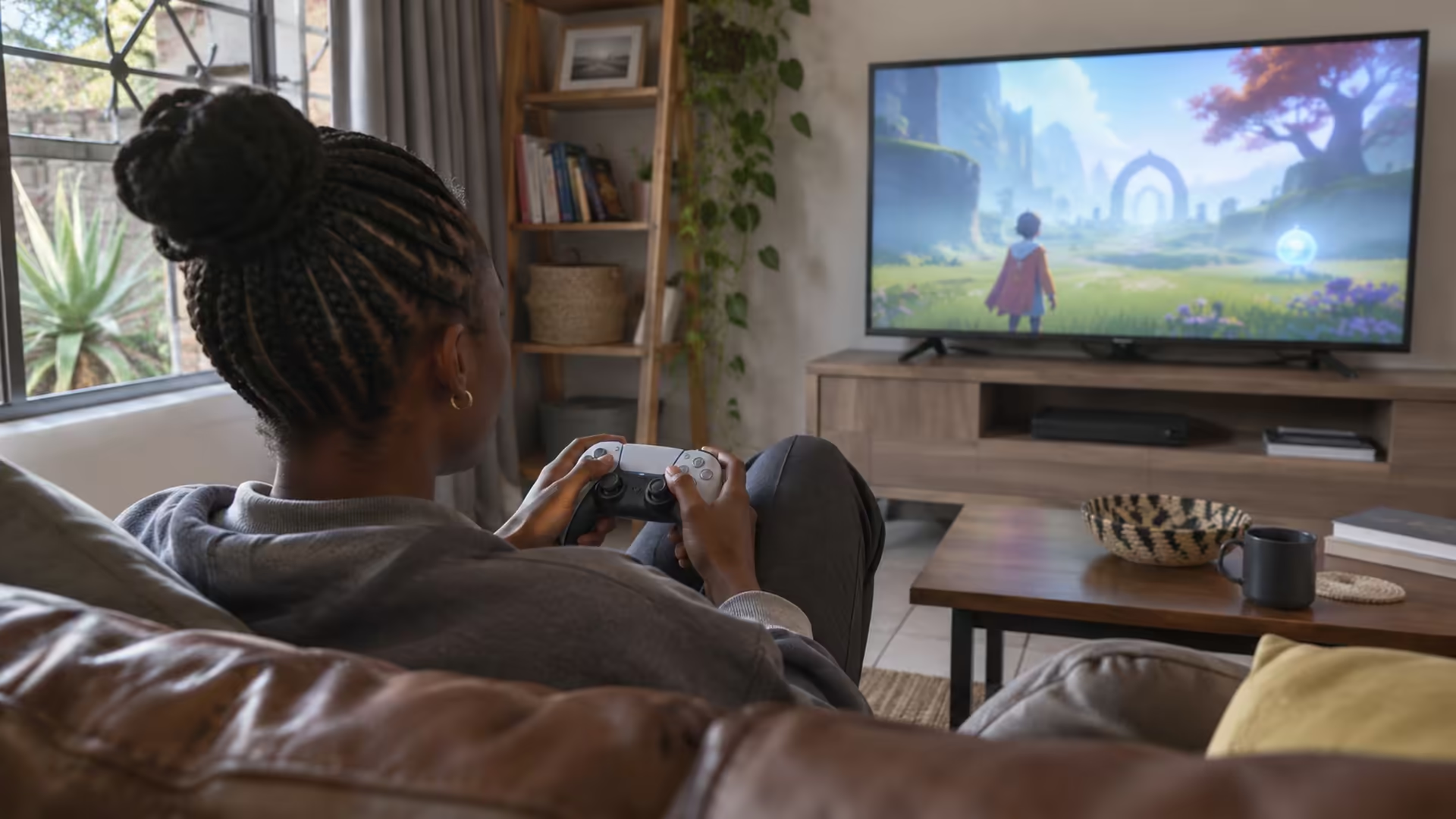
An Xbox One can still be the console you use every week. Check the cloud entry before relying on it for a game designed for a newer machine. The hardware is one part of that answer. The service also needs to be offered for your region, the game and the way you plan to play it.
Quick Answer
Xbox One cloud gaming is supported on the console in eligible regions. South African cloud access was unconfirmed on 23 November. Check the Xbox Cloud Gaming entry before paying for a plan or a game to stream. Availability for other Xbox services gives you a separate answer from the cloud gaming entry.
🎮 Check the service alongside the device
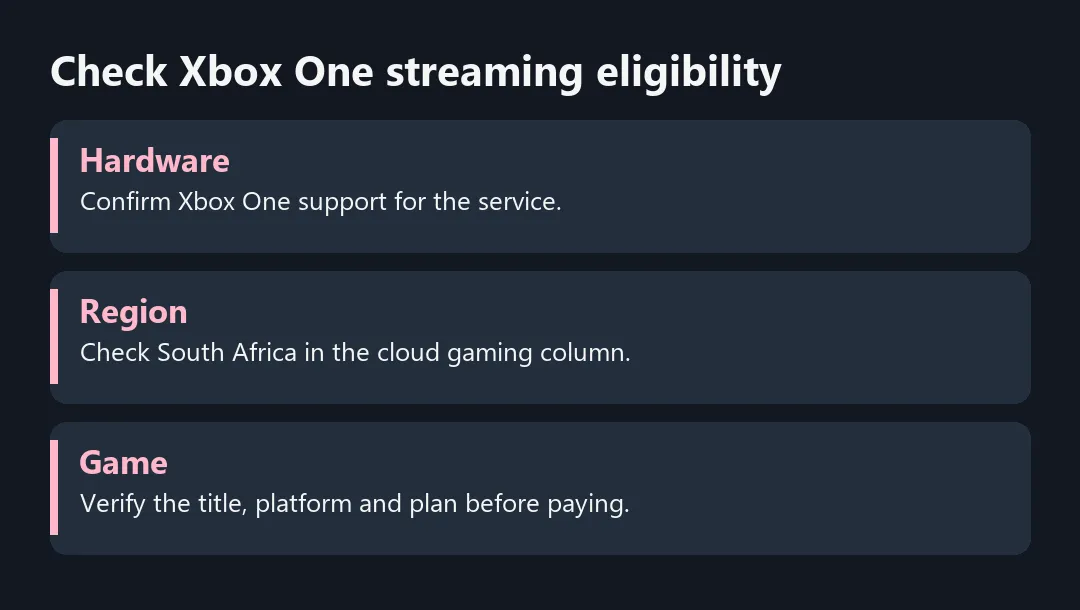
Xbox includes Xbox One and later consoles in its cloud gaming device guide. That tells you the older console can support the feature under the right service conditions. The regions table lists Xbox Cloud Gaming separately. Use the entry for South Africa for that specific service and keep the date of your check if you are planning a future purchase.
Bring up the game's page on the Xbox One and read the ways it offers to play. An install option tells you something different from an option to stream. If you are considering an edition of a game for a newer console, read the supported platforms before you pay.
📶 Check the game and network separately
For a supported region, a steady connection can matter more to a streaming session than a fast speed test alone. If you already have access to a service on the console, try a short session on your usual network before planning a long one. A direct wired test can help you compare the network behaviour with the console at the same spot on Wi-Fi.
Keep the eligibility check first for your usual account region. Upgrading home networking or changing the controller will not add a service that the region does not offer. If you want a particular game, check its install and stream availability before you commit to that device.
🕹️ Keep the Xbox One useful
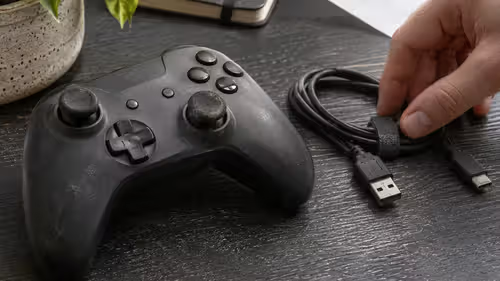
Look at the supported games you already have on the console. Browse Gaming Controllers if you need a replacement pad for those titles and check Xbox One compatibility on the product page. Look at Xbox Headsets for voice chat with the console itself. If you're shopping to play one new title, work out which locally available device can run it before buying accessories for the streaming route.
Frequently Asked Questions
Does Xbox One support cloud streaming as a device?
Xbox lists the Xbox One among compatible console families in supported regions.
Does the Game Pass label prove cloud access?
Check the dedicated cloud gaming line for your country and plan.
Can I check availability without buying anything?
Yes. Check the official regions list and the play options on the console.
Does owning a game mean I can stream it?
Check whether the specific game is offered for streaming on the eligible service.
Can a new controller enable cloud access?
Controller compatibility does not change what the service offers in your region.
What still works if cloud is unavailable?
Check which titles you can install and run on the Xbox One itself.
Check Xbox One streaming eligibility
Check the cloud service separately from console support before spending on a subscription for streaming. Compare compatible options at Evetech.