A movement key can feel fast in a game and then type an extra letter when you rest a finger on it in chat. Per-key settings let you tune that movement key and leave your chat keys as they are. Start with the actions you want to change and check what the exact model lets you control.
Quick Answer
A Hall effect keyboard senses key travel with a magnet and sensor. Compatible models let you adjust how far a key travels before it registers and can use Rapid Trigger for quicker reset as the key moves back up. Start with the movement keys.
⌨️ Separate press depth from reset behaviour
Actuation is the press point. When you choose a shallower actuation depth, a smaller downward movement can register as a key press. Rapid Trigger changes how the board handles release and a new press. A supported switch can reset when you move off the pressed position without waiting for a fixed reset point.
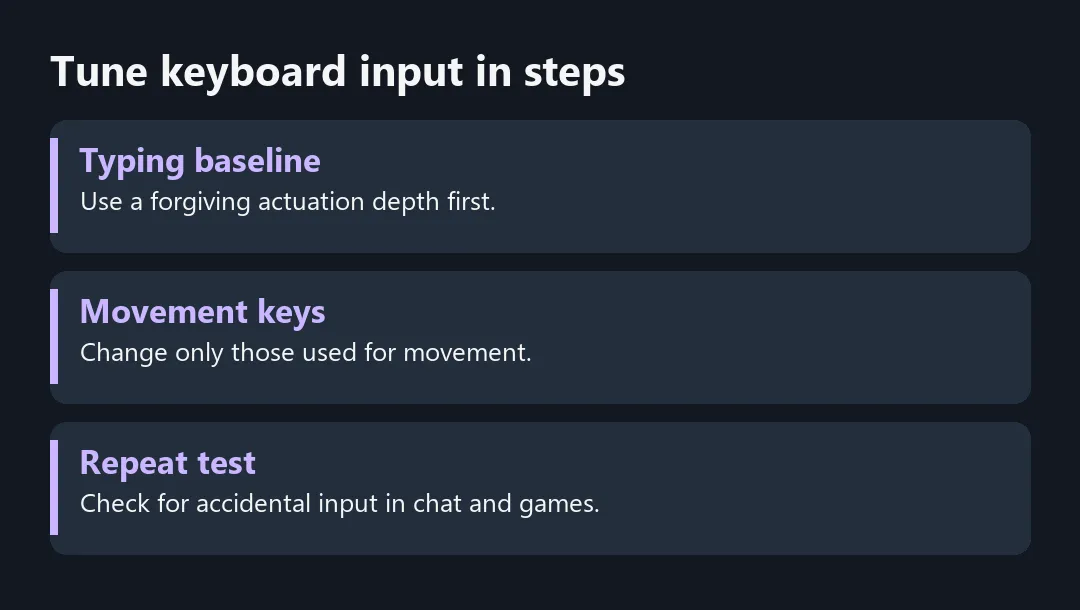
Try default settings first so you know how the layout feels. If the board supports per-key control, change the setting on the movement keys before touching the rest. Keep the typing and chat keys at a setting where the weight of your fingers does not cause accidental input.
🎮 Test a real sequence
Choose one drill that uses the movement you are trying to change. Practise it at the default settings and again with the altered keys. Use the same game and settings for both trials. If you overshoot or trigger movement when you mean to stay still, give the key more travel and retry the same sequence.
Open a chat box afterwards and type for a minute. Save different game and work profiles when the keyboard supports them, and check what happens after you reconnect the USB cable. If you travel with the board, find out which settings it stores on the device.
🛒 Check what the model offers
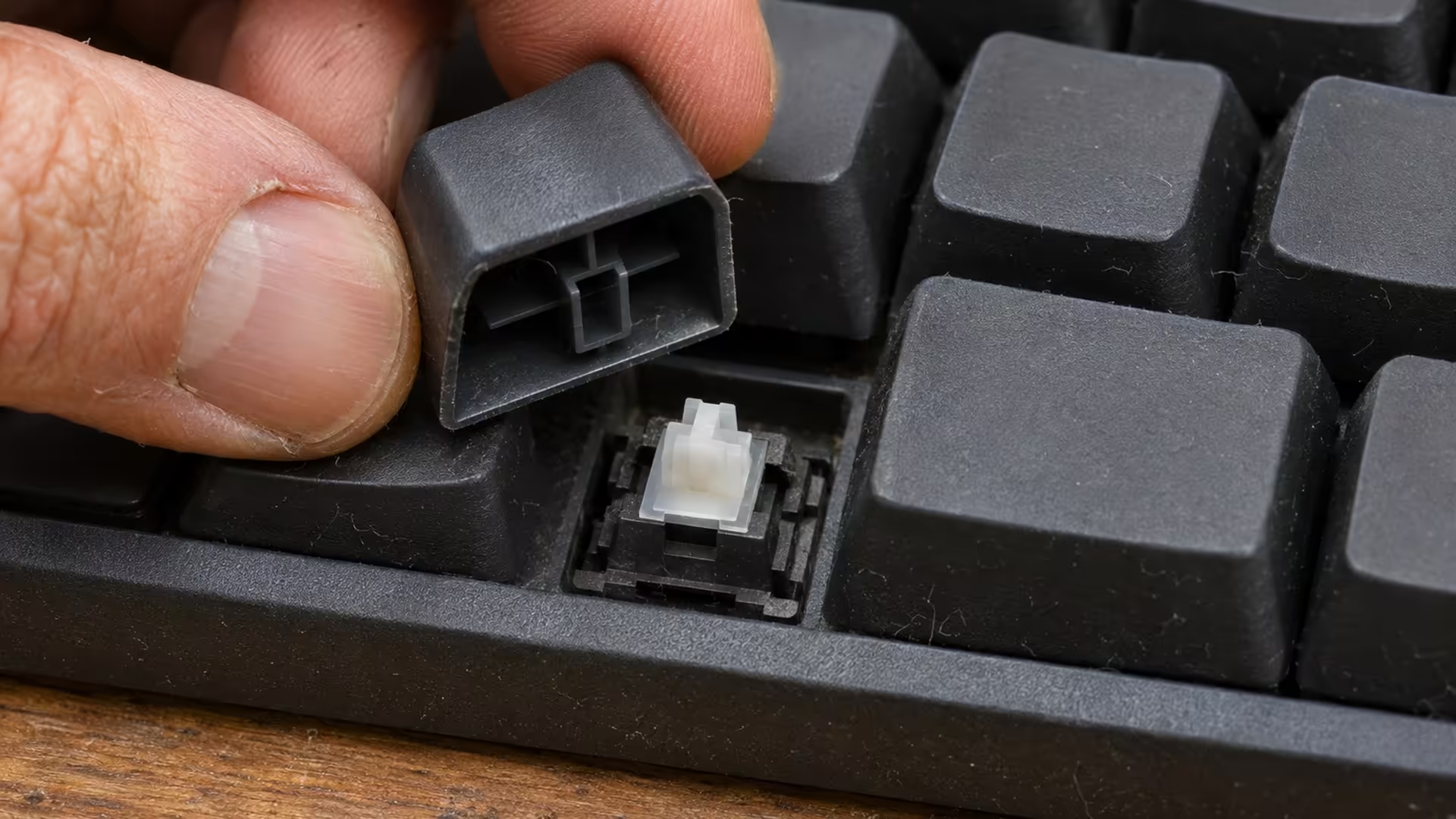
Confirm the layout, included switches and firmware features. Some keyboards advertise magnetic sensing while limiting which keys or profiles can be adjusted. Check whether replacement switches and caps are compatible before putting them in the basket. Keyboard Accessories can help when you know the design of the board you are buying. Compare All Keyboards for the layout and switches you want. Keep the keyboard you have if the test does not reveal an input problem you need to solve.
Frequently Asked Questions
What does a Hall effect keyboard measure?
A magnetic sensor measures how far a compatible switch moves.
What does adjustable actuation do?
It lets you choose how far to press before the keyboard registers the key.
What is Rapid Trigger?
On supported boards it can reset a key as it moves back up, letting it register another press sooner.
Do I need it on every key?
Try movement keys first and keep the typing keys at a comfortable setting.
Can I swap in normal mechanical switches?
Check the manufacturer's switch compatibility list for that keyboard.
Can I use a regular keyboard for the same games?
Yes. Compare the features with how you use your current keyboard before deciding.
Tune keyboard input in steps
Try a per-key setup and check the board's software before paying for magnetic switches. Compare compatible options at Evetech.