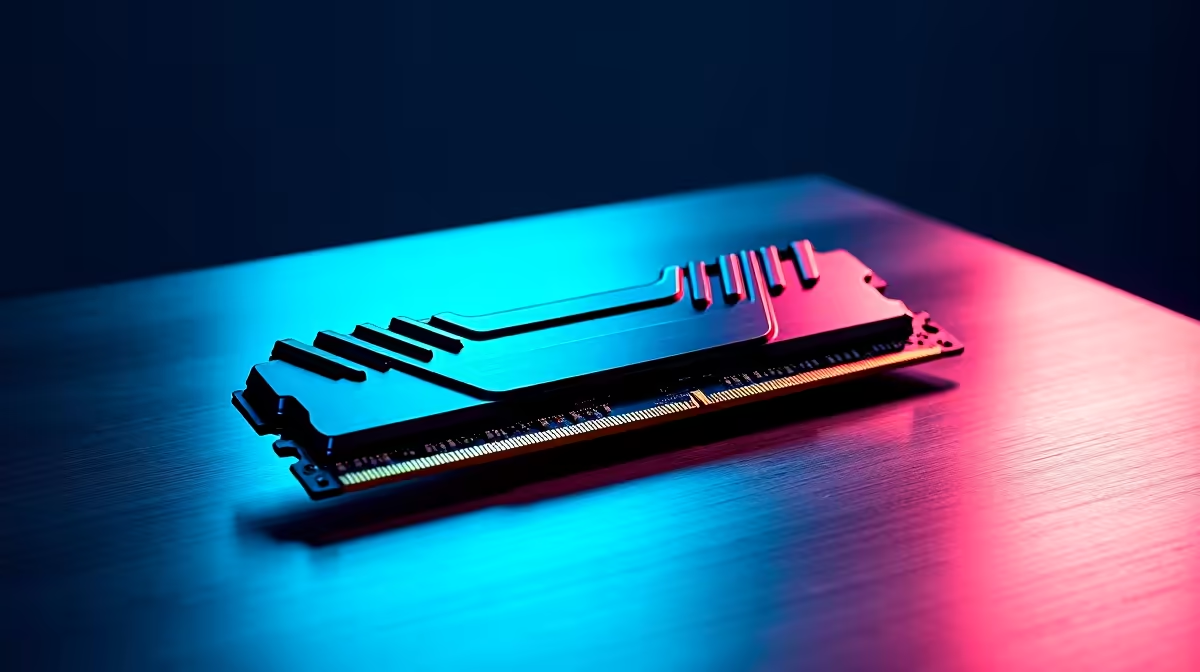
Kingston 16GB current-gen SODIMM at R741 suits a laptop streamer who needs a low-cost RAM kit upgrade for light gameplay capture, browser tabs, and basic stream control without jumping straight to a desktop 32GB kit.
Best RAM starting point for streaming
A 16GB upgrade can be enough when the stream is simple: one game, one broadcasting app, a few browser tabs, and no heavy editing running in the background. The Kingston 16GB current-gen SODIMM at R741 is the sensible entry point for a notebook that only needs extra breathing room, especially if the system currently feels tight during scene changes or browser-source overlays.
For a desktop creator setup, TEAMGROUP VULCAN 32GB current-gen 6000 at R1,460 is the stronger value pick. The jump to 32GB memory matters because streaming tends to stack small demands: game memory, encoder software, chat, alerts, music, browser dashboards, and sometimes a clip tool. That extra headroom is usually more useful than chasing the most expensive speed first.
Kingston FURY 32GB current-gen 6400 at R2,300 makes sense when the PC is already a proper gaming rig and the user wants a cleaner margin for multitasking. Kingston FURY 32GB 5600 at R5,100 is still a 32GB option, while KLEVV CRAS V 32GB 7200 RGB at R6,400 is more about a high-end build where fast memory and RGB presentation both matter.
Creator desk streaming setup in South Africa
At a creator desk, the practical question is not just whether the PC can go live once. It is whether it stays smooth while chat, alerts, browser dashboards, and recording tools stay open. TEAMGROUP VULCAN 32GB current-gen 6000 at R1,460 is the clean recommendation for most desktop streamers because it gives that workload room without turning the upgrade into a premium showpiece.
Ready to choose the right memory?
Match 16gb upgrade enough streaming twitch to TEAMGROUP VULCAN 32GB current-gen 6000 speed at R1,460, then let its listed spec decide whether it belongs on the desk.