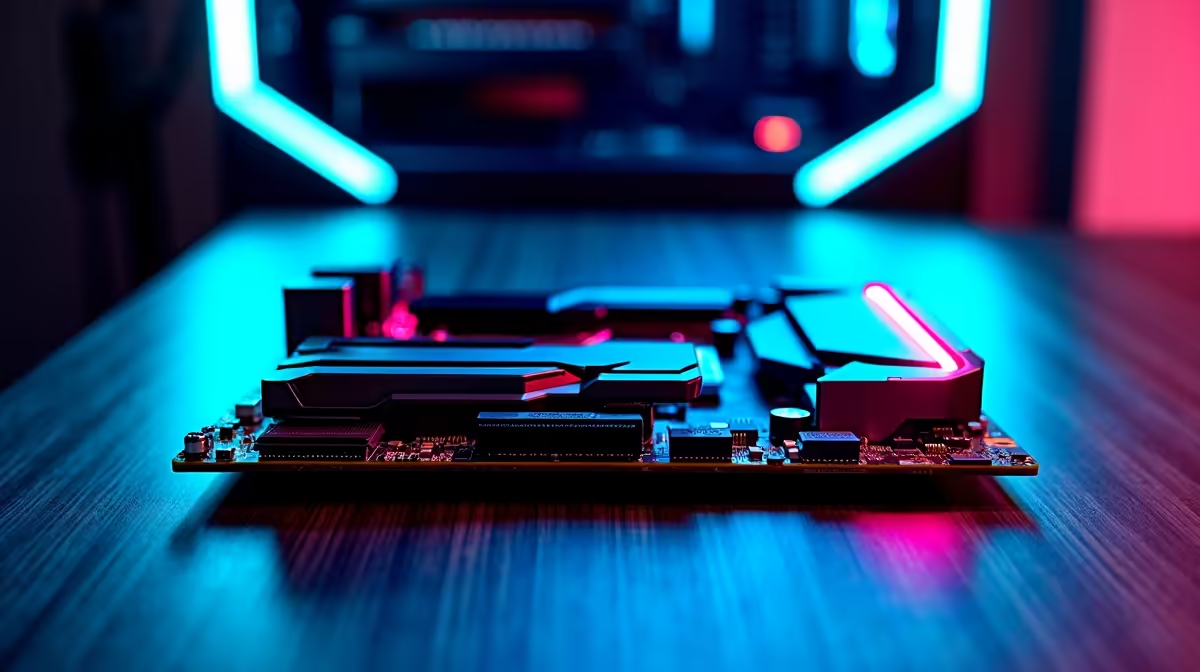
Kingston 16GB current-gen SODIMM at R741 suits a laptop creator who edits short vertical clips and wants a clear upgrade without jumping straight to a bigger desktop RAM kit. For light timelines, captions, browser tabs, and export work, 16GB is a sensible floor, especially when the machine currently feels stuck while previewing or switching between apps.
Best memory picks for short-form editing
If the editing machine is a desktop, TEAMGROUP VULCAN 32GB current-gen 6000 at R1,460 is the better value step. The 32GB capacity gives more breathing room for media bins, thumbnails, and background apps than a basic 16GB setup, while the 6000 speed keeps the system feeling current.
Kingston FURY 32GB current-gen 6400 at R2,300 fits a creator desk that handles heavier batches, effects, and frequent exports. Its 32GB capacity and 6400 speed make sense when the workflow includes several clips open at once, music, overlays, and a browser full of reference tabs.
Creator desk upgrade for SA short-video work
For a laptop used at a student desk, home office, or small studio corner, the Kingston 16GB current-gen SODIMM at R741 is the direct upgrade to check first. For a desktop tower, the TEAMGROUP VULCAN 32GB current-gen 6000 at R1,460 is usually the more useful jump because 32GB memory helps the whole edit feel less cramped.
KLEVV CRAS V 32GB 7200 RGB at R6,400 is the premium choice here, mainly for builders who want 32GB memory, 7200 speed, and visible RGB in a polished tower setup. Kingston FURY 32GB 5600 at R5,100 is another 32GB option, but its higher price makes the R2,300 Kingston FURY 6400 pick easier to justify for most creators.
Ready to choose the right memory?
Keep the memory shortlist simple with TEAMGROUP VULCAN 32GB current-gen 6000 speed at R1,460, especially where its listed spec answers the 16gb upgrade editing brief.