



Is a USB DAC worth it for running Plex in South Africa?
A USB DAC is worth considering for Plex when the mini PC feeds speakers and cleaner audio matters more than basic onboard sound.
Read moreSelf-hosting apps do not need 240Hz, but the same monitor can still be useful if gaming is the demanding part of the setup. For SA buyers, the better choice balances high refresh with readable dashboards, stable panel quality and enough inputs.
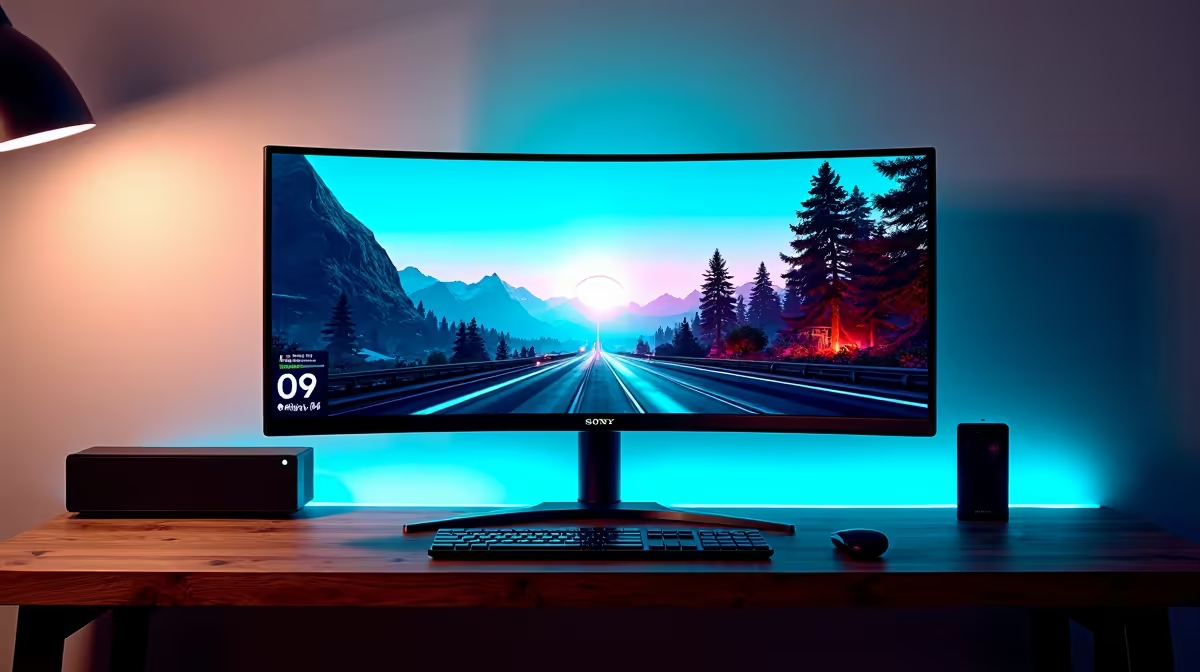
The ViewSonic VX2779A 240Hz at R2,350 suits SA gamers who want fast competitive play while still keeping a clean gaming monitor for dashboards, server panels, and admin screens.
A 240Hz screen makes sense when the same desk handles quick reaction gaming and self-hosting apps in SA, because smooth motion helps in matches while the extra responsiveness also makes web dashboards feel sharper. The ViewSonic VX2779A 240Hz at R2,350 is the strongest value here because it gives the highest refresh rate in the listed range without jumping into premium pricing.
The MSI MAG 274F 200Hz at R3,006 is a sensible step-down if you still want a very fast panel but do not need the full 240Hz ceiling. Its 200Hz spec is enough for most high-frame-rate gaming, and it still feels responsive when switching between browser tabs, monitoring pages, and control panels.
The Dell SE2726H 144Hz at R1,797 is the budget-aware option for a desk where gaming is regular but not ultra-competitive. At 144Hz, it is still a clear upgrade over basic office screens, while the lower R1,797 price leaves more room for storage, networking, or other home server upgrades.
For a compact setup with a fibre router cupboard nearby, the Dahua LM25 200Hz at R1,850 works well when you want a fast screen beside a small server shelf without overspending. The AOC 27in QHD 200Hz at R3,200 adds the useful QHD spec, which helps when you want more visible space for a game, browser console, and monitoring view.
Ready to choose the right gaming monitor? Use Dell SE2726H 144Hz at R1,797 as the gaming room benchmark, then check whether its listed spec matches the space, workload, and upgrade path.
Check that 240Hz is useful for gaming while app dashboards remain easy to read for logs, settings and browser windows.
For this use, motion handling helps games, while resolution and text clarity matter more for self-hosted interfaces and admin pages.
Choose a screen size that keeps dashboards visible beside game launchers or browser tabs without making the desk feel crowded.
Give 240Hz priority only when fast games are a regular use, since self-hosting work gains more from clarity and usable workspace.
The desk works if the monitor position leaves room for router gear, peripherals or notes without blocking everyday keyboard movement.
Panel quality wins when small text, dark interfaces and game motion need to stay clear across the same daily screen.
A USB DAC is worth considering for Plex when the mini PC feeds speakers and cleaner audio matters more than basic onboard sound.
Read more
For matric studies in South Africa, a front-desk all-in-one can be worth it when the goal is a simple study computer in one compact unit. It still needs to be checked against current Evetech stock, while a tower with RX 7600 or RTX 5060 remains the more flexible upgrade path from the source.
Read more
For older console emulation in South Africa, a 24-inch all-in-one can make sense when the selected Evetech unit suits the emulator and controller setup. It is a neat low-clutter option, while a tower with RX 7600 or RTX 5060 is stronger if you also want wider gaming headroom.
Read more
Dual-monitor productivity can benefit from 16GB RAM when the user keeps many work apps open across both screens. The input lists Ryzen 5 5500 R1,100, ASUS Prime B850M-F WiFi R2,300, RM850e R1,900, and cooling from Gamemax Sigma R235 to Xigmate.
Read more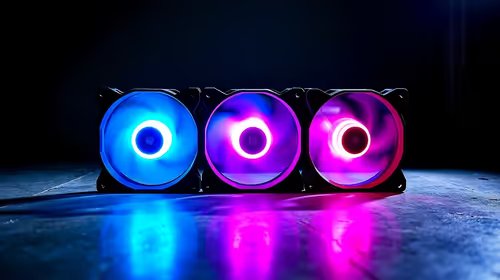
Yes, case fans can be worth it for Call of Duty if the current PC runs hot or traps warm air during long matches. The build context includes Ryzen 5 5500 at R1,100, ASUS Prime B850M-F WiFi at R2,300, RM850e at R1,900, and cooling choices from Gamemax Sigma R235 to Xigmatek Connect U.
Read more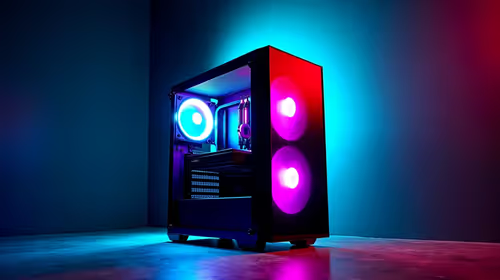
For live streaming in South Africa, a video-editing PC is worth considering if it also needs to run creator tasks beyond the stream. The supplied range starts at RTX 5070 Ti 16GB R12,700 and reaches RTX PRO 4000 24GB R16,700, while high-end workstation work can use RTX PRO 6000 96GB R151,700.
Read more
Edge not saving passwords needs a check of the browser profile and Microsoft Password Manager settings. Saving, generating and filling a password are separate actions; confirm which one fails before changing account data.

ASUS PG259QWS Ace is the 720Hz model in the newly available 24.5-inch OLED Ace pair. The separate XG259QWPG Ace is 540Hz. Check the exact model, connection and real game performance before choosing a screen.

System76 Thelio Prime is an 11-litre Linux desktop due 18 November, with Ryzen 9000 processors and configuration-dependent graphics. Check application support, connections and the selected build before treating its small footprint as the whole buying decision.

Edge default search engine controls searches typed in the address bar. Choose a supported search provider in browser settings, then test the address bar separately from a website search box or a new-tab page before assuming the change failed.
Edge not saving passwords needs a check of the browser profile and Microsoft Password Manager settings. Saving, generating and filling a password are separate actions; confirm which one fails before changing account data.
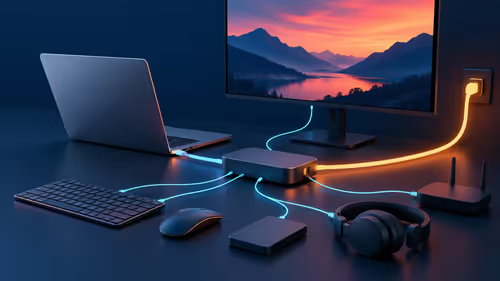
Targus DOCK402 combines a mobile dock with a built-in GaN charger. Its useful buying checks are host power negotiation, USB-C video support and the single-display limit, rather than assuming every USB-C laptop gets the maximum charging and resolution.
Edge default search engine controls searches typed in the address bar. Choose a supported search provider in browser settings, then test the address bar separately from a website search box or a new-tab page before assuming the change failed.

Edge block pop-ups can stop unwanted windows while permitting a trusted site that needs one. Check the exact site exception and distinguish pop-up windows from adverts inside a page and website notifications before turning off protection broadly.
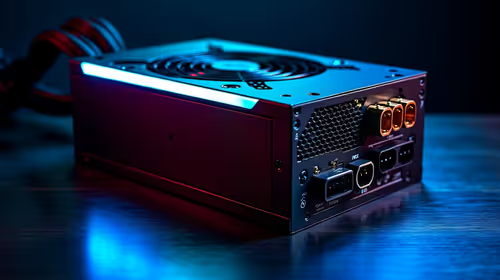
ATX 3.1 power supplies for South African PC builders make most sense in modern GPU-focused builds. Weigh connector support, cable routing, wattage headroom, efficiency, warranty, and local replacement ease before buying.

Mechanical keyboard buying guide for boksburg residents needs careful context before choosing parts. Use this guide to compare options, trade-offs, platform fit, and upgrade timing for a South African gaming PC without relying on live stock, price,

Where Alberton Gamers Buy Studio Microphone That's Stock needs a balanced South African view before choosing hardware. Check resolution, settings, cooling, power needs, platform fit, warranty support, and upgrade plans before deciding.
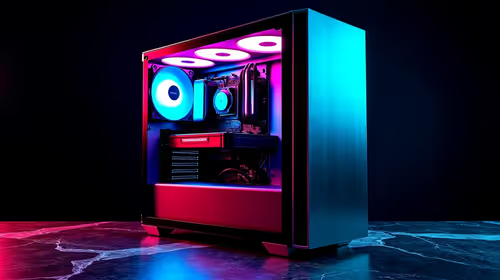
Use this gaming setup for video editing in 1080p in Klerksdorp guide as a cautious planning view, not a live stock promise. Compare fit, specs, budget, warranty, delivery options, and upgrade needs before choosing hardware in South Africa.