A video-editing PC is worth using for live streaming when its encoder has enough headroom after the creative workload is running. Editing specifications can help, but a stable broadcast also depends on upload capacity, audio routing, camera support and thermal behaviour. Test the whole production rather than assuming an export-capable machine will stream flawlessly.
Define the live production
List the intended resolution, frame rate, scenes, overlays and browser sources. Choose hardware encoding where the software and GPU support it, then leave performance headroom for scene changes. If editing applications will remain open during the broadcast, include them in every rehearsal. Keep private project folders and client notifications out of captured windows.
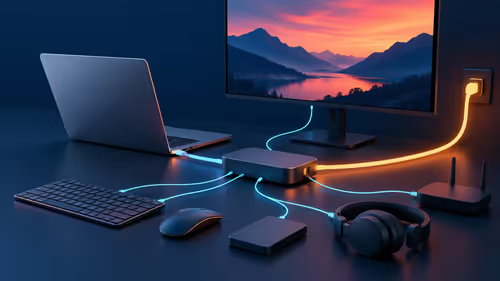
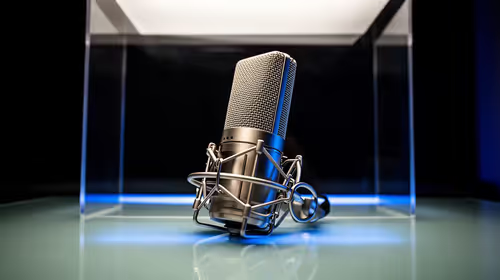
The GEEKOM A8 Max mini PC has a verified R12,900 price as a compact creator reference, subject to encoder and software checks. A verified R458 price applies to the Logitech Brio 100 Full HD webcam. The factpack lists the HyperX SoloCast 2 USB microphone at a verified R690. Confirm available USB connections and monitor fan noise at the actual microphone position.
Produce a demanding private stream
Run an unlisted session for an hour while changing scenes, playing a prepared clip and recording locally. Review dropped frames, encoder load, audio synchronisation, temperature and free storage. Ask a viewer on another connection to assess speech, motion and image clarity. Compare the stream report with an independent upload test.
Use the editing computer when this rehearsal remains stable more than once. Upgrade the measured encoding, memory, storage or connection bottleneck instead of replacing the complete system on assumption.
Building a creator broadcast desk? > Ask Evetech to compare compact creator PCs, webcams and USB microphones.