A USB DAC is worthwhile for Plex only when the server or playback computer feeds headphones or analogue speakers and its current audio output is noisy, weak or incompatible. It does not improve transcoding, network delivery, library scans or audio sent digitally to a television or receiver.
Locate the audio conversion point
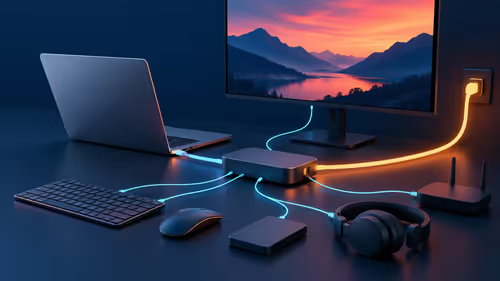
Draw the path from the Plex server to the playback app, display and speakers. Test a known file and identify which device performs digital-to-analogue conversion. Listen for noise at normal volume and check format support before adding hardware.
No USB DAC has verified pricing in the supplied facts. The Logitech Z407 speaker system is verified at R1,404 and the SteelSeries Arena 3 at R2,782 as separate analogue-output references. For a converter, check operating-system support, inputs, outputs, sample formats, volume control, headphone demand and warranty.
Use lawful media, protect library access and keep important metadata in backups. Set output levels carefully to avoid sudden loud playback, and test lip synchronisation when video and audio follow different connections. Do not add drivers from untrusted download sites.
Purchase the converter only if the listening test exposes a problem at the actual conversion point. Address server CPU, codec or network limitations separately when Plex playback stalls. Match volume control behaviour across every playback application.
Improving Plex audio? > Compare Evetech speakers after tracing the complete playback path.