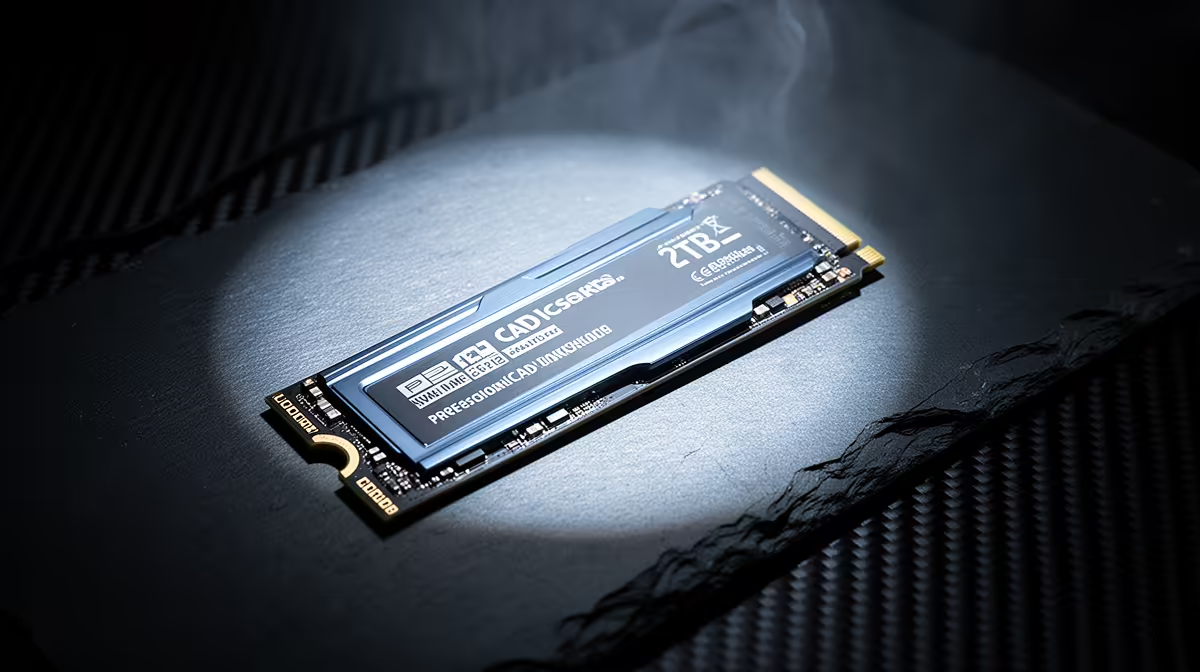
ADATA LEGEND 900 1TB NVMe at R948 suits South African design students and junior draughting desks that need fast project storage without overspending on capacity they may not fill yet. For a serious nvme ssd upgrade, 2TB is worth considering when large model folders, exports, references, and install files all live on the same drive, but a sharp 1TB option can still be the sensible starting point.
Product picks
When 2TB makes sense for CAD work
The ADATA LEGEND 900 1TB NVMe at R948 is the value anchor here because it gives you a 1TB NVMe drive for active projects, software installs, and current job folders. If the workstation is used daily for Revit and AutoCAD, that 1TB spec can feel comfortable at first, but it can tighten quickly once archived drawings, renders, and duplicated client folders stay on the same machine.
The WD Blue SN5000 NVMe at R998 is another practical NVMe option when the goal is a clean internal upgrade rather than an external storage habit. At R998, it fits a home-office or small studio machine where the priority is keeping the operating system, apps, and active files on quick internal storage.
South African creator desk reality
On a creator desk with one laptop, one external monitor, and a growing project archive, the Samsung 990 PRO at R4,648 is the premium pick from this list. It costs far more than the ADATA LEGEND 900 1TB NVMe at R948, so it makes most sense when the machine is a primary work tool and storage slowdowns cost actual billable time.
The ORICO NVMe M.2 enclosure at R160 is not the main workstation drive, but its M.2 enclosure spec is useful for moving archived files off the laptop without losing easy access. That makes a 1TB internal NVMe easier to live with while you decide whether the next upgrade should be a bigger internal drive.
Ready to choose the right SSD?
For nvme revit autocad, put WD Blue SN5000 NVMe at R998 first and judge the setup around its listed spec.