Quick Answer
For pure 1440p gaming, 32GB of RAM is the comfortable sweet spot rather than a strict requirement; 16GB still runs most games, but 32GB removes stutter when you alt-tab, stream, or keep a browser open. A 32GB DDR5-6000 kit is the smart default for a new 1440p build.
16GB versus 32GB at 1440p
Most current games at 1440p use 8-12GB of system RAM, so 16GB technically runs them. The catch is everything else you have open: Discord, a browser with twenty tabs, a Spotify client, and a recording overlay can push total usage past 16GB, causing stutter as Windows swaps to disk. A 32GB kit gives a generous buffer so the game keeps the RAM it needs while your background apps stay loaded. It is the difference between adequate and consistently smooth.
Pick the right kit for the platform
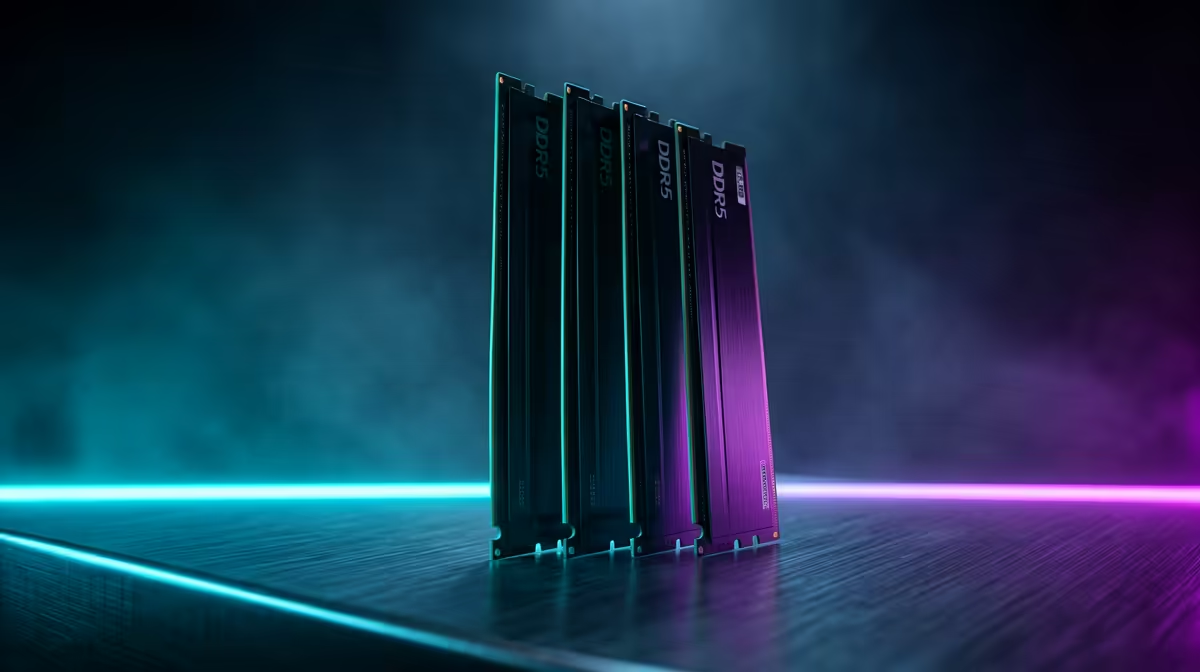
On a modern AM5 or Intel build, a 32GB (2x16GB) DDR5-6000 CL30 kit is the value sweet spot, since 6000 MT/s is the ideal speed for Ryzen's memory controller. Avoid four sticks if you can, as two-stick kits run higher speeds more reliably. Evetech stocks 32GB DDR5 kits across price tiers; a good 6000 CL30 set typically lands in a sensible mid-range band for a new 1440p build.
FAQ
Is 32GB of RAM necessary for 1440p gaming?
Not strictly, but it is the comfortable sweet spot. 16GB runs most games, while 32GB removes stutter when you keep a browser, Discord, and a recorder open alongside the game.
What RAM speed is best for a 1440p gaming build?
DDR5-6000 CL30 is ideal on a modern AM5 platform, as it matches Ryzen's memory controller perfectly. A 32GB (2x16GB) kit at this speed is the value default.
Will 32GB improve my frame rate at 1440p?
Only marginally over 16GB if you run nothing else. The real benefit is smoother 1% lows and no stutter when multitasking, streaming, or keeping many apps open.
Buyer Tip
For a 1440p build, choose a 32GB (2x16GB) DDR5-6000 CL30 kit and enable the EXPO or XMP profile in the BIOS; without it, the RAM runs at a slow default speed and you lose real frame-rate gains.