



1000W PSU Planning for RTX 5090 Builds in SA
1000W for RTX 5090 needs a full-build check, not a simple yes. Review GPU guidance, CPU draw, transient load, connectors, PSU quality, and upgrade plans before deciding.
Read moreA 360Hz monitor mostly rewards players who can already hold triple-digit frame rates every match, since the frame-time gap below 240Hz shrinks fast. Evetech stocks 360Hz panels, but most non-pro players feel a bigger jump moving from 60Hz to 144Hz first.
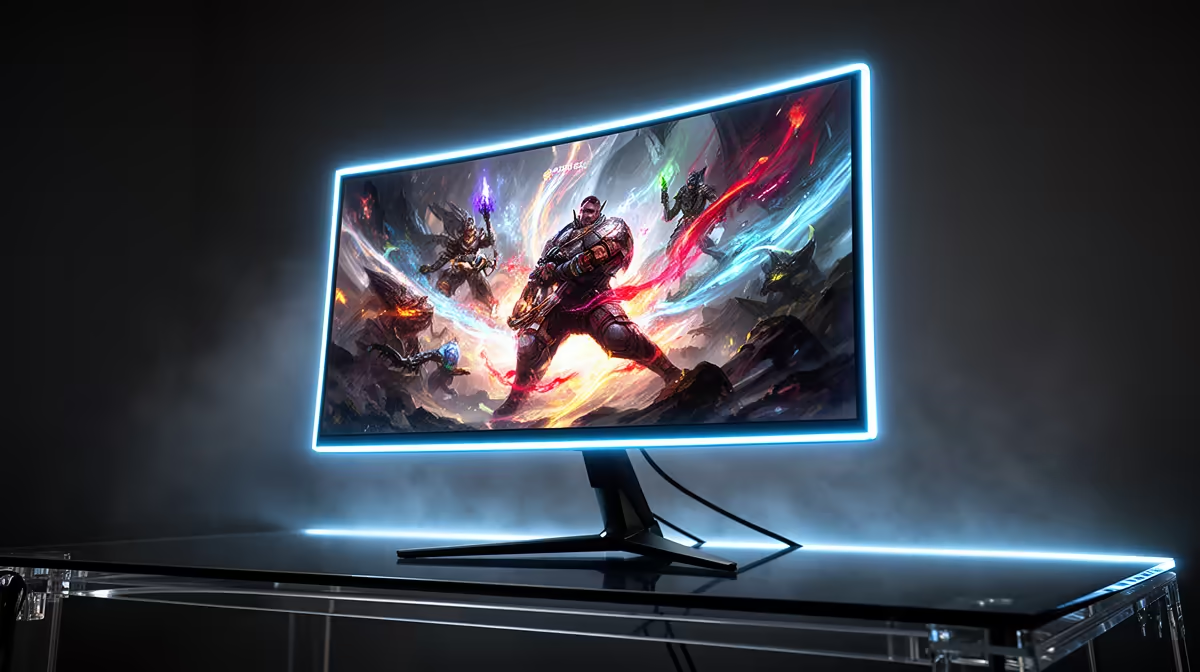
A 360Hz monitor can feel cleaner and more responsive than 240Hz when your PC delivers very high native frame rates and you play competitive shooters. The gain is much smaller than moving from 60Hz to 144Hz.
At 60Hz, the panel begins another scan every 16.7ms. The window falls to roughly 4.2ms at 240Hz and 2.8ms at 360Hz. Moving between those last two ceilings removes about 1.4ms before pixel response and the rest of the system are considered.
You do not need to be a professional to enjoy it. You do need a game library and PC that expose the benefit.
Test your competitive game at the settings you use. A 360Hz screen earns its ceiling when the CPU and GPU can stay well into the triple digits with controlled frame times.
The system can still feel good below 360fps because adaptive sync follows the output. A 360Hz label does not make a 110fps game respond like 360fps.
Prioritise one-percent lows and input consistency. A high average with repeated stalls wastes the panel's strength.
Pixel response must keep up with the short refresh window. Slow transitions create blur even when the signal arrives at 360Hz.
Read measured reviews for response time, overshoot and input lag. Check performance at 240Hz and 144Hz too, because not every game will sit at the ceiling.
Some 360Hz models focus on 1080p to keep the GPU load low. Higher-resolution options demand more graphics power. Choose resolution before you chase refresh.
Browse high-refresh monitor choices and compare popular gaming screens by exact resolution, response and adaptive-sync range.
A Counter-Strike, Valorant or similar competitive player with a fast CPU can use 360Hz. Aim training and repeated ranked play make small motion and latency gains easier to notice.
A player focused on story games at 80fps gains more from resolution, contrast or HDR. A creator may prefer 4K workspace and colour features.
If you currently use 60Hz, a good 144Hz or 165Hz adaptive-sync screen delivers the big step. From 240Hz, test 360Hz in person when possible.
Your own tracking result matters here.
Some can, especially in fast competitive play. The difference is smaller than the move from 60Hz to 144Hz.
It needs enough complete-system performance to produce high frame rates at the chosen resolution. CPU speed often matters heavily.
The ceiling may see little use. A screen with better resolution, contrast or HDR can provide a larger visible upgrade there.
A shorter refresh interval can reduce part of display latency. Pixel response, game frame time and input processing still contribute.
Benchmark your competitive games at low-latency settings, then choose 360Hz only when sustained frame times and panel response can use the smaller refresh window.
Some can, especially in fast competitive play. The difference is smaller than the move from 60Hz to 144Hz.
It needs enough complete-system performance to produce high frame rates at the chosen resolution. CPU speed often matters heavily.
The ceiling may see little use. A screen with better resolution, contrast or HDR can provide a larger visible upgrade there.
A shorter refresh interval can reduce part of display latency. Pixel response, game frame time and input processing still contribute. {{PRODUCTS: { facets: { query: "360Hz monitor" }, limit: 12, title: "360Hz Monitors", style: "4" } }}
1000W for RTX 5090 needs a full-build check, not a simple yes. Review GPU guidance, CPU draw, transient load, connectors, PSU quality, and upgrade plans before deciding.
Read more
RTX 5080 Super with a 750W PSU is more comfortable than lower wattage if the unit is quality. SA builders should still confirm GPU guidance, CPU draw, connector type, airflow, and upgrade room.
Read more
How to fix FPS drops after a RX 9070 XT starts with driver cleanup, chipset updates, thermals, and power checks. For SA gaming PCs, confirm PCIe seating, monitor refresh, frame caps, and per-game graphics settings before replacing parts.
Read more
How to fix low FPS Windows 11 Wi-Fi 7 issues starts by checking whether the problem is frame rate or network lag. Test ping, drivers, power settings, Ethernet, and game FPS before adjusting visuals.
Read more
AM5 is smart for SA builders because it supports newer Ryzen CPUs, DDR5 memory, and a longer upgrade path. Compare board cost, cooling, gaming needs, and local part availability before choosing your next PC platform.
Read more
AM5 gives Randburg gaming builders a longer upgrade path. For SA buyers, DDR5 support, newer board features, and future CPU options can justify the platform. Weigh board cost, cooler support, BIOS maturity, and upgrade timing before choosing.
Read more
RTX 5090 on a 550W PSU leaves almost no practical room for OC plans. Treat the setup as constrained, with CPU draw, power spikes, cable quality, thermals, and stability checks more important than chasing extra clocks.

FPS drops on a Ryzen 9 9950X3D build often have a fixable cause. Check settings, drivers, thermals, background tasks, network conditions, and bottlenecks before assuming a part must be replaced.

The difference between PCIe 5.0 and PCIe 4.0 for SA gamers is mostly bandwidth headroom. Compare GPU slot needs, NVMe speed, motherboard support, and upgrade timing before paying extra for a newer platform.

Gaming PC stuck pixel checks in South Africa should confirm the monitor fault first. Use colour tests, screenshot comparison, cable swaps, display menu checks, and clear photos before deciding on support.

AMD's current driver now lists a Radeon RX 9050 4GB, while product coverage details a narrowed memory system. SA buyers should weigh the low VRAM ceiling against current local Radeon options.

Samsung Display has demonstrated a 16-inch 2.5K OLED laptop panel running at 300Hz. SA buyers should wait for a named notebook, full panel specifications and a local price before planning an upgrade.

Microsoft says some Windows 11 game crashes after recent updates are linked to RGB-related drivers. Affected SA gamers should confirm the update and driver before using the published registry workaround.

Thermalright's Fan Frame Vision-1 adds a 640x172 status screen to a standard 120mm fan. SA builders should check clearance, USB routing and local support before treating it as an easy upgrade.
1000W for RTX 5090 needs a full-build check, not a simple yes. Review GPU guidance, CPU draw, transient load, connectors, PSU quality, and upgrade plans before deciding.

Wi-Fi 6E vs Wi-Fi 6 matters for 4K video editing when files move across a network. The real-world difference between Wi-Fi 6E and Wi-Fi 6 for video editing in 4K depends on NAS access, cloud uploads, router range, and SA creator workflows.
RTX 5080 Super with a 750W PSU is more comfortable than lower wattage if the unit is quality. SA builders should still confirm GPU guidance, CPU draw, connector type, airflow, and upgrade room.

Wi-Fi 6E vs Wi-Fi 6 for Video Editing in 4K comes down to router support, latency, client devices, band support, and home network layout. SA buyers should match the choice to their setup instead of assuming one option always wins.