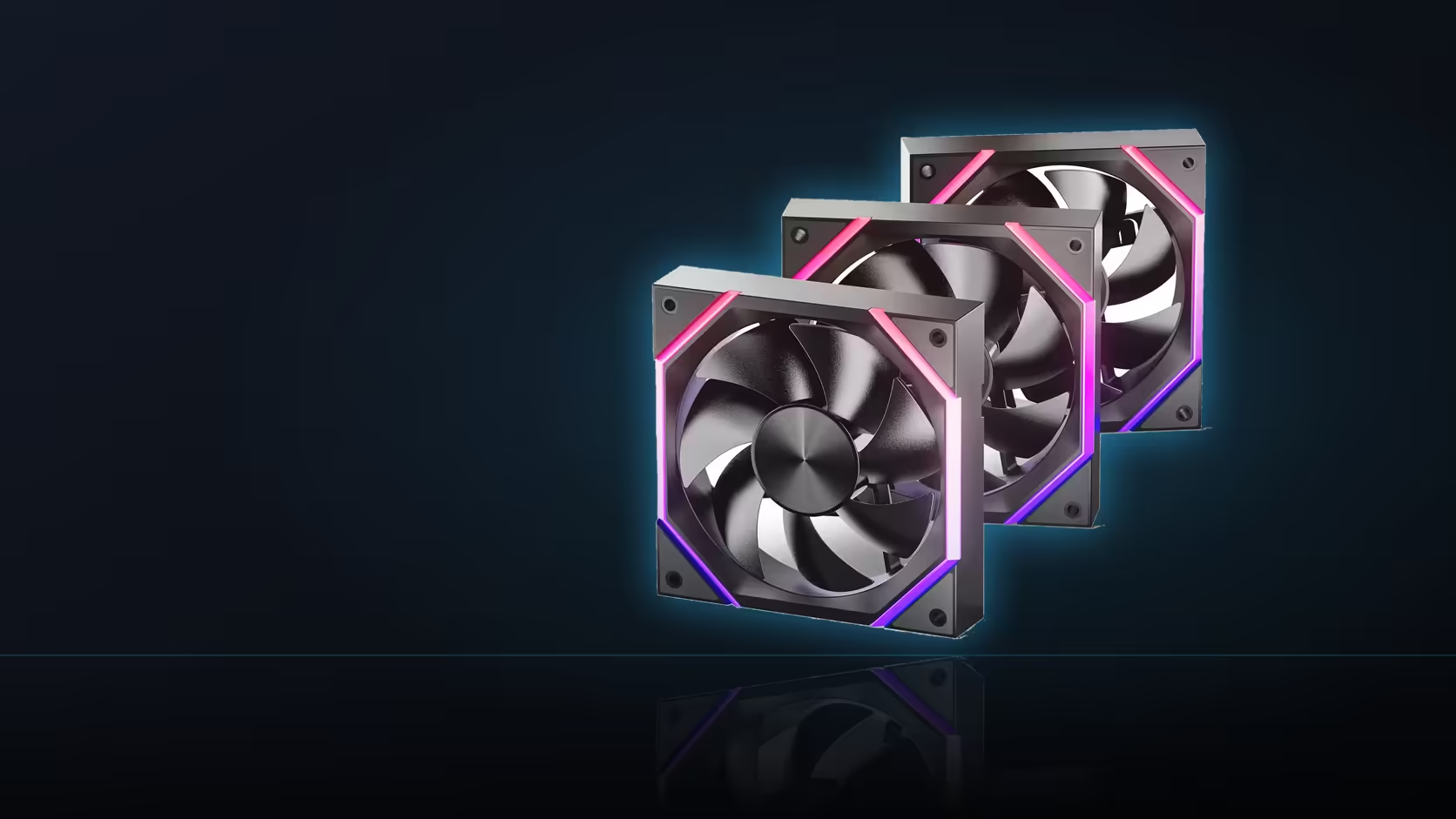
A spec sheet listing "800-2000 RPM" tells you what a fan is capable of, not what it will actually do sitting in your case. The Nyota A12's range is a boundary, and the curve you set inside it is what decides the day-to-day experience.
Quick Answer
The Nyota A12's 800 to 2000 RPM figure describes the operating range under PWM control, not a fixed behaviour. The actual speed at any given moment depends on the fan curve configured in the BIOS or motherboard software, which reads a temperature and maps it to a duty level. Two identical A12 fans in different builds can run at very different real-world speeds. The three-pack sells for R499.
📈 A range is a boundary, not a promise
Reading "800-2000 RPM" as a description of normal operation misses the point. It's the floor and ceiling the fan physically supports - what happens between those two numbers, moment to moment, is entirely down to the curve mapped in your BIOS or fan-control software. A shallow curve keeps the fan near 800 RPM for most of a session; an aggressive one pushes toward 2000 quickly under load.
This is why two machines running the same A12 fans can sound completely different. The hardware ceiling is identical; the software decision governing it is not.
Where the curve actually lives
Most motherboards expose fan curve settings inside the BIOS fan control screen, mapping a chosen temperature sensor against a target duty percentage at several points. Some boards also offer curve control through their own Windows software, which behaves similarly but runs only once the desktop has loaded.
Whichever route you use, the A12's 800 to 2000 RPM figure is what bounds the result - the curve decides where inside that bound the fan actually sits.
🌡️ Picking the right temperature to follow
A case fan responding to processor temperature tends to ramp erratically, chasing short bursts of load that don't really call for more airflow through the case. A board or case-level sensor, which changes more gradually, is generally a steadier input for a fan whose job is moving air through the whole enclosure rather than cooling one component directly.
Does the default curve need changing at all?
Board manufacturers ship a default curve, but it's rarely tuned for a specific case or noise preference - reviewing it once, rather than assuming it's ideal, is worth the few minutes it takes.
Frequently Asked Questions
What does the 800-2000 RPM figure actually describe?
The lowest and highest speeds the fan supports under PWM - the boundary a curve operates inside, not a guaranteed behaviour.
Where is the fan curve set?
Usually in the BIOS fan control section, or in the motherboard's own software once Windows has loaded.
Does the A12 ship with a curve already configured?
Boards apply their own default curve out of the box, which is rarely tuned for a particular case or noise target.
Which temperature sensor should a case fan follow?
A case or board-level reading tends to behave more sensibly than a processor sensor, which spikes with short bursts of load.
Can each fan in the pack run a different curve?
Not when chained on one header - the three fans in a linked row follow whichever curve is set for that header.
Is a wider RPM range always an advantage?
It gives more room to tune within, though the part of the range your build actually uses is what matters day to day.
Does the 2000 RPM ceiling ever get reached in normal use?
Only under a steep curve or heavy sustained load - most builds spend the bulk of a session well below the top of the range.
A curve that matches how your build actually runs starts with the right fan - Evetech's case fans and case accessories selections fill in the rest.
Ready to tune a fan curve properly?
Browse Evetech's case fan range to find fans that suit whatever curve shape your build needs.