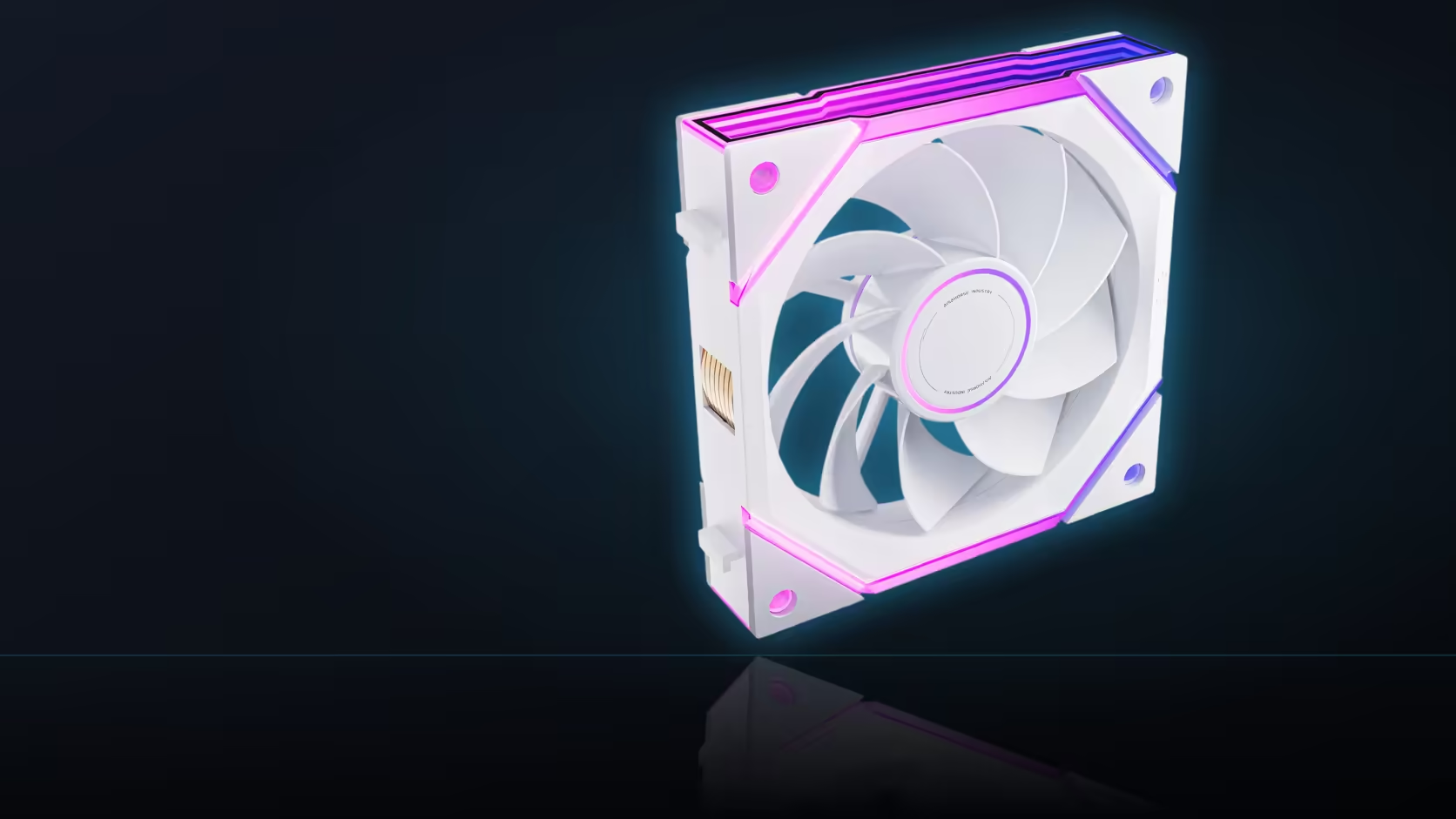
Cable daisy-chaining sounds like a small convenience until you actually measure how far it needs to stretch across a wide case. The Nyota Ultra describes its chain as covering a 550mm run, and treating that figure as a rough estimate rather than an actual length is how a cable route ends up planned incorrectly.
Quick Answer
The Nyota Ultra's cable daisy-chaining covers a 550mm run, which is a genuine distance to route through a wide case rather than a short jumper between neighbouring fans. Planning where that length actually travels, rather than assuming it will simply reach, keeps the interior looking tidy once the row is installed.
📏 What the 550mm figure actually describes
AsiaHorse specifies the daisy-chaining run at 550mm as part of how the fans in a row connect to one another and, ultimately, back to a single motherboard header. That figure covers the chain linking the fans together, distinct from whatever separate lead connects the completed chain to the board itself.
📐 Why case width changes how far that stretches
A wide front intake row spreads its fans further apart than a compact case would, which means the chain has to cover more physical distance between each connection point. On a genuinely wide case, that 550mm figure is worth checking against the actual spacing between fan positions before assuming the chain will comfortably reach across a full three-fan row without running short.
🛤️ Where the cable run should actually travel
Routing the chain behind the fan mounting frame, or through the nearest cable grommet into the case's rear cavity, keeps the visible side of the build showing fans rather than a run of cable crossing in front of them. Planning that path before mounting the fans, rather than improvising it afterwards, is what keeps a finished build looking deliberate instead of makeshift.
✂️ Handling surplus length once the row is mounted
Extra length left over after routing is not a problem on its own; it only becomes visible clutter if left loose rather than gathered and tucked behind the mounting tray. Confirming the row actually responds correctly before applying cable ties is worth doing first, since tying down a run and then discovering a connection issue creates rework that a five-minute test would have avoided. A narrower case typically leaves more surplus to manage rather than any risk of falling short on reach. Browse the case fan range for the Ultra and its daisy-chain-compatible siblings, with case accessories covering cable ties and routing extras.
Frequently Asked Questions
What exactly does the 550mm figure cover?
The cable daisy-chaining run that links the Nyota Ultra fans together, as specified in the range's description.
Why does a wide case need extra attention to this figure?
Because a wide front row spreads its fans further apart, giving the chain more physical distance to cover between connection points.
Where should the cable run actually be routed?
Behind the fan mounting frame or through the nearest grommet, so the visible side of the build shows fans rather than cable.
Is leftover cable length actually a problem?
Only if it is left loose. Gathering surplus length behind the mounting tray keeps things tidy without cutting or shortening anything.
Should cable ties go on before or after testing the row?
After. Confirming the row responds correctly first avoids the rework of undoing ties to fix a connection that was never tested.
Does a narrower case need less of that 550mm figure?
Generally yes, which usually leaves more surplus cable to tuck away rather than creating any risk of falling short.
Ready to plan your cable route before mounting a full fan row?
Browse Evetech's case fan range and the accessories section for the routing extras a wide case might need.