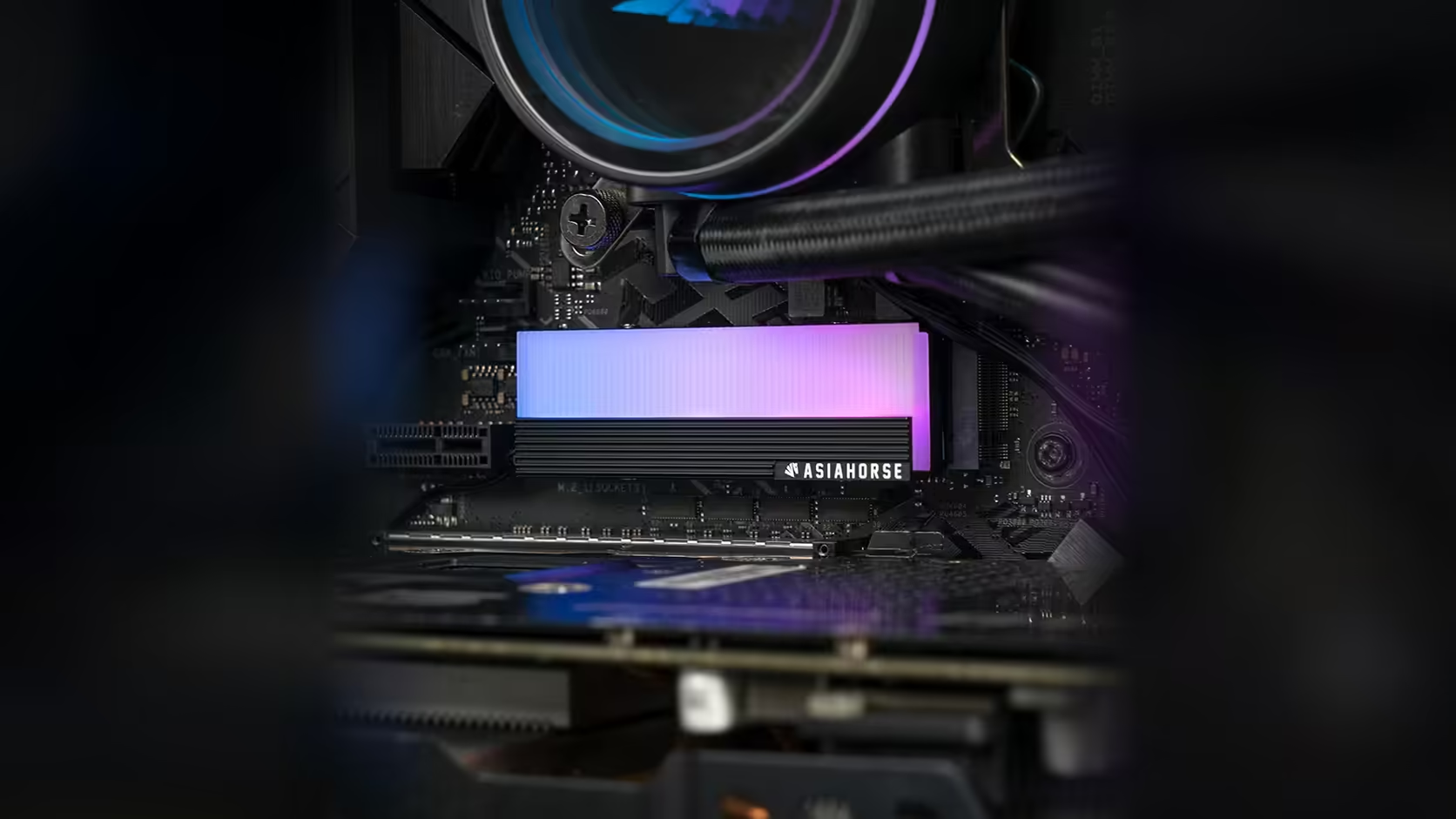
Fitting a cover is a one-time job in some people's minds, but drives get swapped, upgraded and replaced more often than that assumption allows for. The AsiaHorse M.2 heatsink's service step is worth thinking about now, before it becomes a surprise the next time your storage changes.
Quick Answer
Because this AsiaHorse M.2 cover, R199 all-in with VAT and not fixed at that figure forever, is mechanically secured with four screws rather than clips, replacing the drive underneath it means removing those screws first, every single time. That is an extra step added to what is otherwise a quick job, and it is worth factoring in on a build where storage tends to change more than once.
🔩 What a drive change looks like with this cover fitted
The sequence now runs: remove the four cover screws, lift the cover clear, deal with the drive's own separate fixing to the board as you normally would, then reverse the whole process once the new drive is in place. None of it is difficult individually, but it is measurably more than the near-instant swap a bare M.2 slot allows.
How much extra time does it actually add
With clear access to the slot, a few minutes covers the whole additional process. Where the slot sits beneath a fitted graphics card, that figure climbs considerably, since reaching all four screws in a cramped space takes longer than working in the open.
🔌 The lighting lead is part of the job too
Before the cover can lift clear, its ARGB lead needs to be disconnected or given enough slack to move with it. A cover cannot come fully off while its lead is pulled taut, so that connection is one more thing to handle during every future drive change, not just the initial fit.
🖇️ Would a clip-on cover avoid this?
It would remove the screw step specifically, at the cost of the more secure and even pressure a proper screw mount provides against the drive. That is the underlying trade this style of cover makes: security and consistent contact in exchange for a slightly longer process whenever the drive underneath needs attention.
🧰 Keep the screws, and consider the pad too
Since these four screws are specific to this cover, holding onto them after a drive change is worth doing rather than sourcing four matched replacements later. It is also worth knowing that a thermal pad can degrade somewhat with removal, so a fresh one may be needed depending on how the cover's internal design handles reuse. Spare thermal pads and small-parts storage are worth a look under case accessories, with the solid state drive range close by for the next drive itself.
📍 Does this argue for a particular slot choice?
It argues fairly strongly for choosing an M.2 slot with clear, easy access from the outset, since every future drive change repeats exactly the same work. A slot that is awkward to reach once, during the first fit, stays awkward for every swap that follows it.
Frequently Asked Questions
What does a drive change involve with this cover fitted?
Removing the four cover screws, lifting the cover, handling the drive's own separate board fixing, then reversing the process for the new drive.
How much longer does this take compared with a bare M.2 slot?
A few extra minutes with clear access, considerably more where the slot sits beneath a fitted graphics card.
Does the lighting lead need attention during a drive change?
Yes. It needs disconnecting or enough slack for the cover to lift clear, since it cannot come off while the lead is taut.
Would a clip-on cover avoid this extra step entirely?
It would remove the screws specifically, but at the cost of the firmer, more even pressure a screw mount provides.
Is a thermal pad reusable across multiple drive changes?
Pads can degrade somewhat with removal, so a replacement may be needed depending on the specific cover's design and how it was fitted originally.
Planning for future storage changes, not just the first fit?
Check Evetech's NVMe drive range and choose a slot that stays easy to reach for every swap ahead.