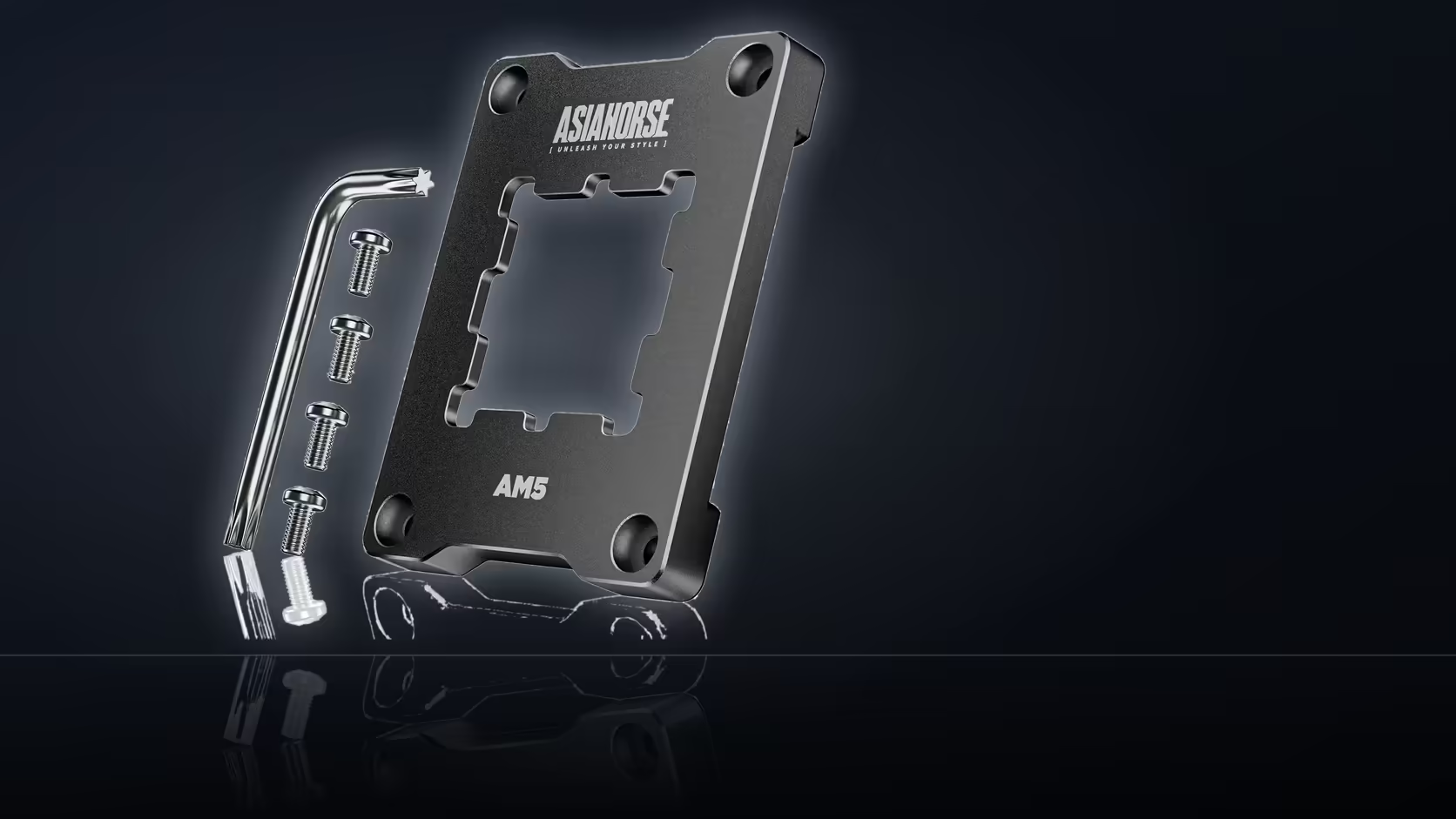
An AM5 chip running hotter after a cooler refit usually has a boring explanation, and it is worth checking before blaming the silicon. If a contact frame reassembly mixed old and new retention hardware, the cooler can end up seated unevenly without a single part looking obviously wrong.
Quick Answer
Confirm the AsiaHorse Pulsar frame and its four screws were fitted as one complete set, with none of the board's original stock retention arms left in place underneath it. Mixing the two applies pressure differently across the chip, which can produce uneven contact and higher temperatures even though everything appears assembled correctly. The R299 frame only does its job when it replaces the stock hardware entirely, not partially.
🔩 Why mixing hardware causes uneven pressure
The Pulsar contact frame is designed to replace AM5's stock retention arms on X670, B650, and A620 boards, spreading mounting pressure evenly across the processor. Leaving even one original arm in place changes how that pressure distributes, since the frame was never engineered to share the job. The result can look fine from the outside - screws tight, cooler mounted, nothing visibly loose - while the actual contact underneath is inconsistent.
What else could explain the heat
Old or poorly applied thermal paste, a cooler that is not fully tightened, or a case airflow issue unrelated to the refit are all equally plausible causes, and none of them involve the frame at all. Ruling these out alongside the hardware check gives a more complete picture than assuming the frame is automatically responsible.
🌡 Checking the contact directly
Lifting the cooler off and looking at the paste spread is the most direct way to judge whether the surfaces were actually meeting evenly - a lopsided spread points at uneven pressure, while a clean, centred spread suggests the contact itself was fine. The four screws should be tightened evenly in stages across the frame rather than fully securing one before moving to the next, and no tightening torque is specified for this frame, so moderate, even pressure is the practical approach.
If everything checks out - correct hardware, even paste spread, properly tightened screws - the frame is probably not the cause, and cooler capacity or case airflow become the more likely areas to look at next. Case-side accessories that affect airflow sit in the case accessories category, and tidier cable routing from the cable solutions range can also help keep air moving where it needs to.
Frequently Asked Questions
What should be checked first after a refit?
That the Pulsar frame and its four screws are fitted as a complete set, with none of the stock AM5 retention arms left underneath.
Why does mixing old and new hardware cause a problem?
Because the frame and the stock arms apply pressure to the chip differently, so combining them can leave the cooler sitting unevenly.
What else might explain the higher temperatures?
Old or badly applied thermal paste, a cooler that has not been fully tightened, or an unrelated case airflow issue.
How can the contact actually be checked?
Lifting the cooler off and looking at the paste spread shows whether the surfaces were meeting evenly across the chip.
Does screw tightening order matter?
Yes - tighten the four screws in stages across the frame rather than fully securing one side before touching the others.
Is a tightening torque specified anywhere?
No figure is published for this frame, so even, moderate tightening across all four screws is the sensible approach.
What if the reassembly looks completely correct?
Then the frame is probably not the cause, and cooler capacity or general case airflow are the next things worth examining.
Refitting a cooler on an AM5 build?
Check Evetech's cooling options and the case accessories range for the airflow parts that keep temperatures in check afterward.