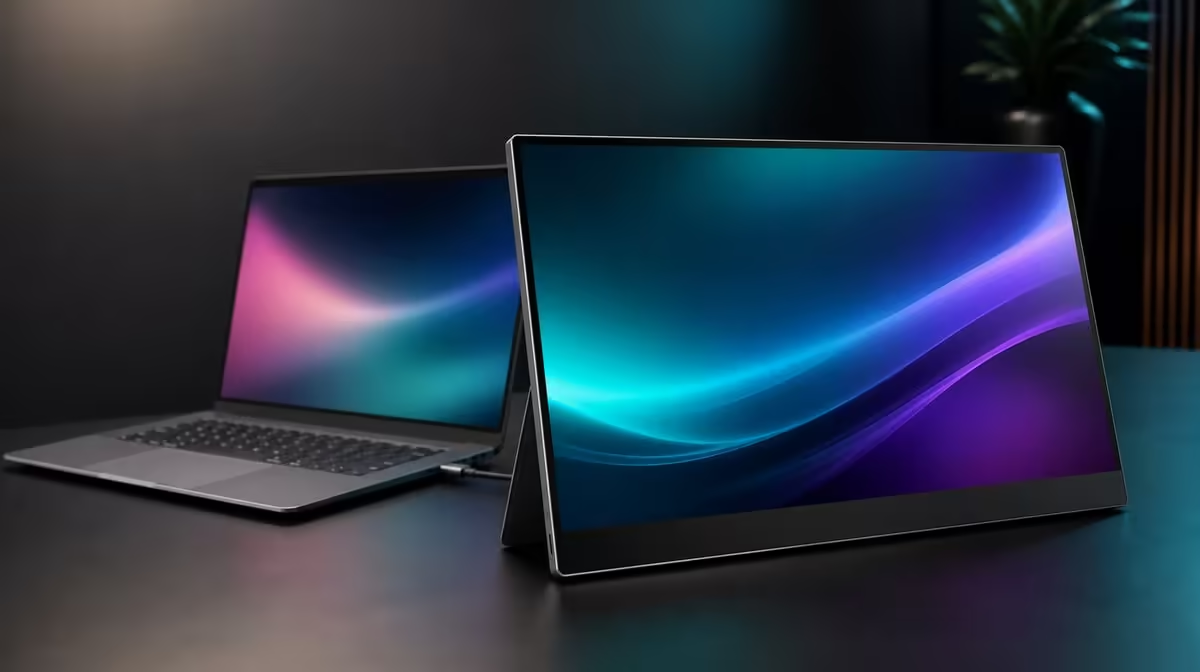
A second screen earns space in a remote-work bag only when it removes a daily bottleneck. For 4K portable monitors in SA remote work, the useful questions are which windows gain room, whether the laptop can drive the display, and whether a 17.3-inch panel fits both travel and the home desk.
Quick Answer
The R5,999 UPERFECT UColor J5 suits remote work that benefits from a roomy 17.3-inch 3840 x 2160 IPS workspace, 400cd/m2 indoor brightness, HDMI and USB-C choices, or VESA mounting at home. Confirm source video support, power, scaling, and carrying space before depending on it for an important workday.
🗂️ Give the second screen one clear job
Assign calls, research, documents, or reference material to the portable display and keep the primary task on the laptop. A deliberate split reduces window switching more effectively than opening everything across both panels.
Native 4K can show fine detail, but suitable scaling is necessary for readable menus. Test the actual work applications before travel. Evetech's portable monitor collection gives South Africans current size and resolution choices.
🔌 Rehearse the mobile connection
USB-C can simplify the desk only when the laptop port and cable carry display video and the power plan works. HDMI supplies an alternative video path. Pack every required lead and test from a disconnected state.
The 17.3-inch format favours viewing area over minimal luggage. Measure the bag with protection, laptop, power, and cables included. Evetech's PC monitor range can help decide whether a fixed second screen is better when most work stays at home.
🏠 Let one monitor serve two desks
At home, VESA support can place the J5 at a stable height and clear surface space. Confirm the exact mount pattern, arm capacity, fasteners, and cable slack. For travel, keep a separate stand and cable routine.
The 400cd/m2 rating offers brightness headroom as indoor light changes, but glare still needs control. Low Blue Light can suit extended reading, while the normal mode should be used when a warmer picture conflicts with the task.
Review Evetech's best-selling monitors for another current reference and confirm availability. At R5,999, the J5 is strongest when its large 4K view earns both the bag room and the permanent desk option.
Create a workday map before assigning windows. Put the applications that must stay visible into the second-screen plan and leave distractions out. The monitor should shorten repeated switching rather than expand visual clutter.
Run the full morning setup from a packed state. Connect power and video, confirm the correct input, restore native resolution plus scaling, and open the named applications. Document any step that causes delay.
At the home desk, compare the travel stand with a compatible VESA position. Stable height and cable routing may improve long sessions, while the removable routine protects planned mobility. Keep separate notes for each arrangement.
Review use after a week. If the J5 repeatedly holds calls, research, or detailed material while fitting the transport plan, the R5,999 package has evidence behind it. If the second panel remains closed, another remote-work setup may suit the routine better.
Track saved window switches rather than hours powered on. A second screen is useful when it keeps essential information visible and reduces repeated navigation during a task.
Check source performance with the normal workload. Native 4K output should not turn the laptop into a less practical work tool. Adjust the arrangement deliberately if the intended applications struggle.
Use 400cd/m2 only as the location requires. A shared bright room may need headroom, while a home evening desk may need far less. Keep separate settings in the workday notes.
The final remote-work verdict should name the primary task, route, bag routine, and home position. This makes the large portable panel's value concrete.
The most honest remote-work test is a full handover between locations. Pack the display, rebuild the connection at the second workspace, and resume the same documents or call layout. That reveals whether the extra desktop area repays the carrying and setup effort in an ordinary working day.
Frequently Asked Questions
Which remote tasks benefit from a second display?
Work that keeps calls, research, documents, or reference material visible beside a primary task can benefit.
Is 17.3 inches easy to carry every day?
It offers useful area but needs more bag space than smaller formats. Test the complete packed setup.
Why do both inputs help?
They let workers match a proven HDMI or video-capable USB-C route to different source devices.
What should be tested before a work trip?
Rehearse power, connection, host detection, native resolution, scaling, brightness, and the intended applications.
Ready to give remote work a second screen with a defined purpose?
Explore Evetech's portable monitors and compare current 4K size, inputs, brightness, and mounting against your mobile and home-office routine.