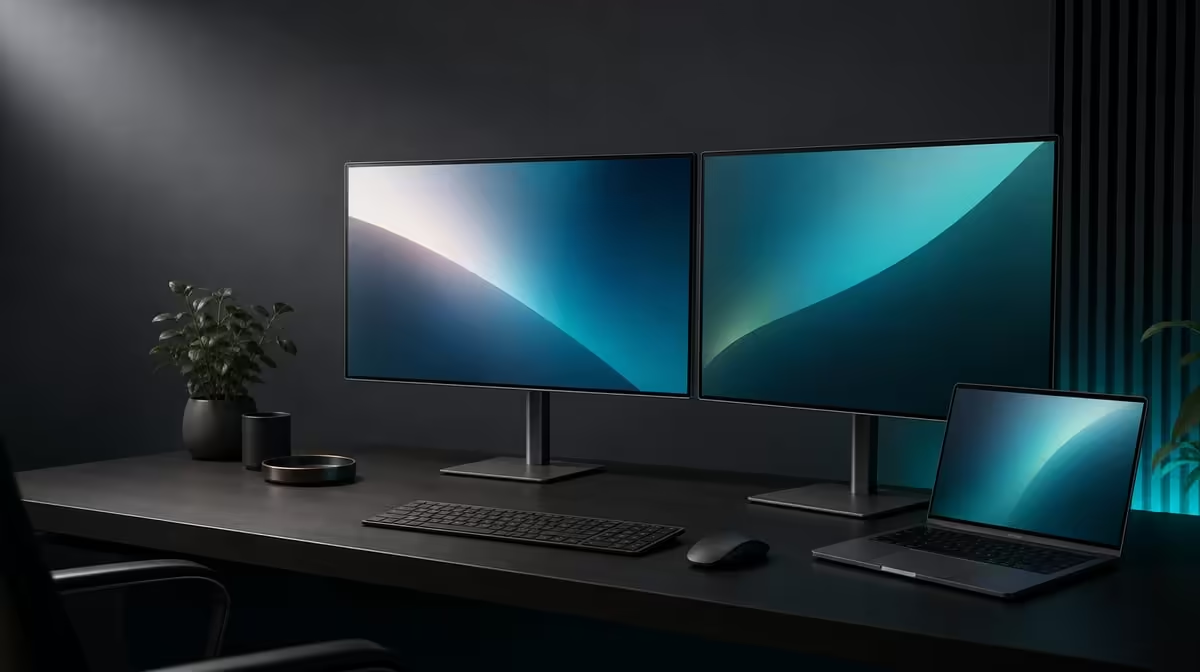
Two 23.8-inch panels are practical only when the home desk, laptop and work genuinely need them. Large dual monitors for South African home offices can separate tasks and fold to save width, but their physical and software arrangement must earn the space.
Quick Answer
The R6,899 UPERFECT Delta Mega suits a South African home office with room for its stand and a compatible Windows or Mac laptop. Two Full HD 100Hz panels support separate task zones, while vertical stacking and 360-degree folding let the user trade desk width for clear height.
🏠 Measure the home desk
Place the laptop, keyboard and a two-panel outline on the surface. Check width, height, viewing distance and clearance from walls, shelves and lamps.
A horizontal layout needs more side space. A vertical stack reduces width but can make the upper panel less comfortable for sustained work.
Keep the stand on a firm surface and cables away from chair movement, shared walkways and the folding path.
Compare flexible displays through Evetech's portable monitor category after measuring the room.
💼 Give both panels jobs
Use one screen for the main document and another for communication, research, previews or monitoring. Keep the laptop panel active only when it has a useful third role.
Set 1920 x 1080 and readable scaling on both Delta Mega displays. Map their software positions to the physical fold.
Enable 100Hz through the supported laptop route and test scrolling plus cursor motion. Refresh adds fluidity, not more workspace.
🔄 Use folding for shared rooms
Stack the panels when desk width is scarce, or turn one towards another household member for a discussion. Support both screens during movement.
Save separate maps for side-by-side and vertical work. A temporary sharing angle should not become the next morning's unexplained desktop.
The Evetech PC monitor range can frame a fixed alternative when the office never needs to change.
🔊 Review complete home-office value
Test the built-in speakers for meetings, notifications and casual playback. Save the laptop audio selection after reconnection.
Try low blue light as a separate reading mode and preserve neutral IPS settings for image work.
Run a full week and record tasks, layouts and desk friction. At R6,899, the setup is practical when the extra screen area reduces window switching more often than the stand or sightlines complicate work.
Check Evetech's popular monitor listings with that home-office record.
Create a seven-day task log with hours spent on the main screen, second panel and laptop. This reveals whether three visible displays are useful or distracting.
Use the folding mechanism to reclaim width only when the stack remains comfortable. Saving desk space while creating constant upward viewing is a poor exchange.
Test a shared-room presentation by turning one screen towards another person. Close private applications and restore the home-office map afterwards.
Check speaker value during actual meetings. Built-in sound may simplify the desk, while a headset remains better for privacy.
Review low blue light only through long reading and keep the normal colour profile named.
At month end, describe the exact home-office friction removed by R6,899. A large setup should earn its space in repeated tasks, not through panel count alone.
Create a closing routine that returns private windows and sound to the laptop before the screens are disconnected or turned for sharing.
Inspect the stand and cable route after another household member uses the desk. A chair or lamp moved into the folding path can change the next setup.
Save the most common horizontal or stacked profile and archive experiments. A home office benefits from flexibility without needing every possible arrangement active.
If the second panel stays unused for a week, reconsider the application roles before blaming the physical size.
Frequently Asked Questions
Which home-office tasks benefit from two screens?
Documents can remain open beside communication, research, previews or monitoring tools.
How much desk space should be considered?
Measure the stand, both panel positions, laptop, keyboard, folding path and comfortable viewing distance.
What does 100Hz add to office work?
It can smooth scrolling, cursor movement and compatible animation.
How can folding help a shared room?
The screens can stack to save width or turn one panel towards another person.
Do Windows and Mac both support the monitor?
Yes, subject to the actual laptop output, cable and dual-display mode.
How should built-in audio be valued?
Test whether the speakers meet real meeting and casual-media needs.
Who may find the setup impractical?
A user with limited desk clearance, an incompatible source or little need for two task areas may prefer another format.
Ready to make two full-size screens answer a real home-office need?
Explore Evetech's dual monitor options and test the Delta Mega against your laptop, desk dimensions and week-long task map.