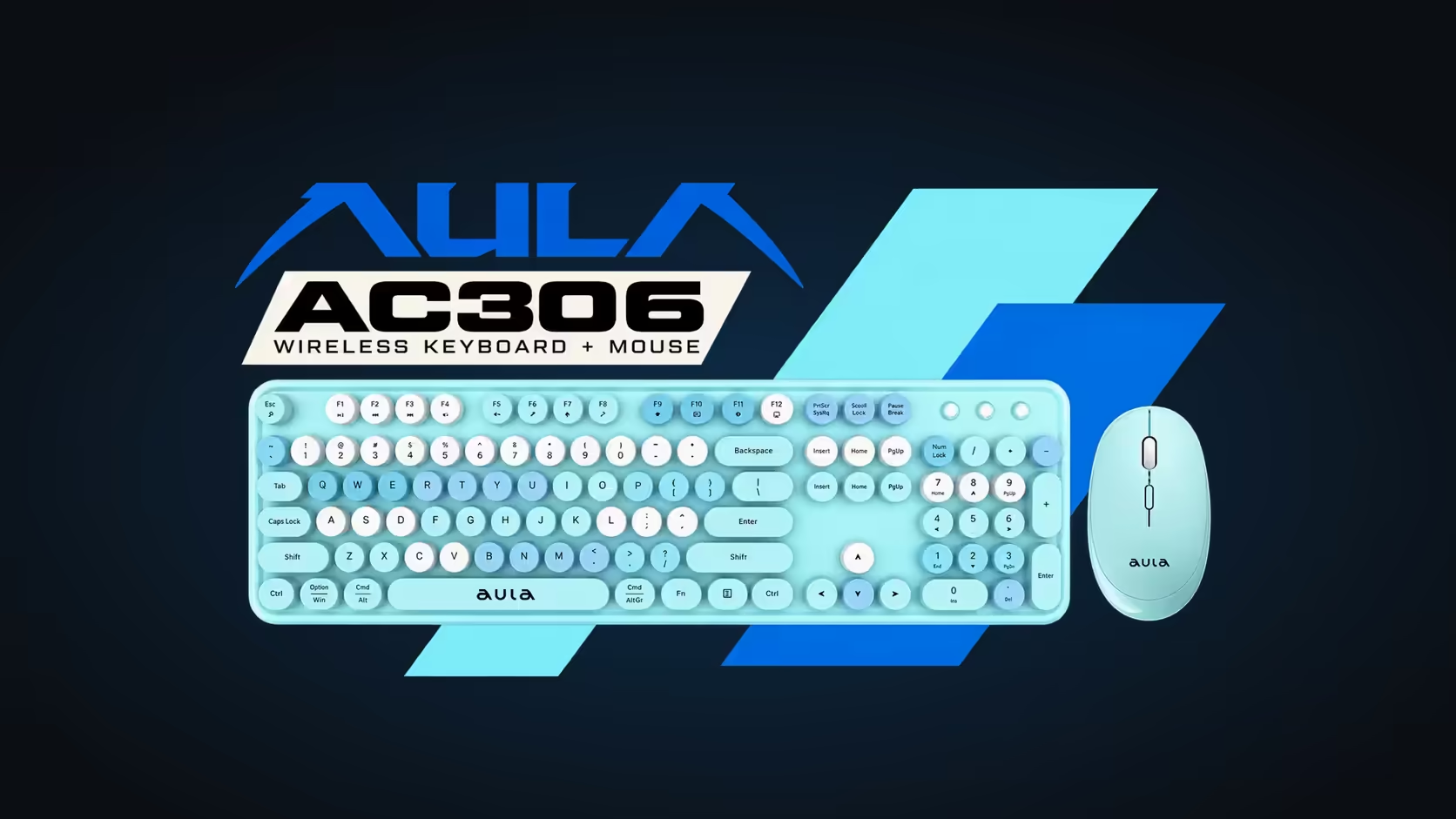
You stop to read a paragraph, reach back for the mouse, and the pointer does not budge for a moment. It is easy to assume something is broken. On the AULA AC306, it is usually a feature doing its job: the mouse naps after a short pause to save its AA battery. Understanding mouse sleep mode, and the right way to wake it, turns a small annoyance into something you stop noticing.
Quick Answer
The AULA AC306 mouse goes to sleep after about 8 seconds without use, to stretch its single AA battery, and a click or a scroll wakes it. For a longer break, switch it off with its own on/off switch. If a fresh AA does not bring it back to life, that is a matter for Evetech's 1 Year Local Warranty. Evetech's price for the AC306 set is R239.
😴 Why the pointer freezes after a pause
The AC306 is a 2.4GHz wireless set that runs on AA power: one cell in the keyboard, one in the mouse. A wireless mouse uses power constantly while it is awake, scanning the surface and keeping its link to the receiver alive. Sleep mode cuts that drain when you are not using it.
About 8 seconds of stillness is enough for the mouse to nap. That is short by design. Reading an email, typing a paragraph on the keyboard or thinking about a sentence all count as idle time for the mouse, and each of those pauses saves a little battery. Across a working week, those small savings add up to more time between cell changes.
👆 Waking it the safe way
AULA states that a click or a scroll wakes the mouse. Which one you choose matters more than you might think:
- Scroll the wheel. This is the gentlest option. In most documents and web pages, a small scroll just moves the view slightly, and it does not select or open anything.
- Right-click. Usually safe too, since it opens a menu you can dismiss by moving away.
- Left-click with care. A left-click wakes the mouse but also acts on whatever the pointer is resting on. If it is sitting over a "Send", "Delete" or "Close" button, that click can do exactly that.
So the habit worth building is a small scroll to wake, then move and click as normal.
🔌 For longer breaks, use the switch
Sleep mode handles short pauses. For lunch, the end of the day or a weekend away, use the on/off switch on the mouse. The keyboard has its own switch as well. Turning both off stops any drain at all and prevents stray clicks if the mouse gets bumped or goes into a bag.
The USB receiver can stay plugged into the computer, or you can store it in the slot under the mouse when packing the set away.
Slow to wake, or a flat battery?
The two can look alike. A few signs help tell them apart:
- If a scroll wakes the pointer within a moment every time, sleep mode is simply working.
- If the pointer lags, stutters or needs several clicks to respond, the AA is probably running low. Fit a fresh one.
- If the mouse does nothing even with a new cell, check that its switch is on and that the receiver is fully seated in the USB port.
If none of that helps, contact Evetech about a warranty claim.
🖱️ Which buttons can wake it
The AC306 mouse carries four controls in total: the two main buttons, the wheel, and a speed selector for its 800, 1000 and 1600 DPI steps. AULA names a click or a scroll as the wake-up actions, so any of the main buttons or the wheel will do the job. The scroll wheel remains the safest choice.
The keyboard shares the same 2.4GHz receiver, is a full-size 104-key membrane board, and has a low-power indicator that warns you when its own cell needs changing.
The AC306 comes in pink, purple, blue and brown, and it sits with Evetech's keyboard and mouse combos. If you need a keyboard for a work desk, the office keyboards range is the next place to look.
Frequently Asked Questions
Why did my pointer freeze after a short pause?
The mouse sleeps after about 8 seconds without use to save its AA battery. A click or a scroll wakes it.
What is sleep mode protecting?
Battery life. Each cell lasts longer when the mouse is not drawing power during idle moments.
What is the safest way to wake it mid-document?
A small scroll of the wheel, since it will not click anything on the screen.
What should I do when stepping away for a while?
Switch the mouse off with its on/off switch, and the keyboard with its own.
Could slow waking be a flat battery?
Yes, if it lags or stutters. Try a fresh AA before assuming a fault.
How many buttons can wake it?
AULA names a click or a scroll, so the left and right buttons or the scroll wheel will all wake it.
Want a wireless set that looks after its own batteries?
Browse Evetech's keyboard and mouse combos and pick a set with the power-saving features you need.