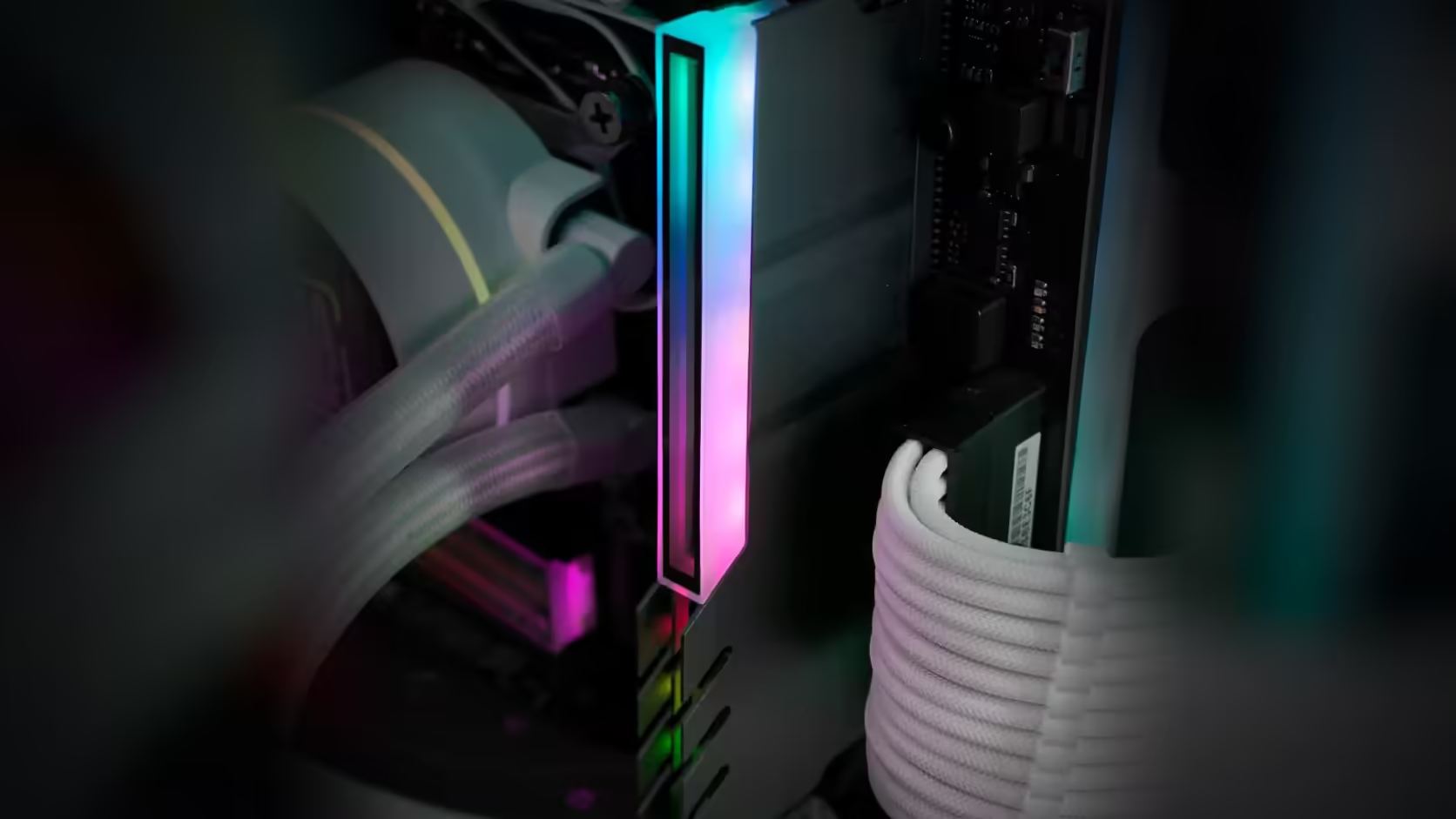
Covering both the memory and an M.2 drive at once sounds like a minor cosmetic addition, but it quietly reshuffles the assembly order of the whole build. Both slots sit in areas that get progressively harder to reach as other parts go in, and planning around that up front saves pulling components back out later.
Quick Answer
Fit board-level accessories before the cooler and the graphics card go in, since both the RAM cover and the M.2 cover sit in areas that become difficult to reach once other components are installed. The M.2 cover in particular should go on before the graphics card, since a top M.2 slot commonly sits directly beneath it.
💾 Why the M.2 cover is the most order-sensitive
A top M.2 slot on most boards sits close to the primary PCIe slot, which means a fitted graphics card frequently sits directly over it, leaving barely enough clearance to reach the four mounting screws the cover needs. Fitting the M.2 cover before the graphics card goes anywhere near its slot avoids that entirely - what takes a straightforward few minutes on a bare board turns into an awkward reach-around once a card is occupying the space above it.
🧠 Where the RAM cover fits into the sequence
The memory cover is less consistently order-critical than the M.2 cover, but it still matters in builds running a large air cooler whose body overhangs the memory slots. Fitting the RAM cover before that cooler goes on means clear, unobstructed access to click it into place, where fitting it afterward can mean working around the cooler's overhang or, in tighter cases, removing the cooler again to get proper access.
🔧 Does the cooler have to come off either way?
Not necessarily - a cooler with enough clearance above the memory slots leaves the RAM cover perfectly reachable even after it is mounted. But there is no real downside to fitting memory covers first regardless, since doing so removes the clearance question entirely rather than needing to check it board by board and cooler by cooler - the same applies to fitting fans from the case fan range before the cooler goes anywhere near them.
📐 A sensible order once both covers are in the plan
Putting it all together, a build fitting both covers is best sequenced as: board-mounted accessories such as a contact frame first, memory and drive covers next, then the cooler, then the graphics card, and finally cables and any cosmetic cable shells. That order means nothing already installed ever has to come off again to reach something that should have gone in earlier.
🔌 The lighting leads follow the same sequence
Each cover's ARGB lead gets connected as that specific cover goes on, which means the lighting routing has to be planned alongside the physical fitting order rather than left until the very end. Connecting a lead early and leaving enough slack for it to reach wherever the header ends up is easier than trying to route it after everything else nearby is already tied down.
✅ Testing before the cosmetic stage
A quick power-on test after the functional components are in - board, memory, drive, cooler, graphics card - but before any cable covers go on is worth the few extra minutes, since it narrows any fault to a smaller and more recent set of changes if something does not work as expected during the cosmetic pass.
🔄 What happens if the order goes wrong anyway
Getting the sequence wrong is rarely catastrophic - it usually means removing the graphics card or the cooler again to reach a cover that should have gone on earlier, which costs time rather than risking any damage to the components involved. It is an inconvenience worth avoiding with a little planning, but not something to worry about if it does happen partway through a build using the case accessories range.
Frequently Asked Questions
Which cover is the most order-sensitive to fit?
The M.2 cover, since a top slot commonly sits beneath the graphics card and becomes genuinely awkward to reach once that card is installed.
What about the memory cover?
It goes on before a large cooler where that cooler overhangs the memory slots, since access is considerably better before the cooler is mounted.
Does the cooler always need to come off for the RAM cover?
Not necessarily - a cooler with enough clearance leaves the memory cover reachable afterward, though fitting it first removes the question entirely.
What is the best overall order once both covers are planned?
Board accessories first, then memory and drive covers, then the cooler, then the graphics card, then cables and cosmetic shells.
Should the machine be tested between the functional and cosmetic stages?
A test before the cosmetic stage narrows any fault to a smaller set of changes, which matters when several parts go in during one session.
Do the lighting leads follow the same fitting order?
They are connected as each cover goes on, so their routing has to be planned alongside the physical fitting sequence, not left until last.
What happens if the order ends up wrong?
It usually means removing the graphics card or the cooler again to reach a cover, which costs time rather than risking any damage.
Fitting covers to both your memory and drive slots?
Browse Evetech's case accessories to plan an assembly order that avoids pulling parts back out later.