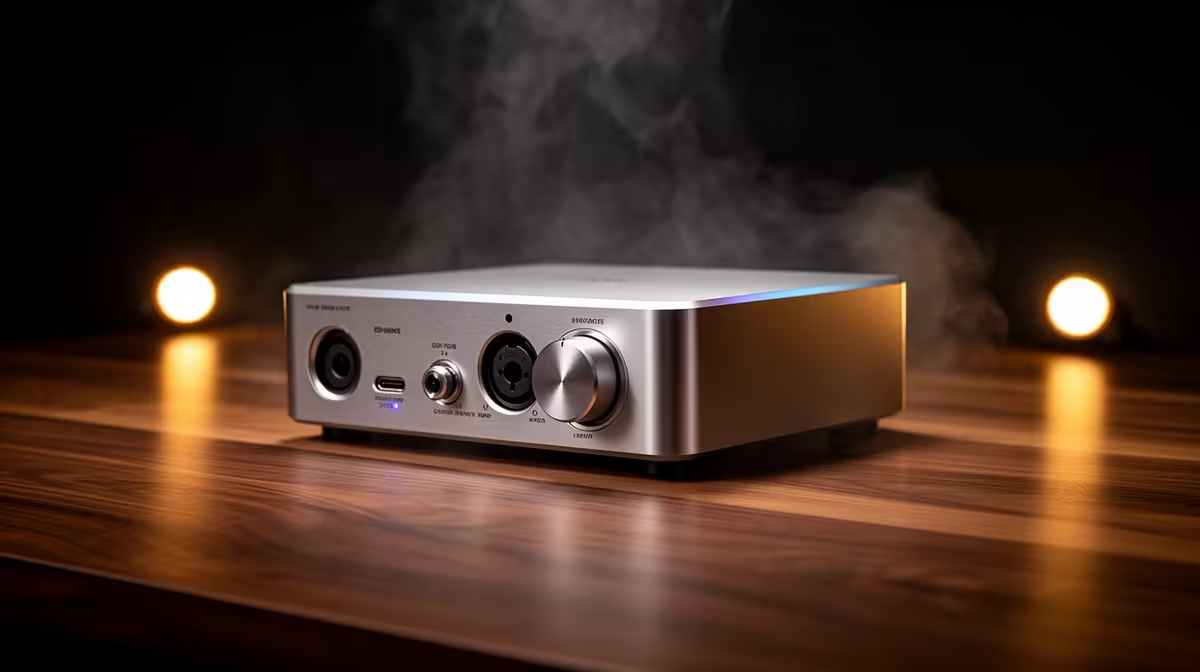
An audio interface is worthwhile for live streaming when the setup uses XLR microphones, instruments or several audio inputs that need reliable monitoring and gain control. It is unnecessary for one clear USB microphone. Extra inputs add no value when the streaming software and operator cannot use them confidently.
Count every live input
List microphones, instruments, guest feeds and headphones required at the same time. Check whether each microphone needs phantom power and whether the host needs direct monitoring without delay. Confirm driver support for the exact operating system and streaming application.
No audio-interface SKU or verified interface price appears in the supplied product facts. Before purchasing elsewhere, compare input count, preamps, phantom-power control, direct monitoring, USB routing, driver support, warranty and local servicing. Test the device with the actual microphone rather than relying on connector shape.
The NearStream USB/XLR microphone is listed at R676. Its USB mode provides a simpler starting path, while XLR leaves room for a compatible interface later. Verify pickup behaviour, monitoring, stand and cable needs before choosing.
Run a private stream with every scene and audio input active. Inspect speech clarity, noise, sync and headphone level. Save the working profile and label cables. Buy an interface when the complete test proves that USB alone cannot support the planned show.
Improving live-stream audio? > Compare Evetech microphones by connection, pickup use and mounting needs.